











Invoice & online payments

Make it easy for clients to book and pay for your services–all in one file.


“
”

October 18, 2026

How To Update Your Photography Mini Session Invoice As Your Business Grows
A photography mini session invoice brings together your session details, pricing, and payment in one place. It’s typically sent once a client selects a time slot, and it’s what turns interest into a confirmed booking. As your business grows, that invoice needs to do more than request payment. It needs to support a faster, more structured workflow without adding friction and also keep bookings moving without delays.
Mini sessions are built around volume. That efficiency is what makes them profitable, but it also leaves less room for confusion.
If your invoice is unclear, clients hesitate. They ask questions. They delay payment. One delay can affect your entire schedule for the day.
A well-structured invoice helps you:
- confirm bookings faster
- reduce payment delays
- avoid repeated clarification messages
- keep your session schedule running on time
As bookings increase, clarity becomes part of your system, not just your communication.
As your business grows, your photography mini session invoice should evolve with it — shifting from a simple payment request to a more structured booking tool.
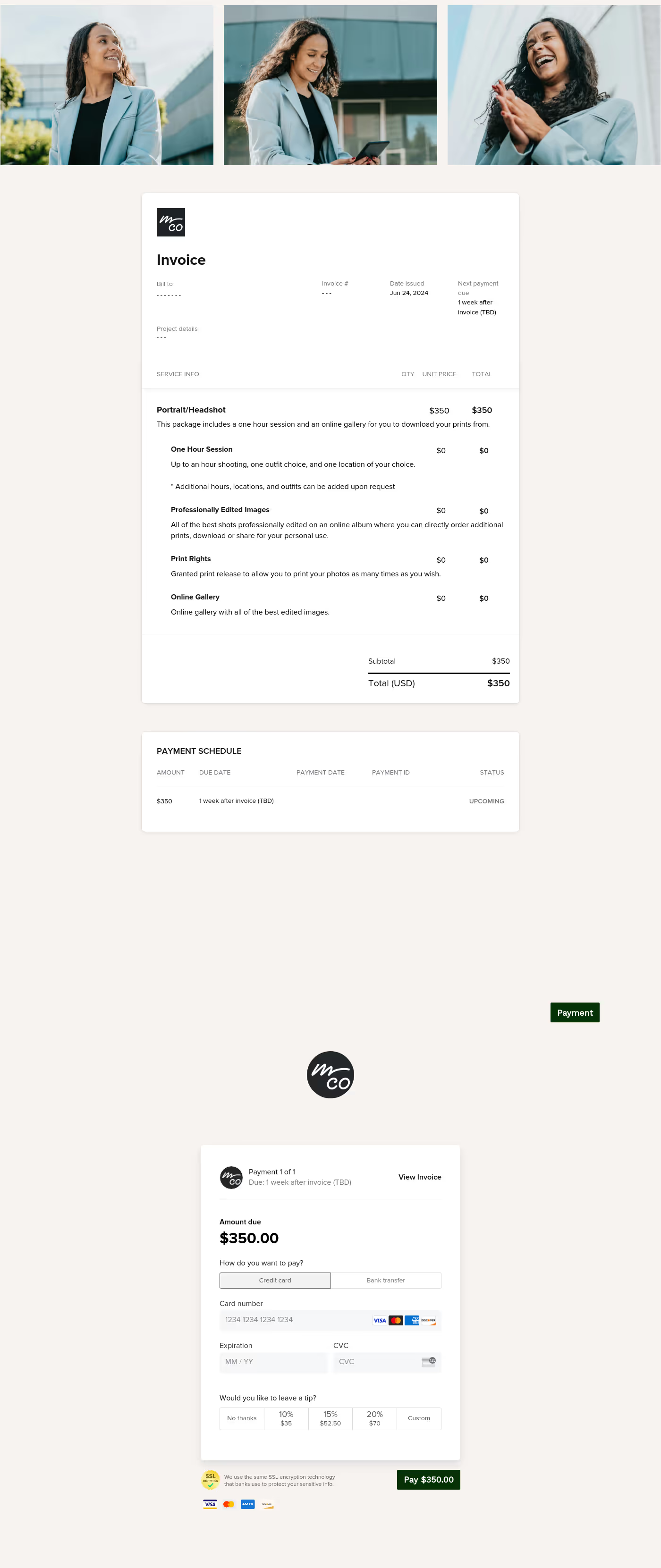
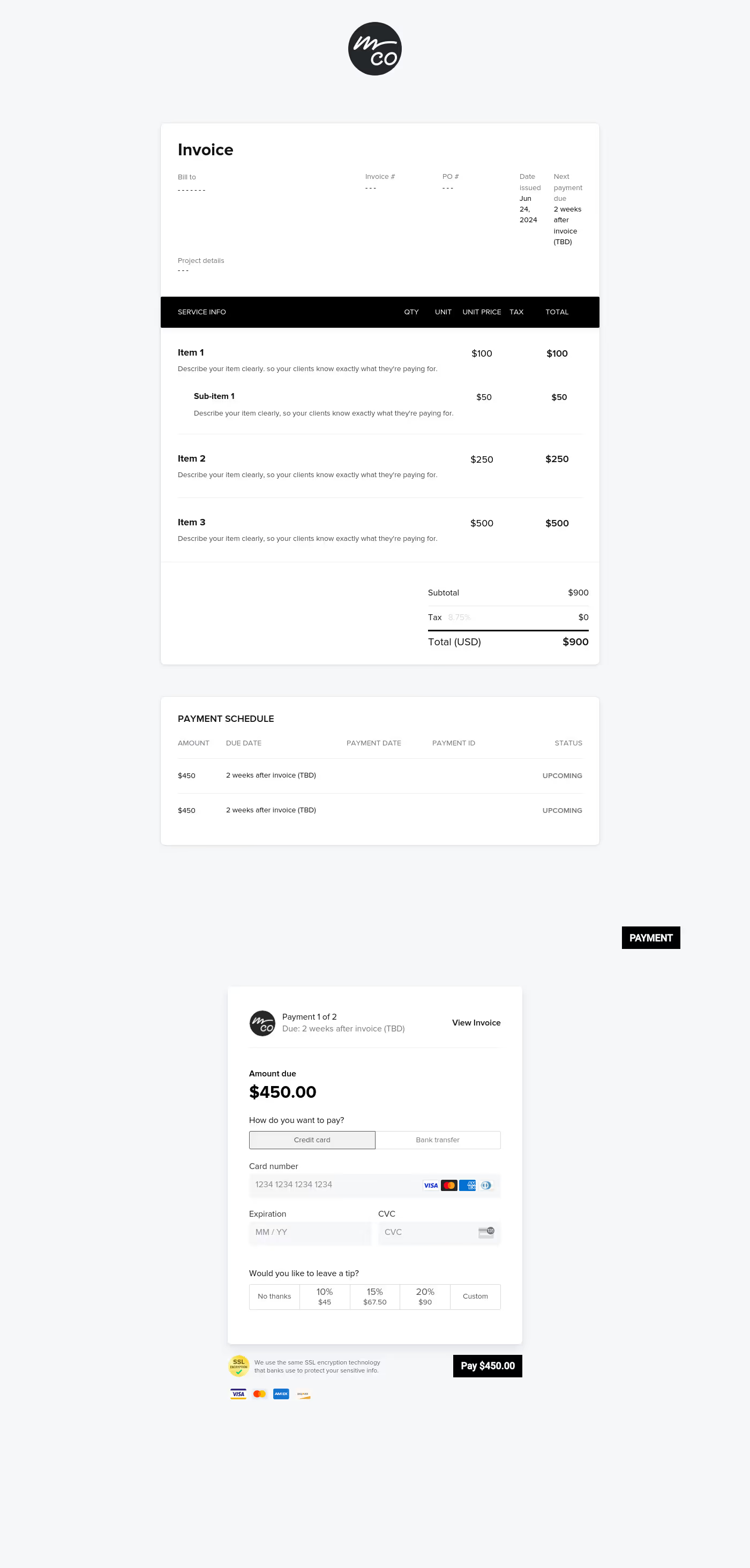
Page 1: Invoice details
- Invoice overview and billing details
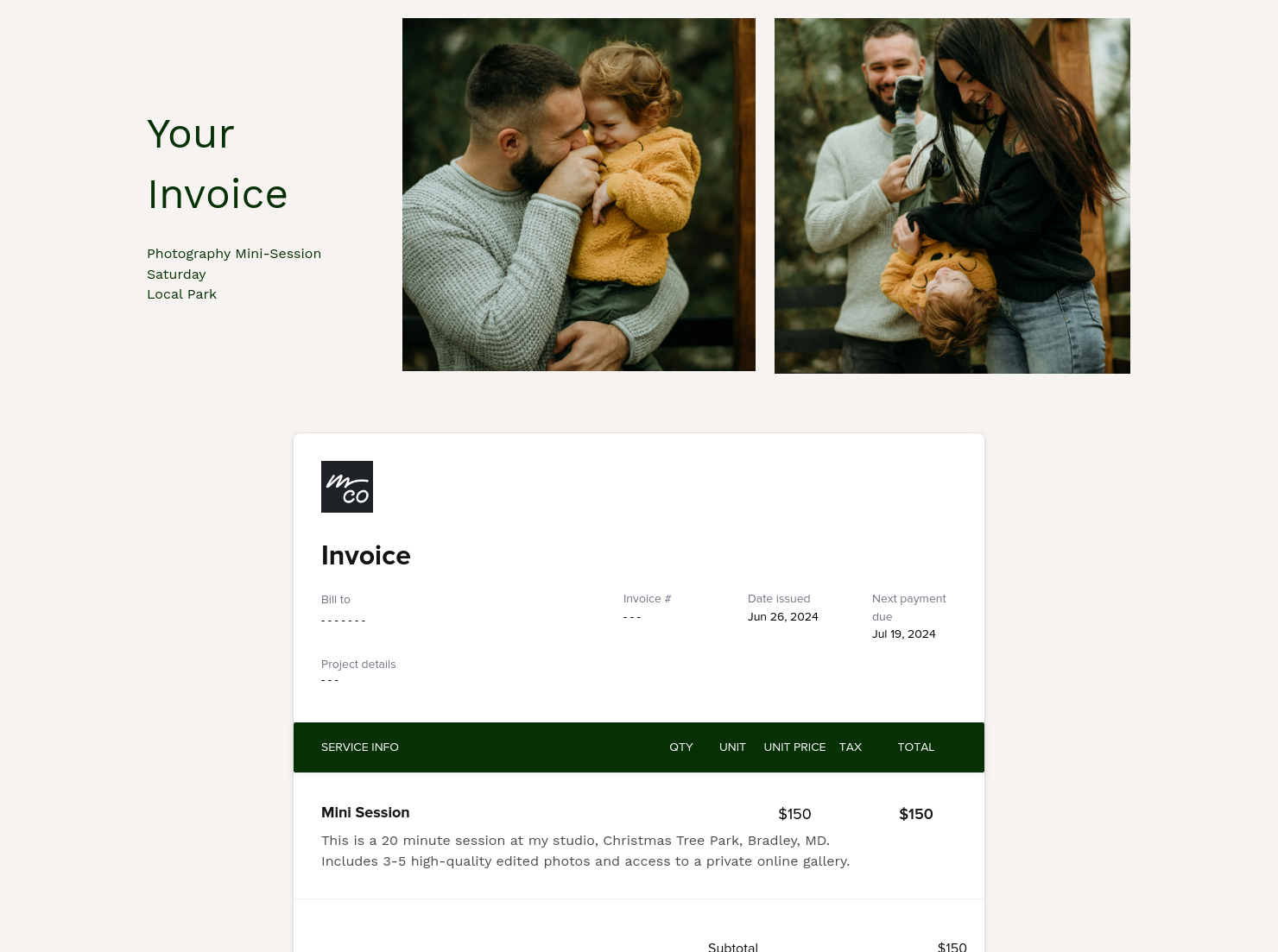
The first page should clearly show who the invoice is for and what it relates to. This includes client details, billing information, and project specifics.
For example, if you’re running a holiday mini session day, include the session date, exact time slot, and location. When this isn’t clearly stated, clients usually follow up to confirm, which slows your workflow.
Keeping this structured inside HoneyBook CRM ensures each session is tied to the correct project. - Service and session details
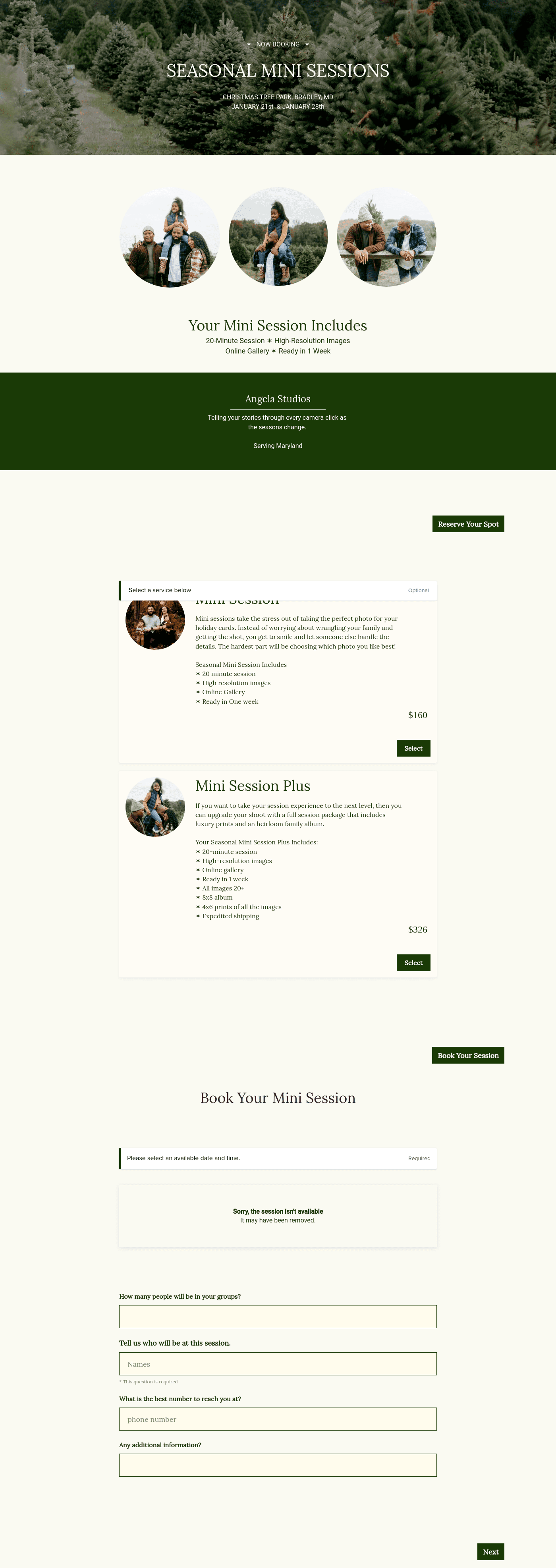
This is where you define exactly what the client is booking. Instead of listing “mini session,” outline what’s included — such as a 20-minute shoot, five edited images, and a delivery timeframe.
For example, if you’re running back-to-back autumn sessions, a client booking the 10:40 am slot should immediately know their exact time, what they’ll receive, and when their gallery will arrive. Without that, they often ask follow-up questions or assume flexibility that isn’t there.
Early on, these details may feel optional. As bookings increase, they become essential. - Total pricing and structure
Your pricing should be visible and easy to understand at a glance.
A common setup might include a base package with optional upgrades, like additional images.
A client may book a standard package but decide at checkout to add five extra images. When that option is clearly presented in the invoice, the upgrade happens instantly. If it’s unclear or missing, it turns into a separate message and manual adjustment.
Clear pricing reduces hesitation and keeps bookings moving.
Page 2: Payment and confirmation
- Payment section
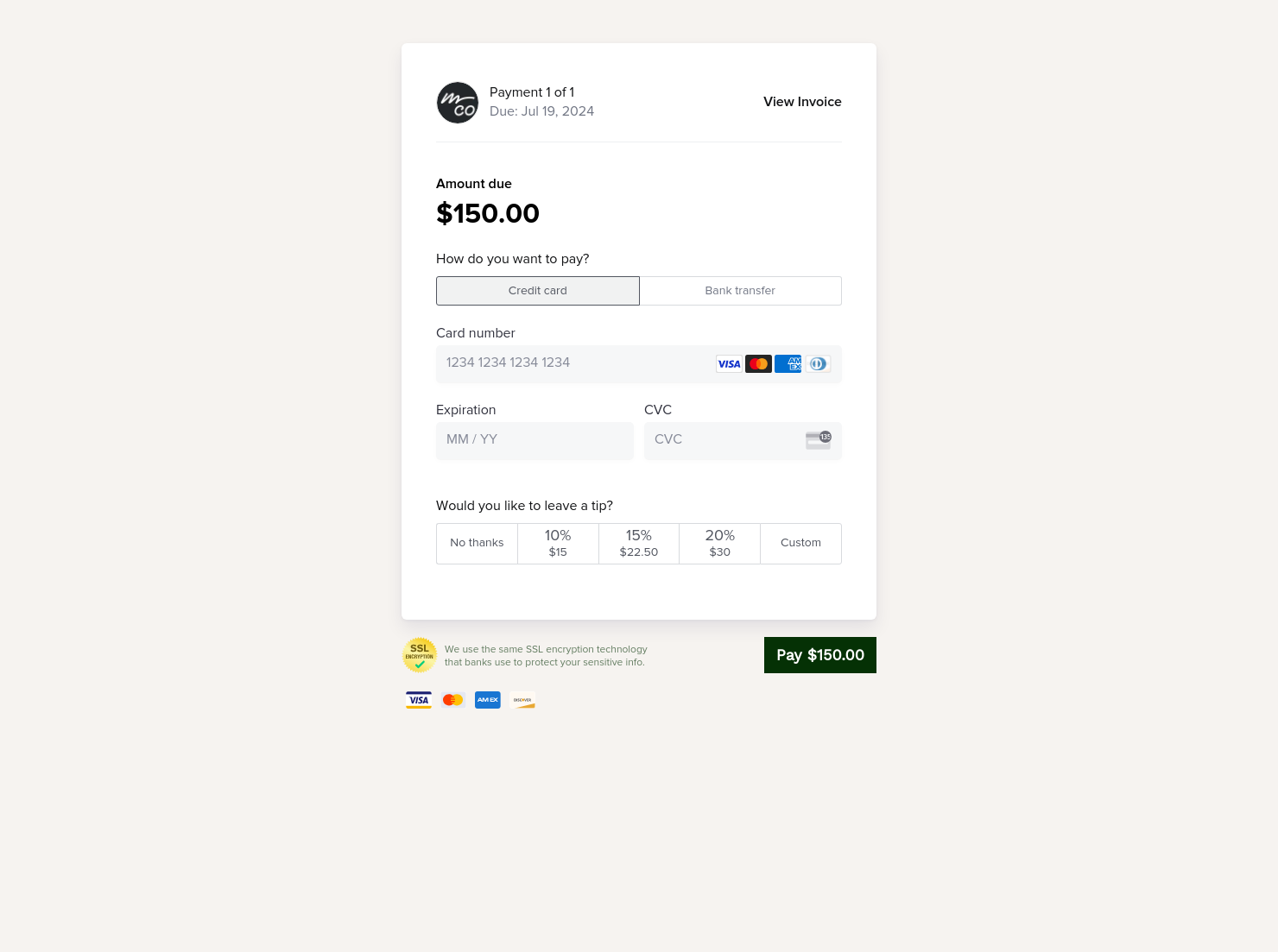
This is where the booking is confirmed. Using HoneyBook online payment software, clients can complete payment directly from the invoice. Fewer steps lead to faster confirmations, especially when you’re managing multiple bookings in one day.
For example, during a fully booked mini session day, even a few delayed payments can leave gaps in your schedule. A direct payment flow helps confirm each slot immediately.
You can also include optional add-ons here, such as extra images. Placed at the payment stage, these feel like a natural extension of the booking. - Payment terms and timing
If payment terms are vague, clients delay. For mini sessions, requiring full payment upfront is standard. If a client delays payment, that time slot may remain unconfirmed, which creates extra admin or last-minute changes.
When connected to HoneyBook online invoices, clients can secure their slot immediately instead of going back and forth.
You can also include a short confirmation line here like:
You’ll receive session details and next steps after payment.
An effective invoice reflects how your business operates as it grows. When you’re handling a few bookings, flexibility works. As volume increases, small gaps start to show.
For example, if three clients delay payment on a single mini session day, you’re left holding uncertain time slots while other inquiries come in. That creates unnecessary decisions and slows everything down.
Updating your invoice is part of that shift. It moves you from flexible communication to a more consistent process.
An effective invoice also supports tight timing by removing uncertainty and guiding clients to complete the booking without hesitation.
This template works best when you’re managing structured mini sessions and need a consistent way to handle bookings and payments.
Use it when:
- running seasonal or themed mini session days
- managing multiple bookings within a fixed schedule
- updating your pricing as demand grows
- streamlining your booking and payment process
Catering has a lot of moving parts, and the menu sits in the center. If your catering menu is scattered across emails, texts, and screenshots, mistakes show up at the worst time.
A structured menu template helps in practical ways.
- Builds client trust and a professional first impression.
- Speeds approvals by making choices simple.
- Reduces payment disputes by documenting totals and terms.
- Saves time by cutting back and forth.
That means fewer surprises for clients and fewer fire drills for you.
FAQs
Below are quick answers to common questions from caterers building a catering menu that clients can approve with confidence.
Refine your session details, simplify pricing, and tighten payment terms so clients can book quickly without follow-up.
A strong photography mini session invoice includes billing details, session information, clear pricing, and a payment section that allows clients to confirm their booking.
HoneyBook templates keep your invoices consistent and organised, reducing admin as booking volume increases. Learn more in the Files and Templates Help Center.
Yes. You can adjust pricing, structure, and session details to reflect your current services. See how in this guide to customizing Smart File pages.
Related templates



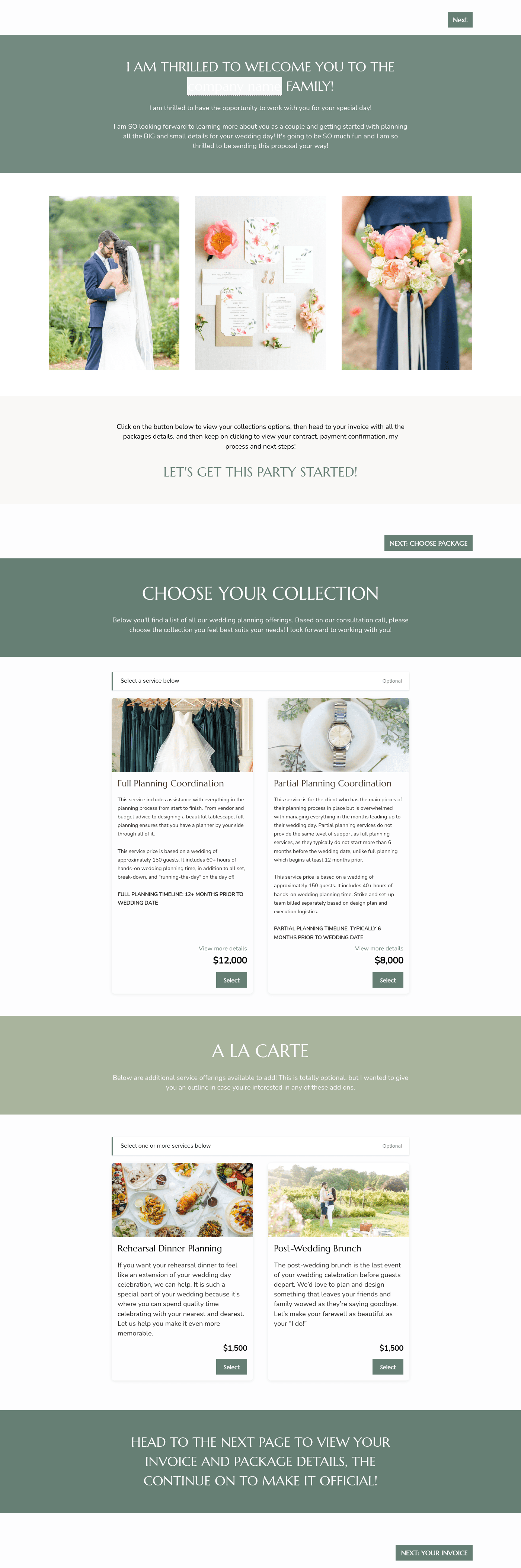

Related Templates



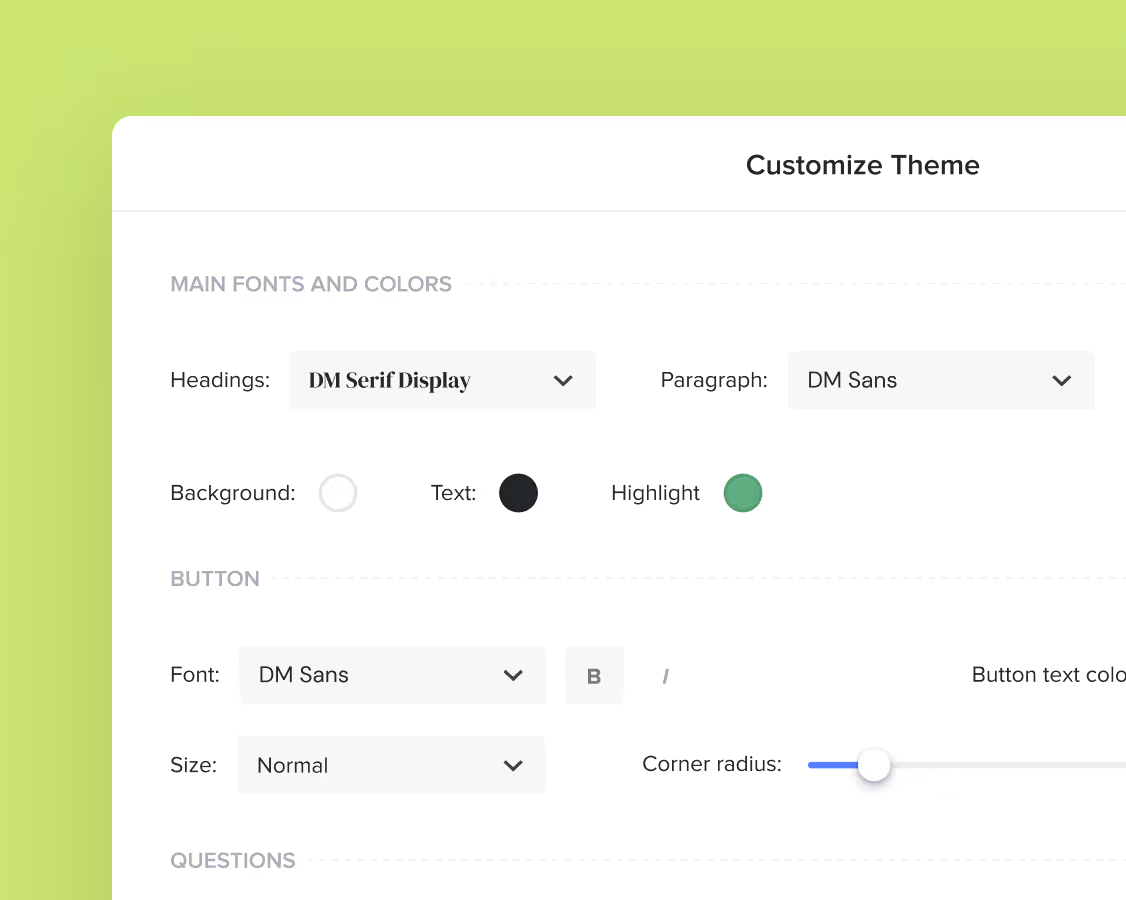
Make it your own
Fully customize the template to fit your needs. Quickly apply your company branding with just a few clicks.
Share with clients
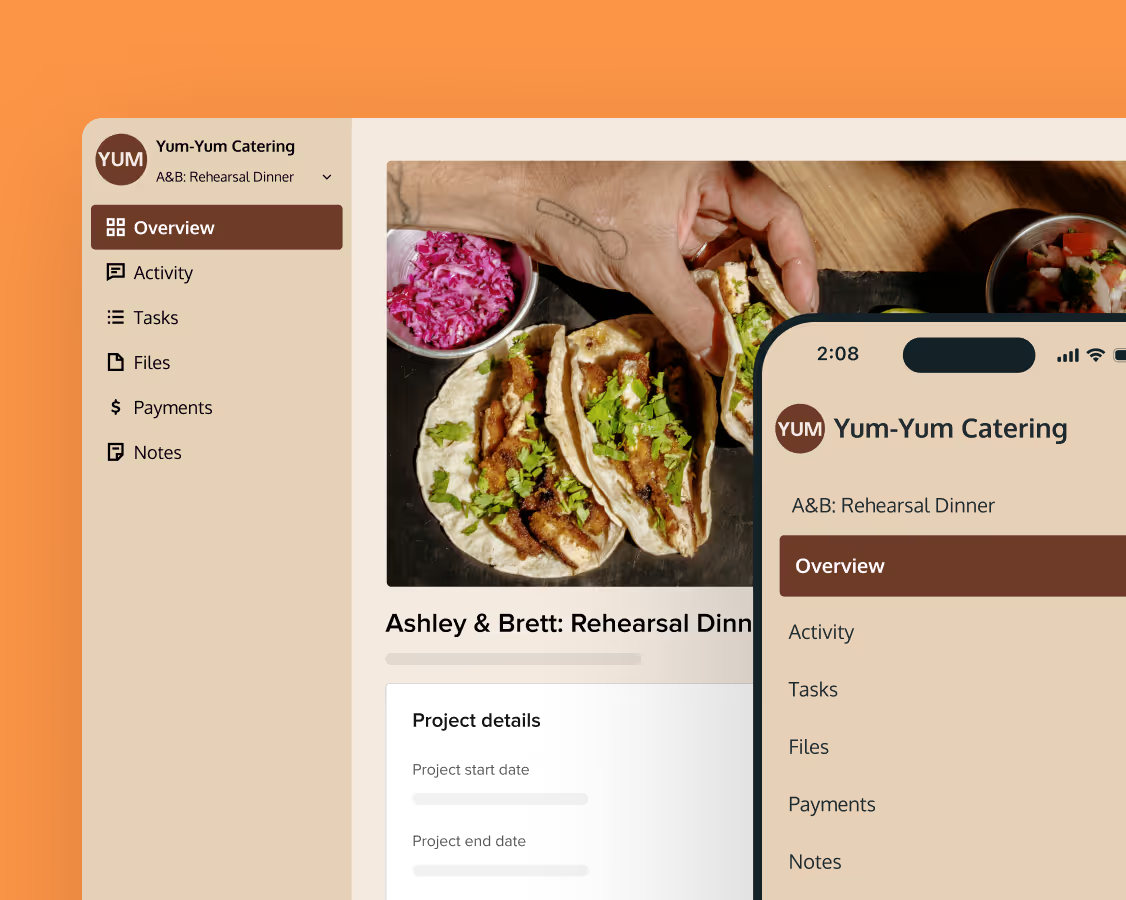
Create exceptional client experiences through HoneyBook’s dedicated client portal, allowing them to read, review, and take action from any device.
Reuse and scale
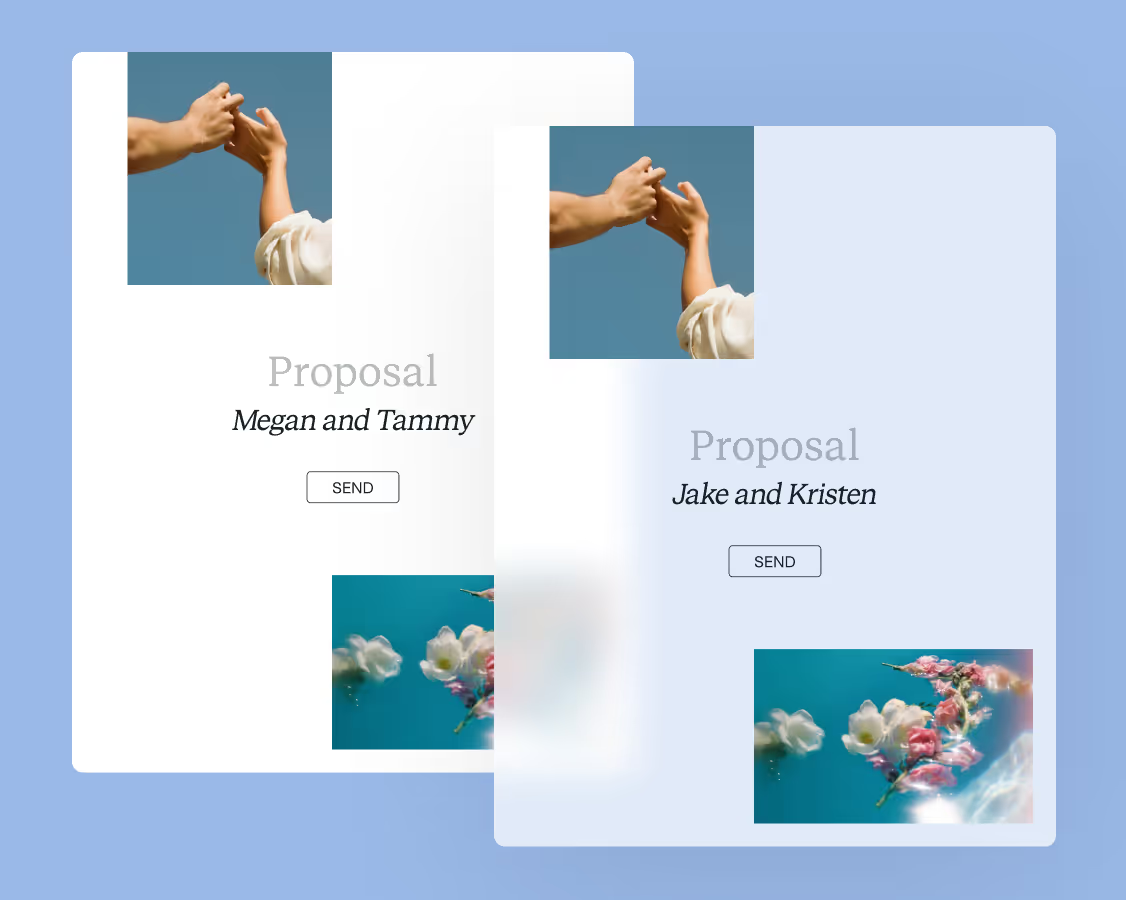
Use your customized files with different clients again and again to save time and make managing client interactions that much easier.
Join the 100,000+ businesses growing with HoneyBook.