











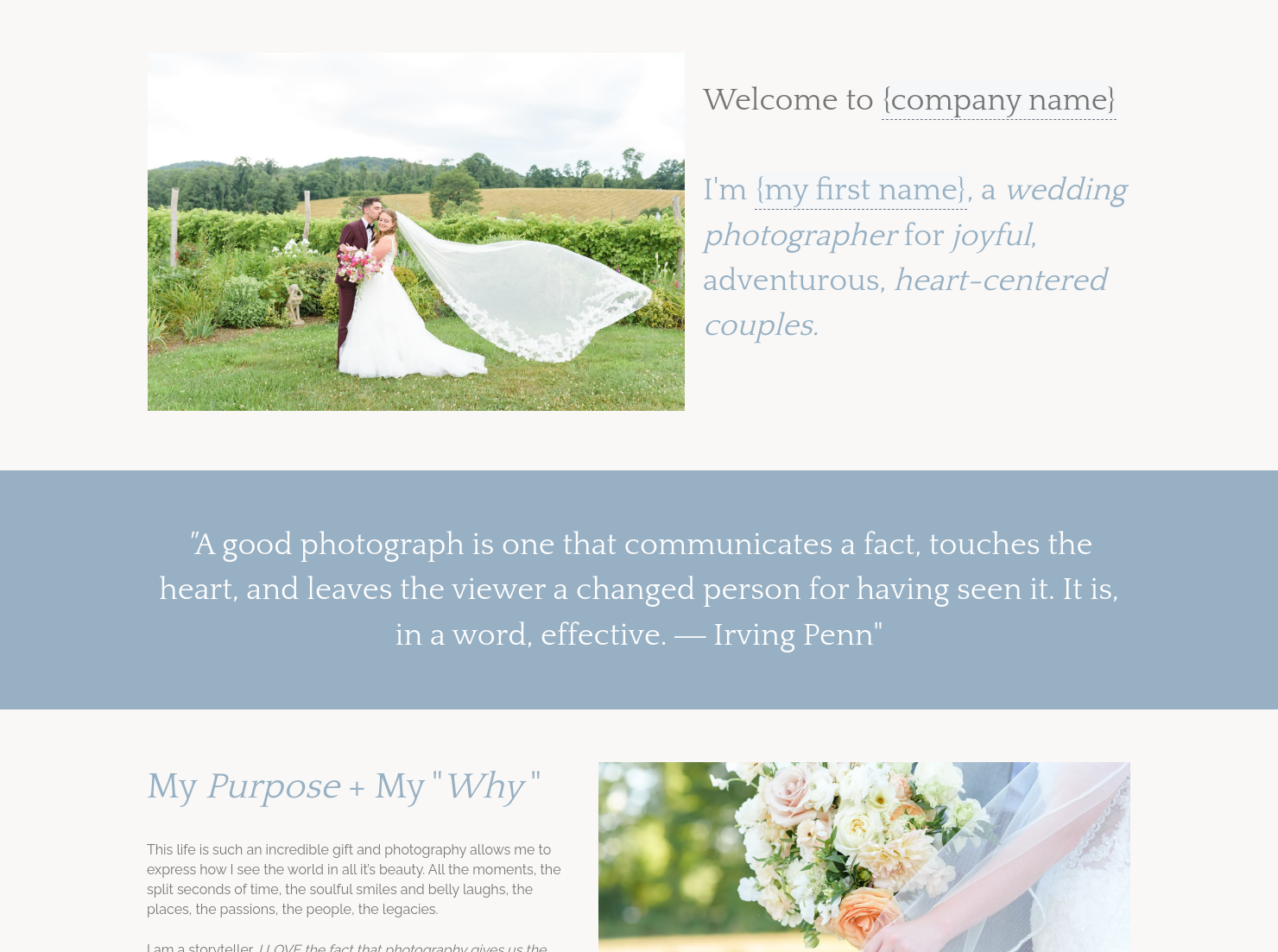
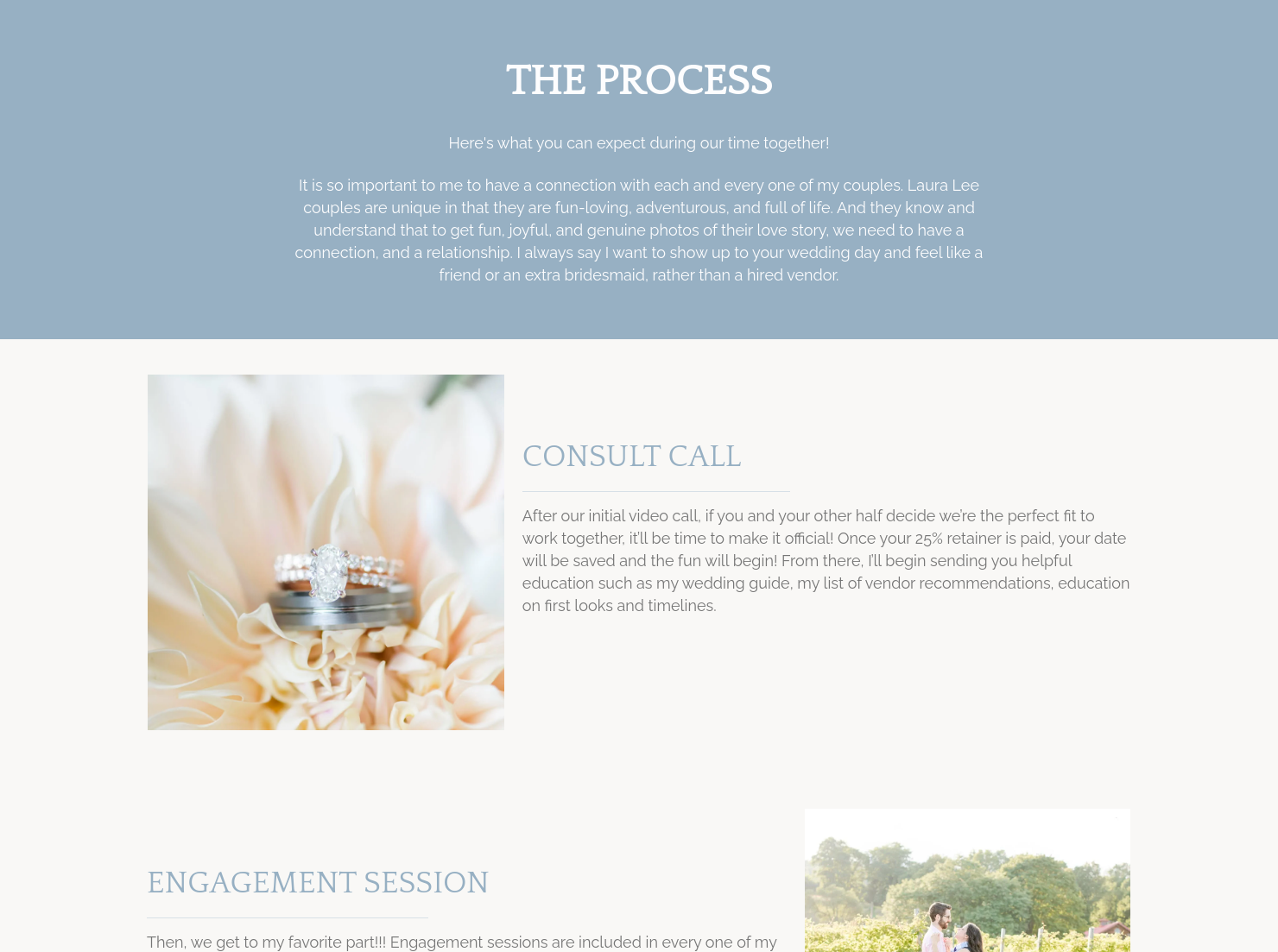
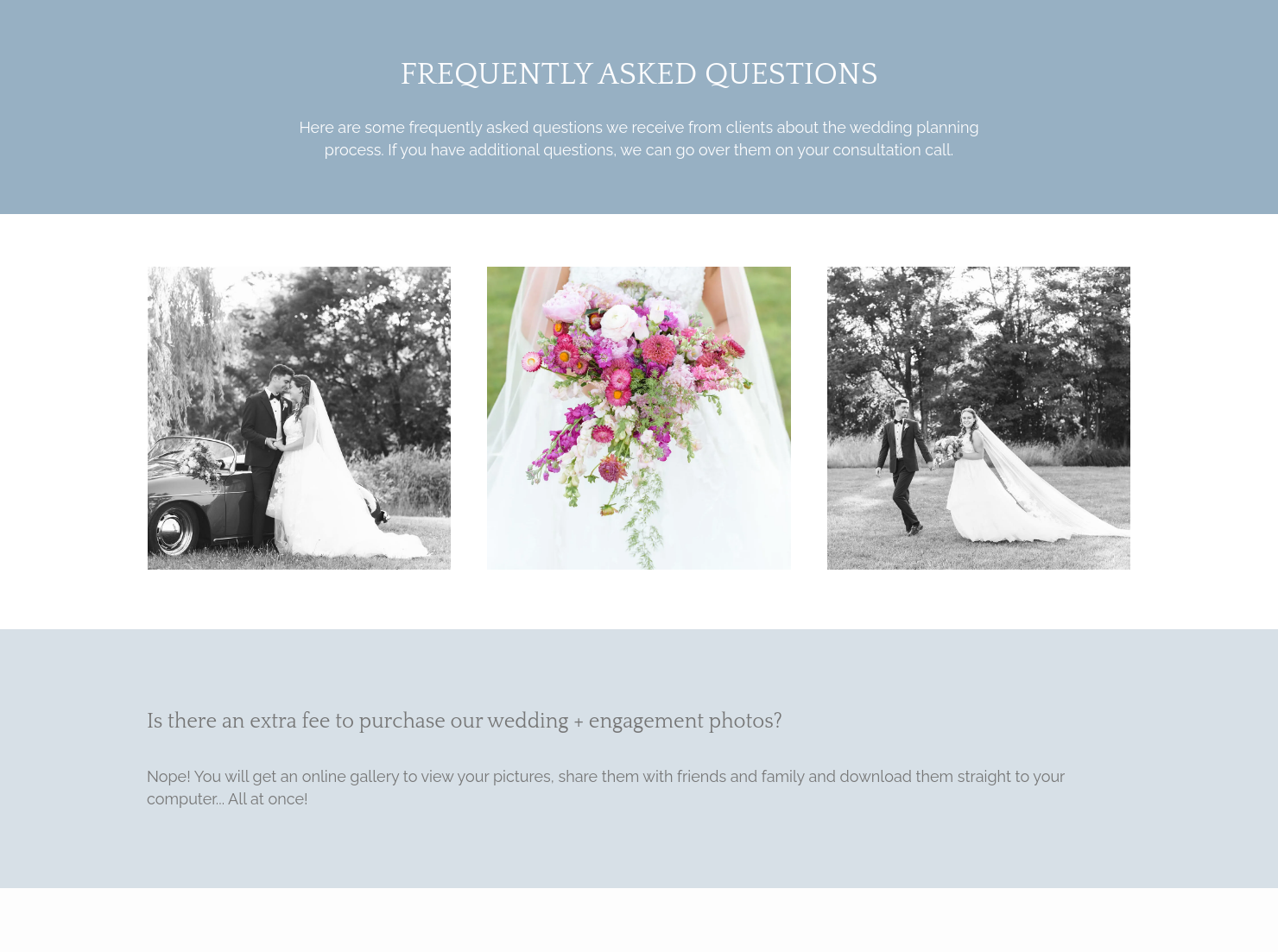

Ready-to-use copy

Templates come filled with prewritten copy you can use as is or edit to match your brand and business.

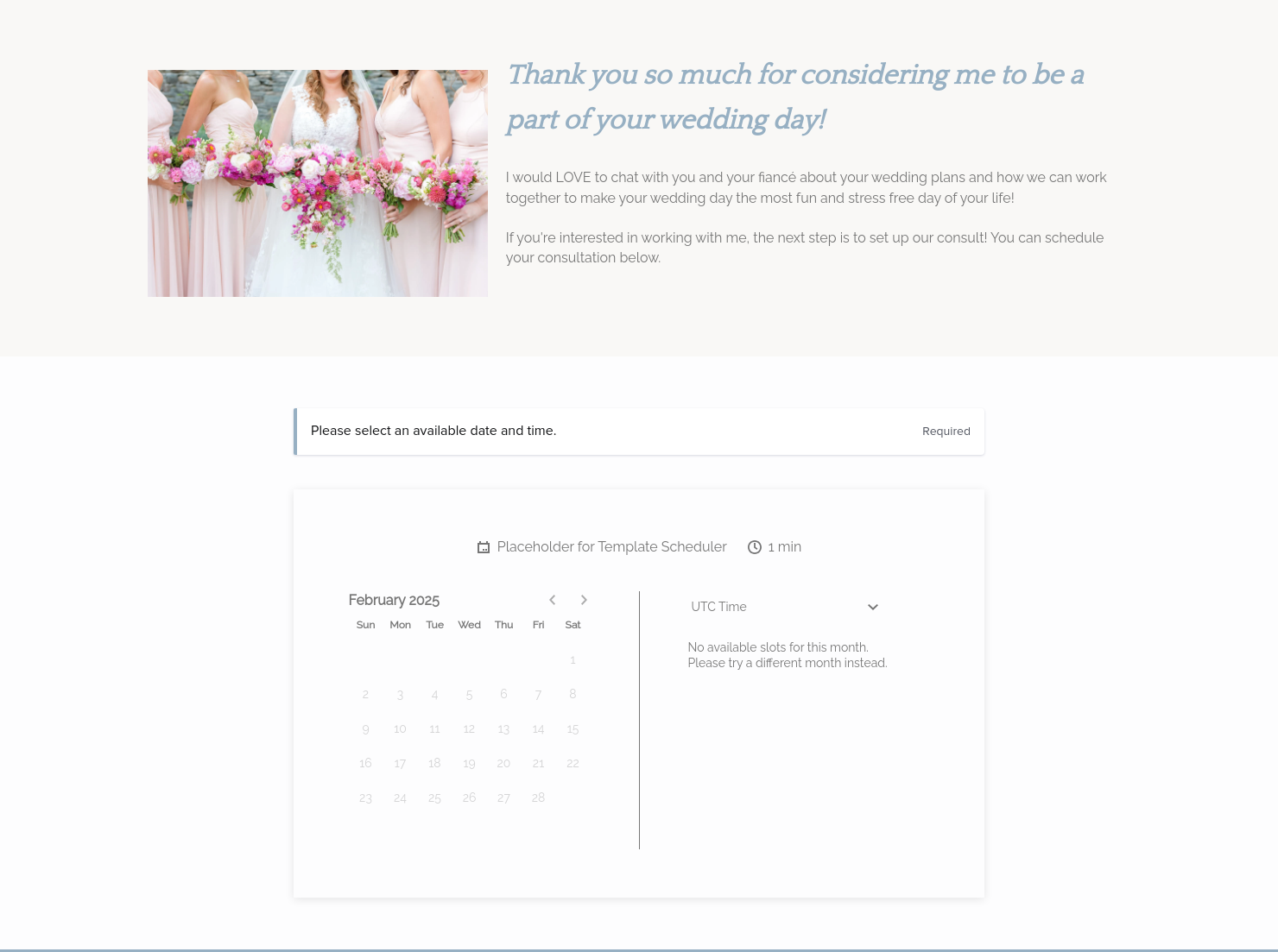
Scheduling
Let clients book meetings, sessions, or appointments during your available time slots.

Services
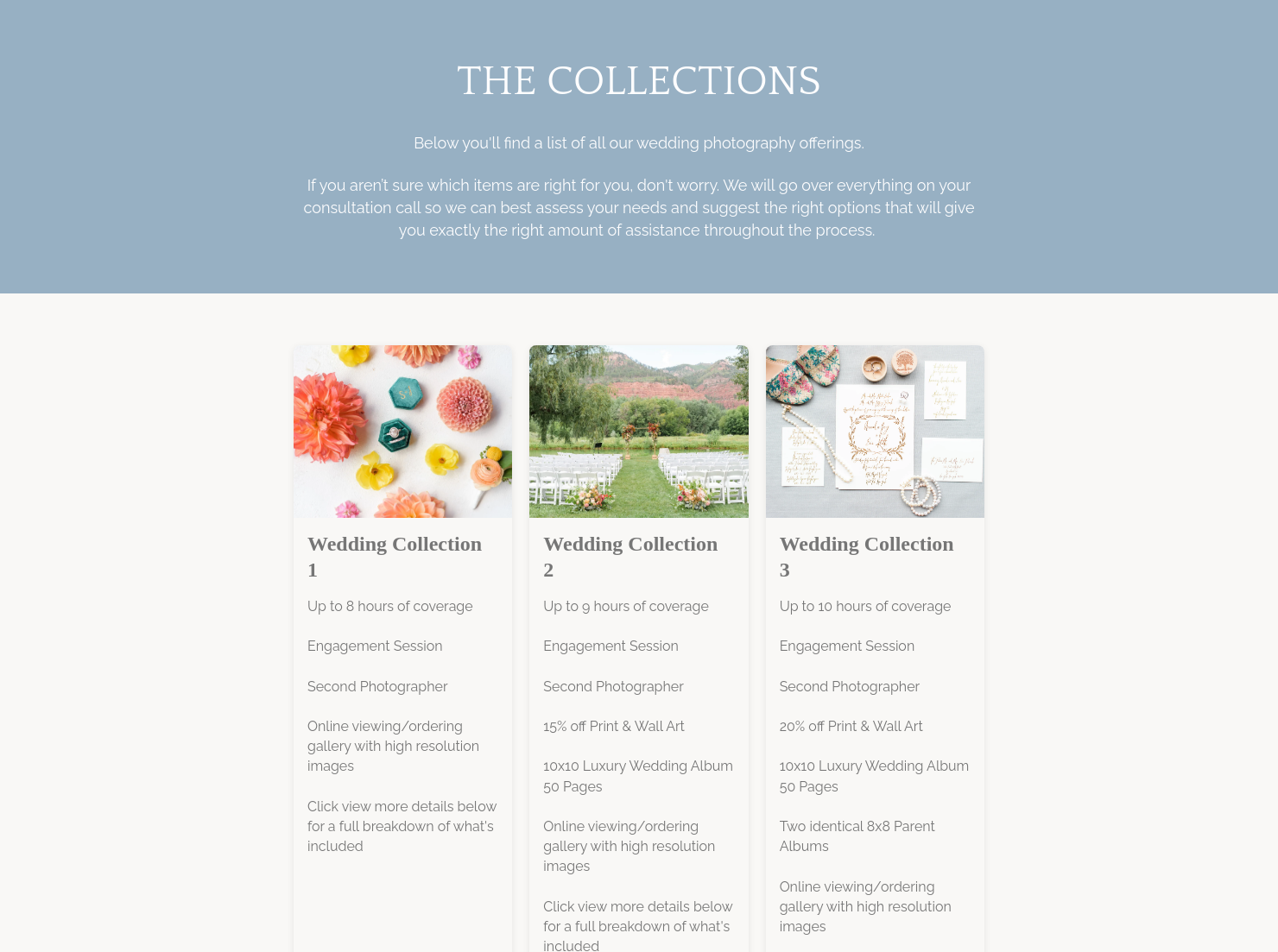
Showcase your services for easier client booking.


“
Wow couples from the start! Showcase your services and pricing to turn dreamy inquiries into unforgettable bookings!
”
.jpeg)
October 18, 2026

All there is to know about wedding photographer pricing guide templates
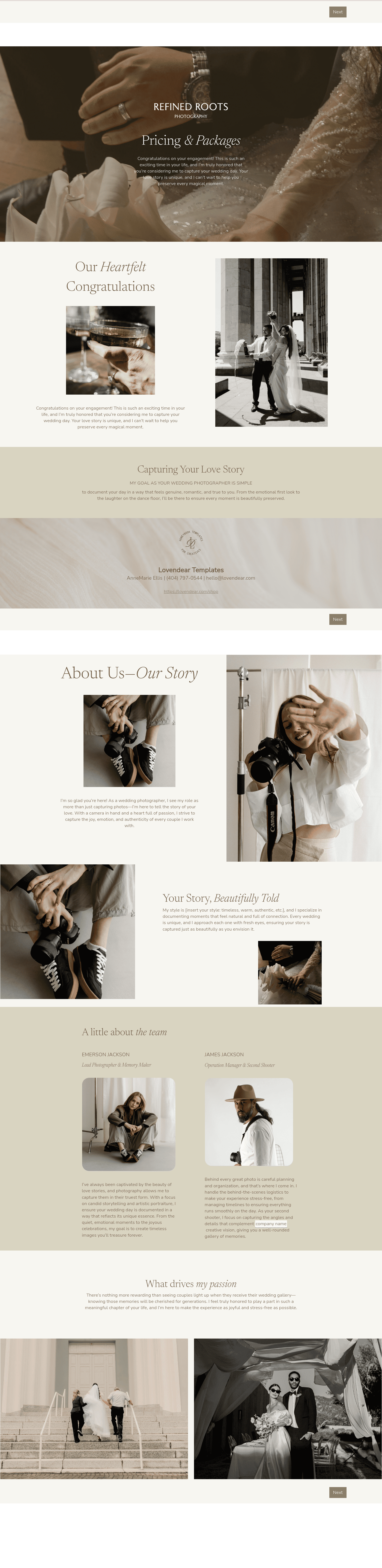
A wedding photographer pricing guide is a sales-stage document for wedding photographers. We use it after an inquiry and before booking to show packages, explain value, answer pricing questions, and make the next step clear. A strong wedding photographer pricing guide helps couples compare options faster and can lead to more consults and bookings. For couples, one of the first questions is the cost of a wedding photographer. They may search how much how much [a] is wedding photographer, or how much is it for a wedding photographer.
Wedding photography is a high-trust purchase. If the guide is vague, couples may compare packages the wrong way, miss what’s included, or leave before they understand the offer.
A well-built guide helps us:
- Build trust with clear scope, pricing, and next steps.
- Cut down on repeated emails about hours, albums, travel, and delivery.
- Make package comparisons easier when couples ask how much.
- Lower confusion around add-ons, rights, timelines, and payment terms.
That matters because the cost of a wedding photographer can change with coverage hours, editing, travel, second shooters, galleries, prints, and albums.
A professional wedding photographer pricing guide should cover the details couples need before they can book with confidence.
- Business and client information, including names, wedding date, and location.
- A clear description of services, such as coverage hours, engagement session, second shooter, editing, gallery delivery, albums, and prints.
- Package pricing, add-ons, travel fees, and totals so couples can compare options fast.
- Edited gallery delivery timing and any dates couples need to know before booking.
- Retainer amount, payment schedule, final balance due date, and the next step if they want to move forward.
- Clear terms for cancellations, date changes, image use, and any responsibilities tied to the wedding day.
- A simple way to say yes, like choosing a package, signing digitally, or clicking through to book.
This is where we answer the practical version of does a photographer for a wedding cost more for extra hours, travel, or album add-ons.
The best guide is clear, easy to scan, and built for weddings in particular. Couples should be able to open it on a phone, understand package differences quickly, and see why one option fits them better than another. Three or four package options usually work well because too many choices can slow people down.
It also helps to make the guide feel like your brand. Wedding photography is personal work. Your tone, images, short story, portfolio samples, and testimonials all do sales work here. We’re showing couples what it’s like to work with us and why the price reflects the experience and finished gallery.
The strongest wedding photographer pricing guide explains the value behind the price.
This template works best after the first inquiry and before booking. It gives couples one place to look over the options, pricing, and what happens next before they decide.
It helps most in moments like these:
- Right after a new inquiry, when you want to send something clear and helpful.
- Before or after a consult, when couples want a simple way to look over everything together.
- For custom wedding quotes that need adjusted hours, travel, or album options.
- For event-based work where scope and delivery details affect price early.
In our workflow, this is one of the simplest ways to move from interest to action. It keeps things moving and answers common pricing questions early, before your inbox turns into a long back-and-forth.
Catering has a lot of moving parts, and the menu sits in the center. If your catering menu is scattered across emails, texts, and screenshots, mistakes show up at the worst time.
A structured menu template helps in practical ways.
- Builds client trust and a professional first impression.
- Speeds approvals by making choices simple.
- Reduces payment disputes by documenting totals and terms.
- Saves time by cutting back and forth.
That means fewer surprises for clients and fewer fire drills for you.
FAQs
Below are quick answers to common questions from caterers building a catering menu that clients can approve with confidence.
It should include event details, package tiers, service scope, pricing, add-ons, timelines, payment terms, and policy details. It should also explain image delivery, editing level, travel fees, and usage rights in plain language.
Three to four packages is usually the sweet spot. That gives couples enough choice without making the decision harder than it needs to be.
Yes. Those details affect pricing and expectations. If a couple is asking does a photographer for a wedding cost more for travel or extra retouching, the guide should answer that up front.
HoneyBook templates help us move from inquiry to booking with less repeated setup and a more professional client experience. See HoneyBook’s files and templates resources.
Yes. You can change the branding, update the sections, adjust the layout, and reuse it for different clients or offers. See Help Center guidance on customizing Smart Files.
Yes. HoneyBook supports mobile use for sending and managing templates and Smart Files. See HoneyBook’s mobile template help article.
[a]@[email protected] Don't want to delete anything, but this seems like a typo
_Assigned to [email protected]_
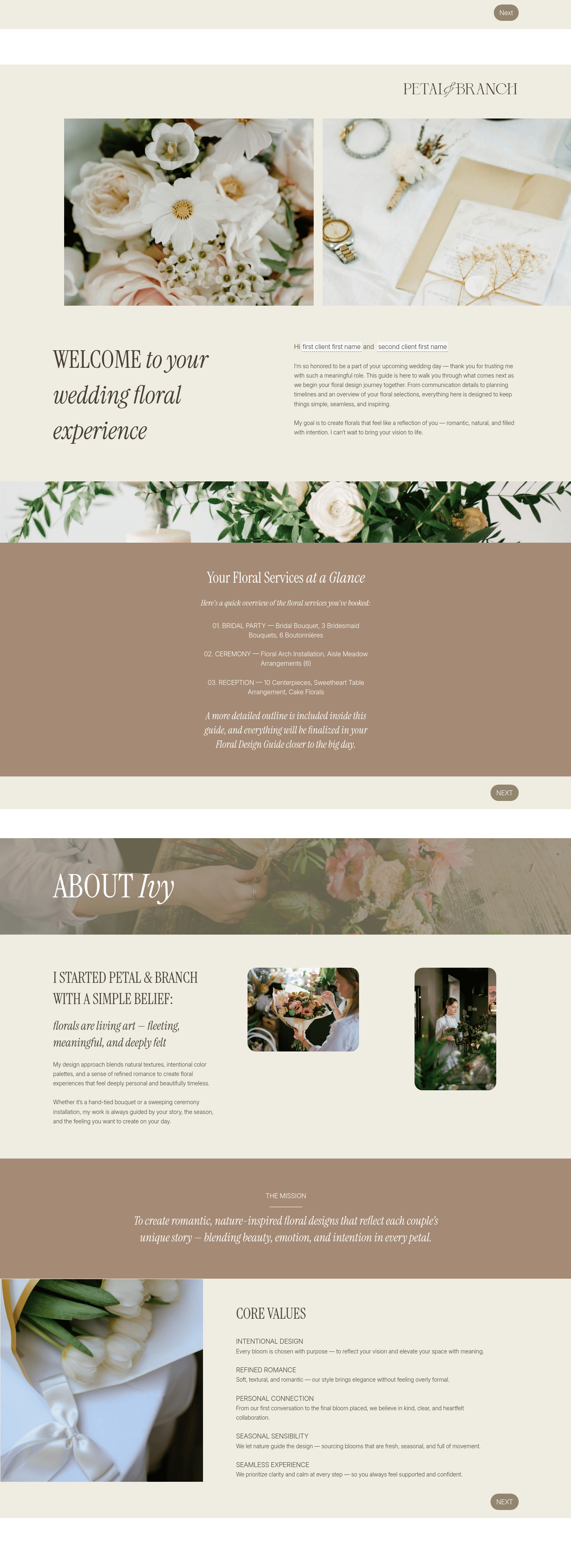
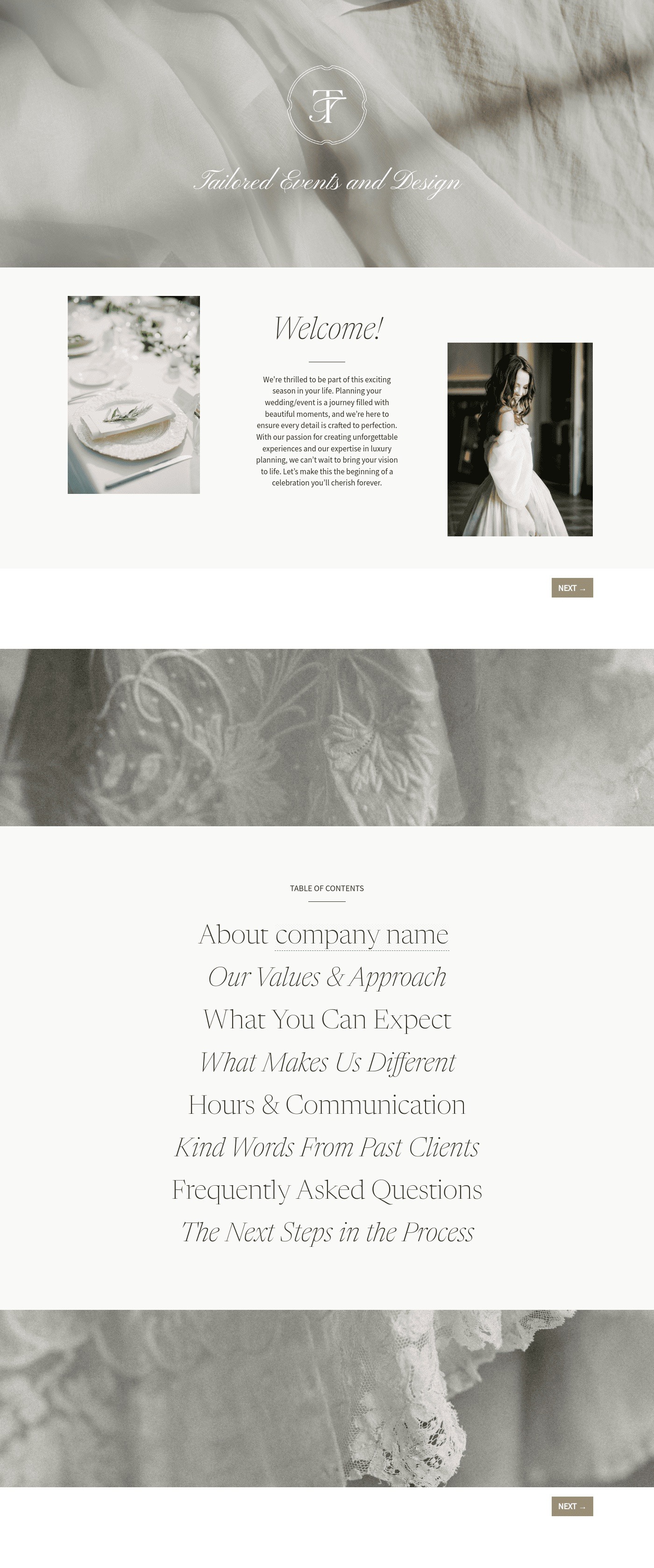
Related templates
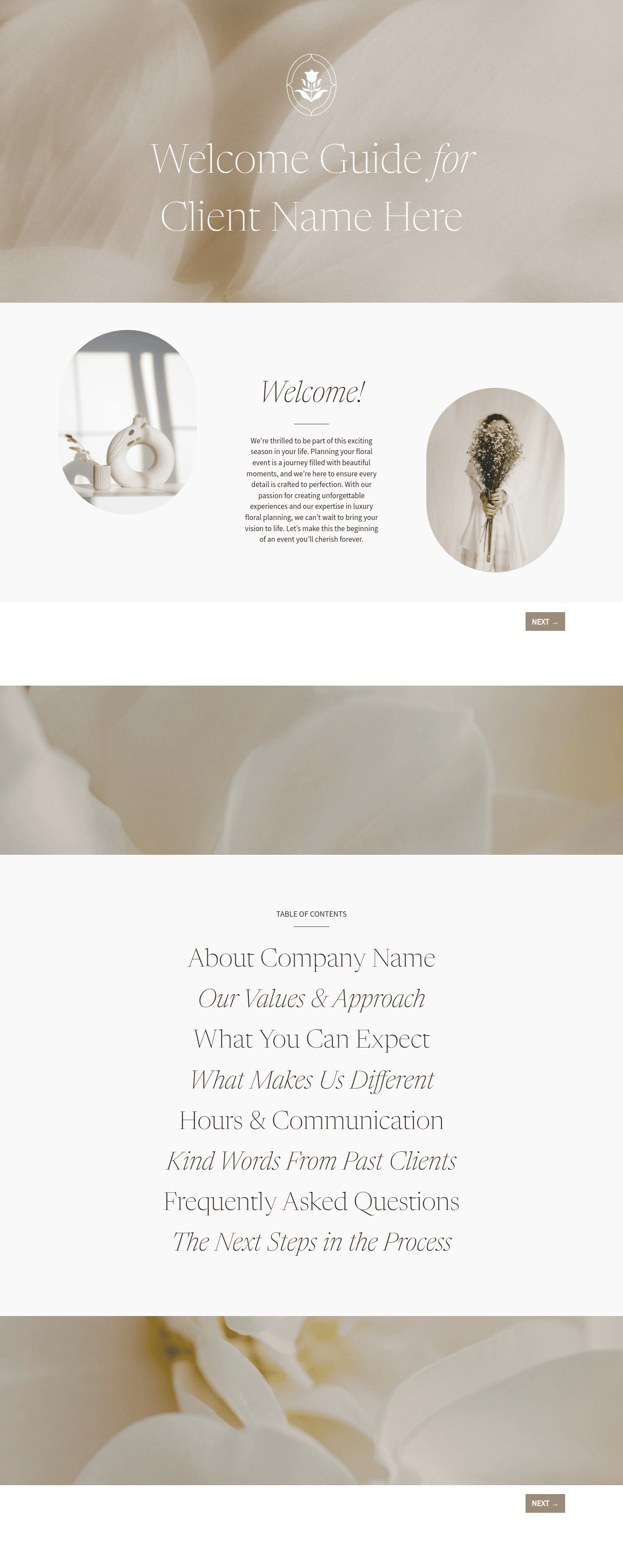

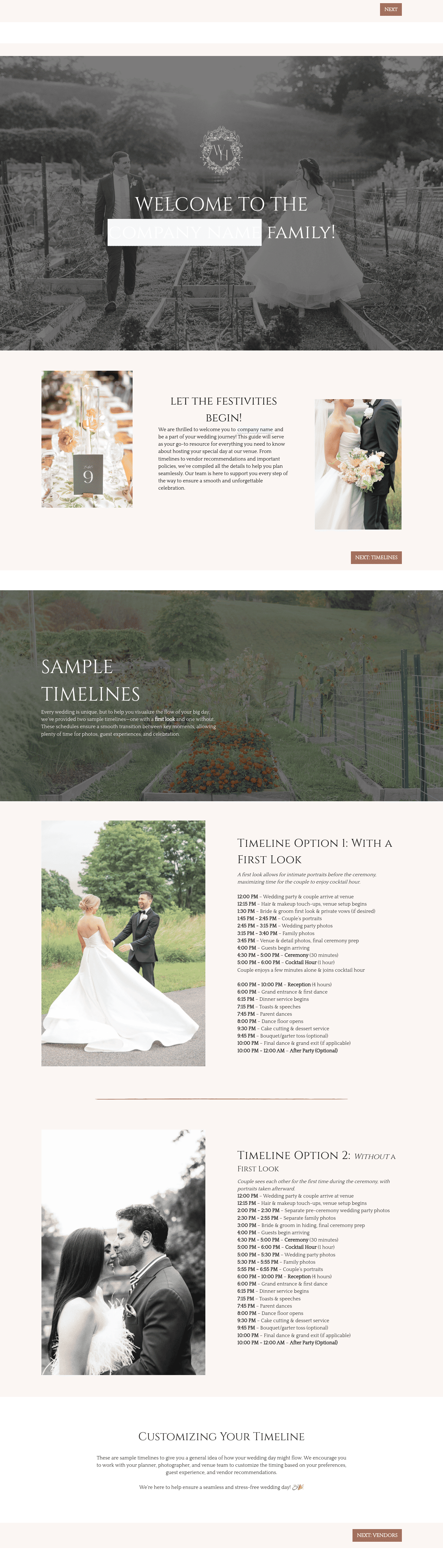


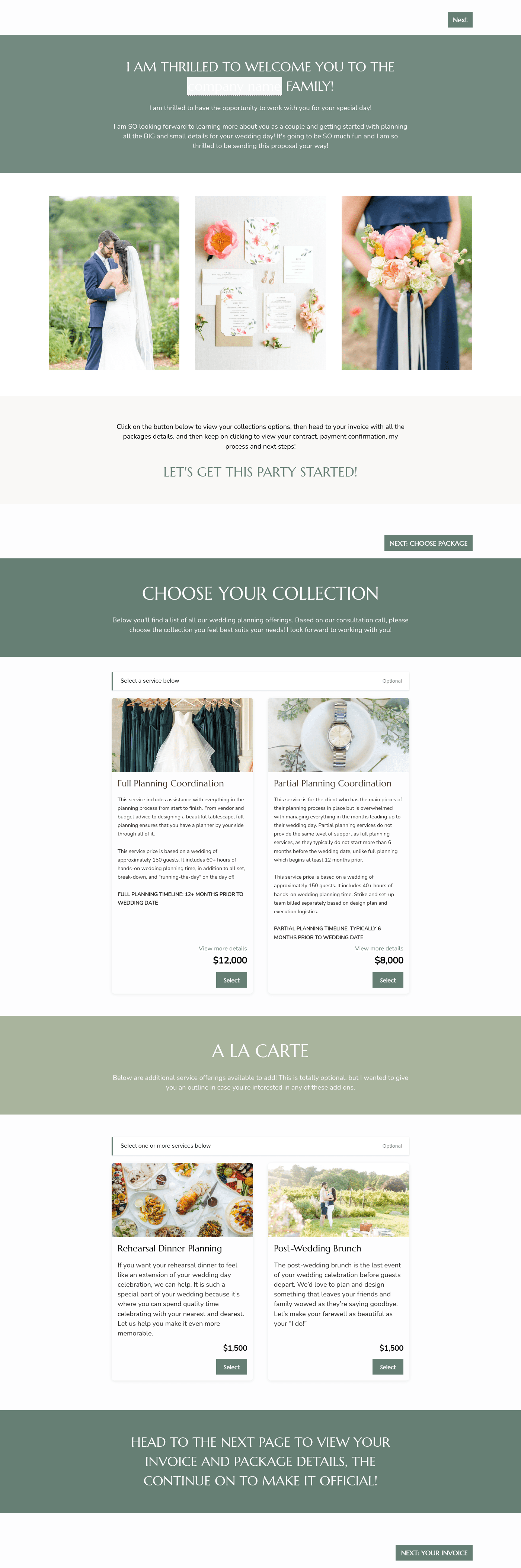

Related Templates

.png)


%2520(1).avif)



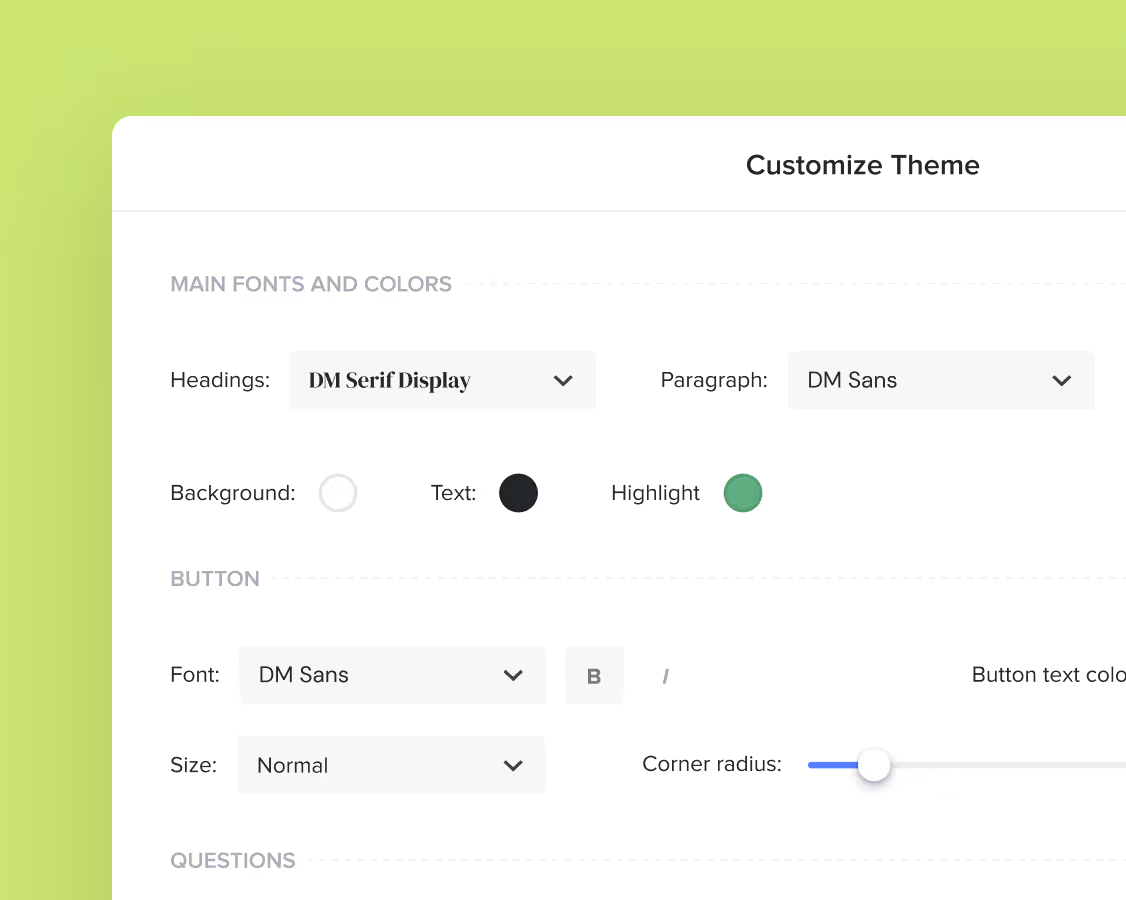
Make it your own
Fully customize the template to fit your needs. Quickly apply your company branding with just a few clicks.
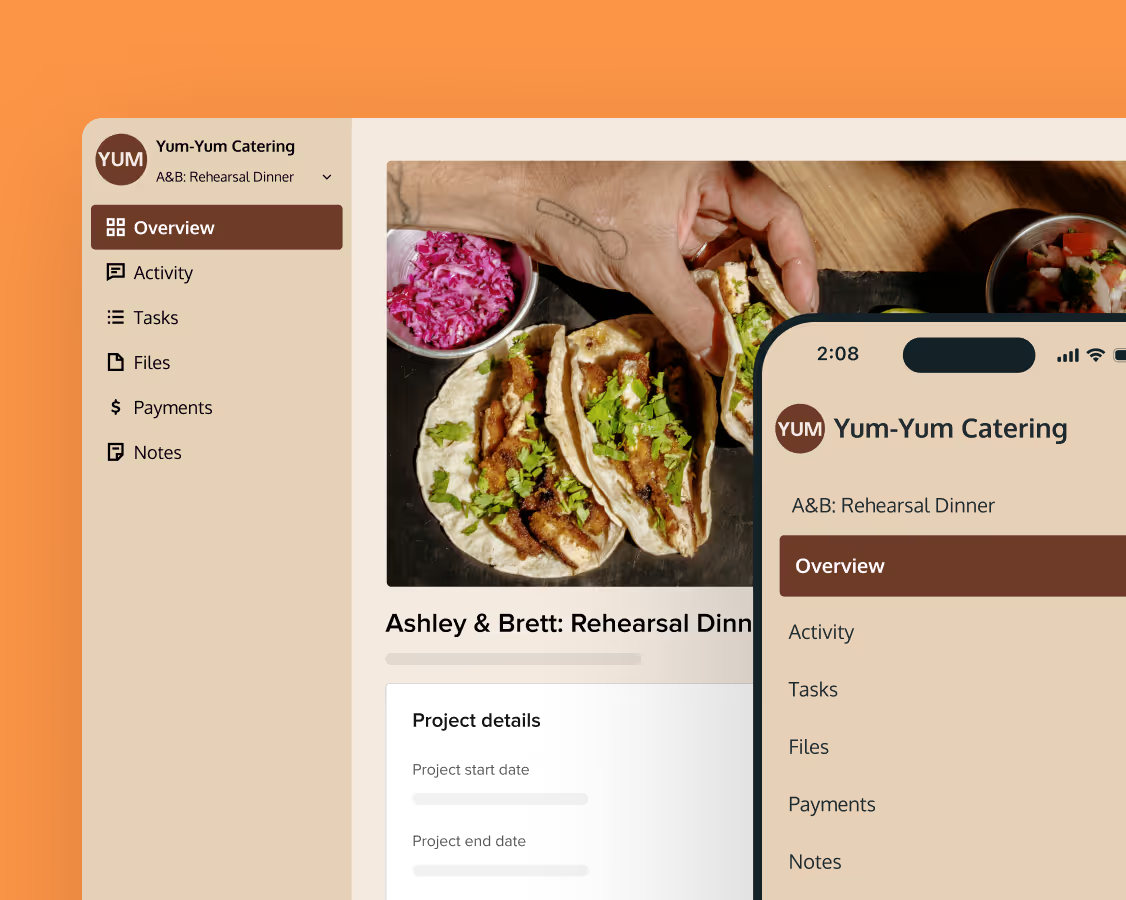
Share with clients
Create exceptional client experiences through HoneyBook’s dedicated client portal, allowing them to read, review, and take action from any device.
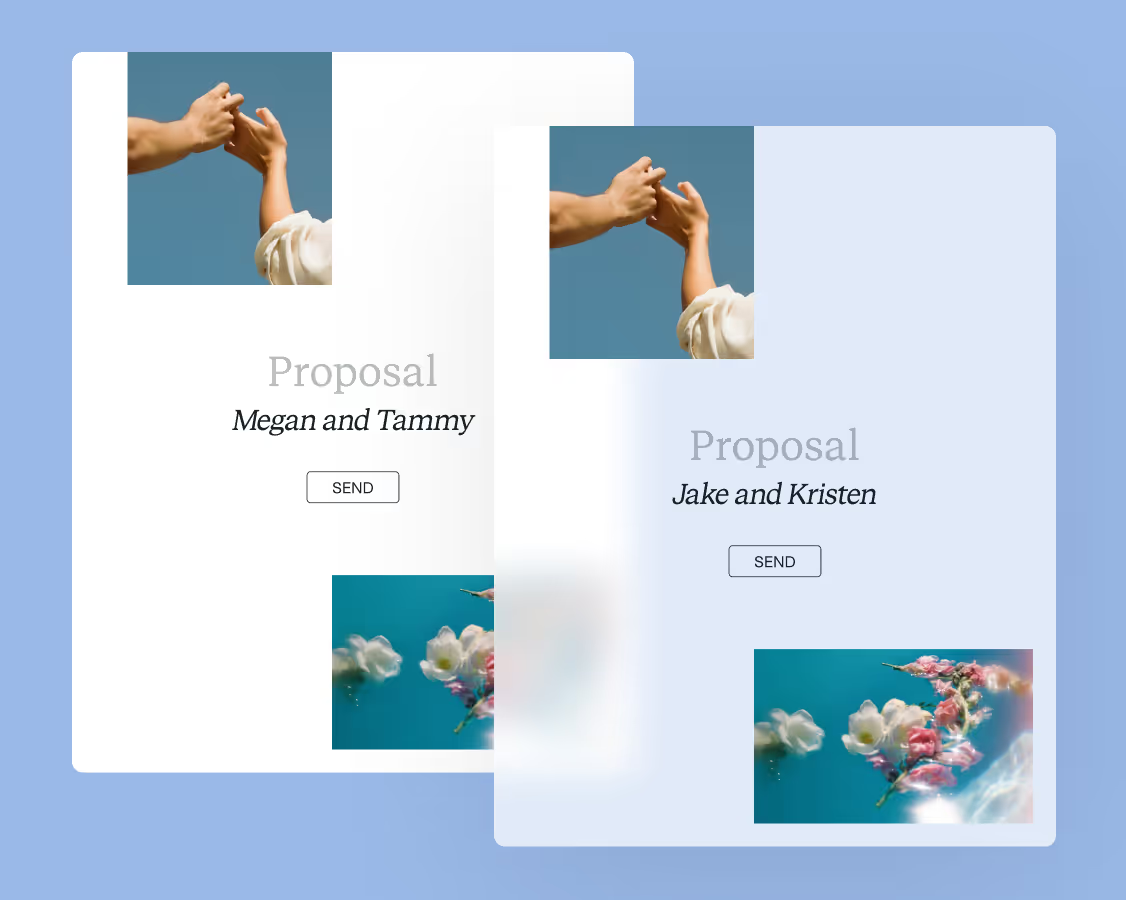
Reuse and scale
Use your customized files with different clients again and again to save time and make managing client interactions that much easier.
Join the 100,000+ businesses growing with HoneyBook.