












Scheduling

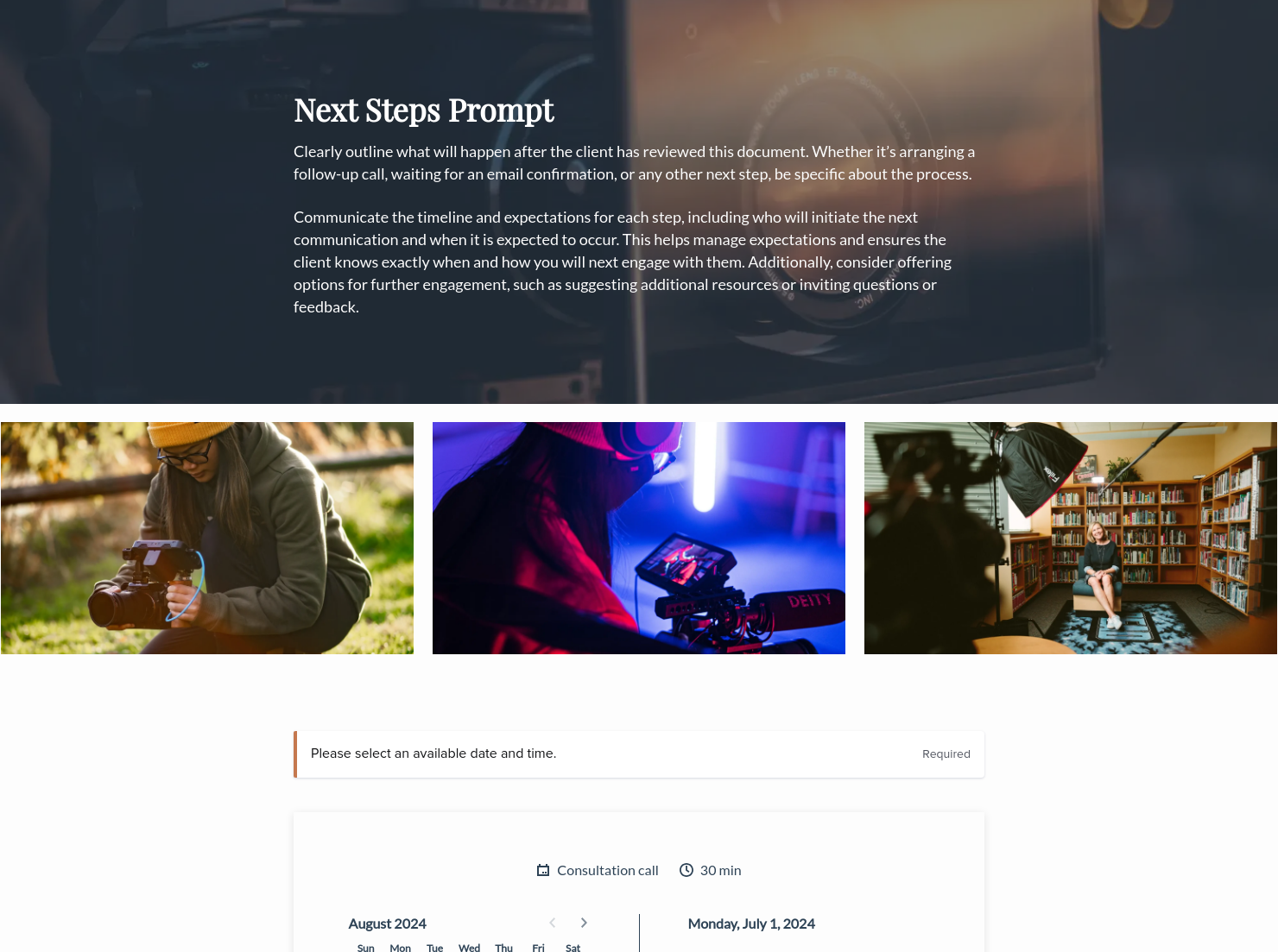
Let clients book meetings, sessions, or appointments during your available time slots.

Services
Showcase your services for easier client booking.


“
”

October 18, 2026

Videographer pricing guide template: how to customize it for top results
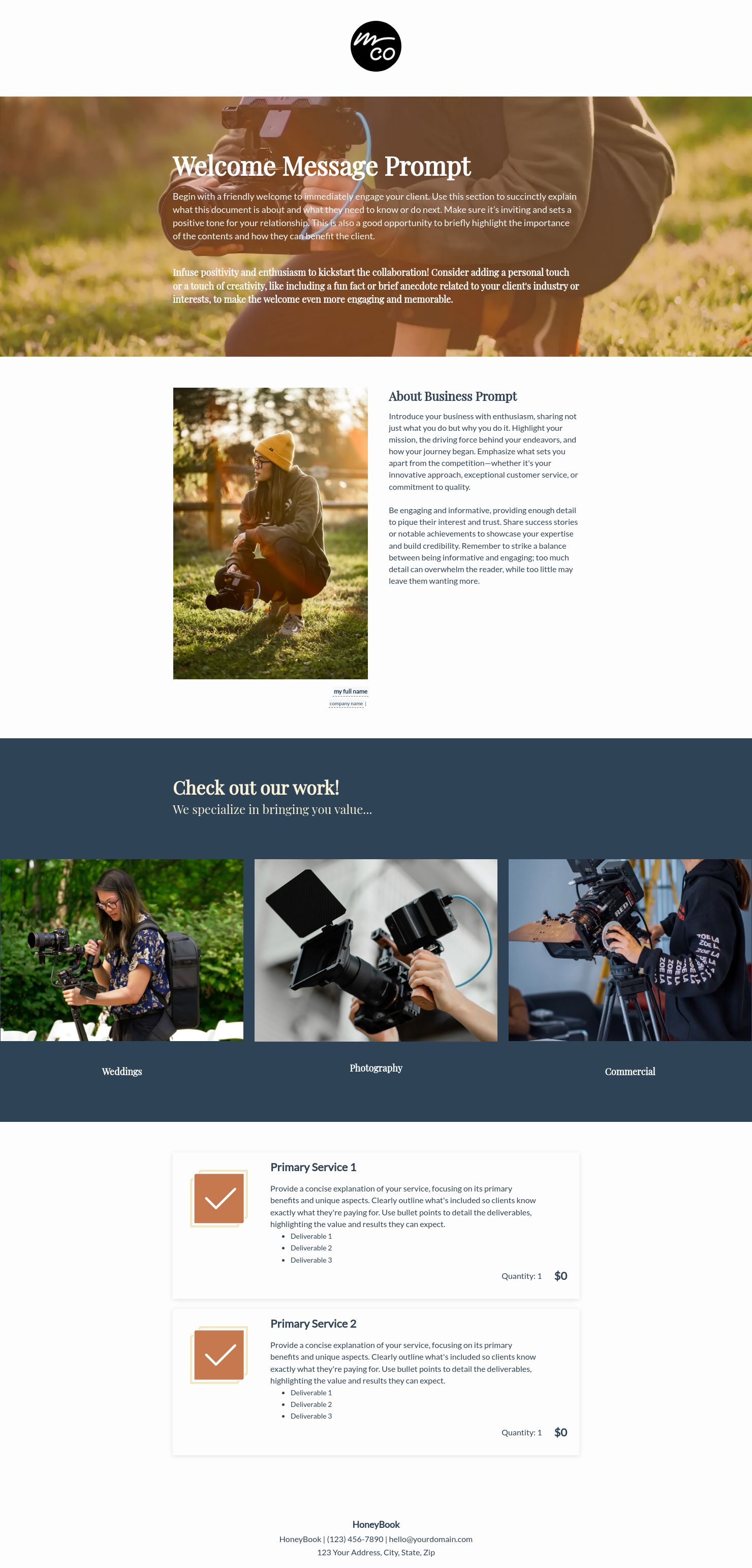
A videographer pricing guide helps potential clients understand your services, packages, and video pricing before they commit to a project. Videographers share a pricing guide after a discovery call so that inquiring clients can review and compare options and move forward with booking. Customize this template to present your business and services with a clear, professional format and streamline your workflow.
Videography projects involve many moving parts, such as filming time, editing, equipment, revisions, and final delivery. Yet video pricing is one of the first things clients want to know. Without clear communication, you risk losing clients to uncertainty, underpricing your work, or spending time on back-and-forth to help clients understand your services or compare options. Customize a videographer pricing guide template to handle this work upfront.
A well-structured guide helps videographers:
- Present your video pricing in a clear, professional format
- Build credibility and trust before the first conversation
- Reduce confusion around packages and deliverables
- Reduce back-and-forth around inquiries and move to booking faster
- Provide a reliable reference for repeat clients
A strong videographer pricing guide should clearly explain what clients receive and how your services are structured.
These elements help clients understand both the cost and the scope of your services before they book:
- Business and contact information: your business name, logo, and how to reach you
- Service overview: a breakdown of your packages or projects, shoot type, or videography day rate
- Video pricing: individual package costs, add-ons, and any travel, media, or licensing fees
- What’s included: deliverables such as edited video, raw footage, turnaround time, and revisions
- Booking and payment terms: deposits, payment schedules, and booking requirements
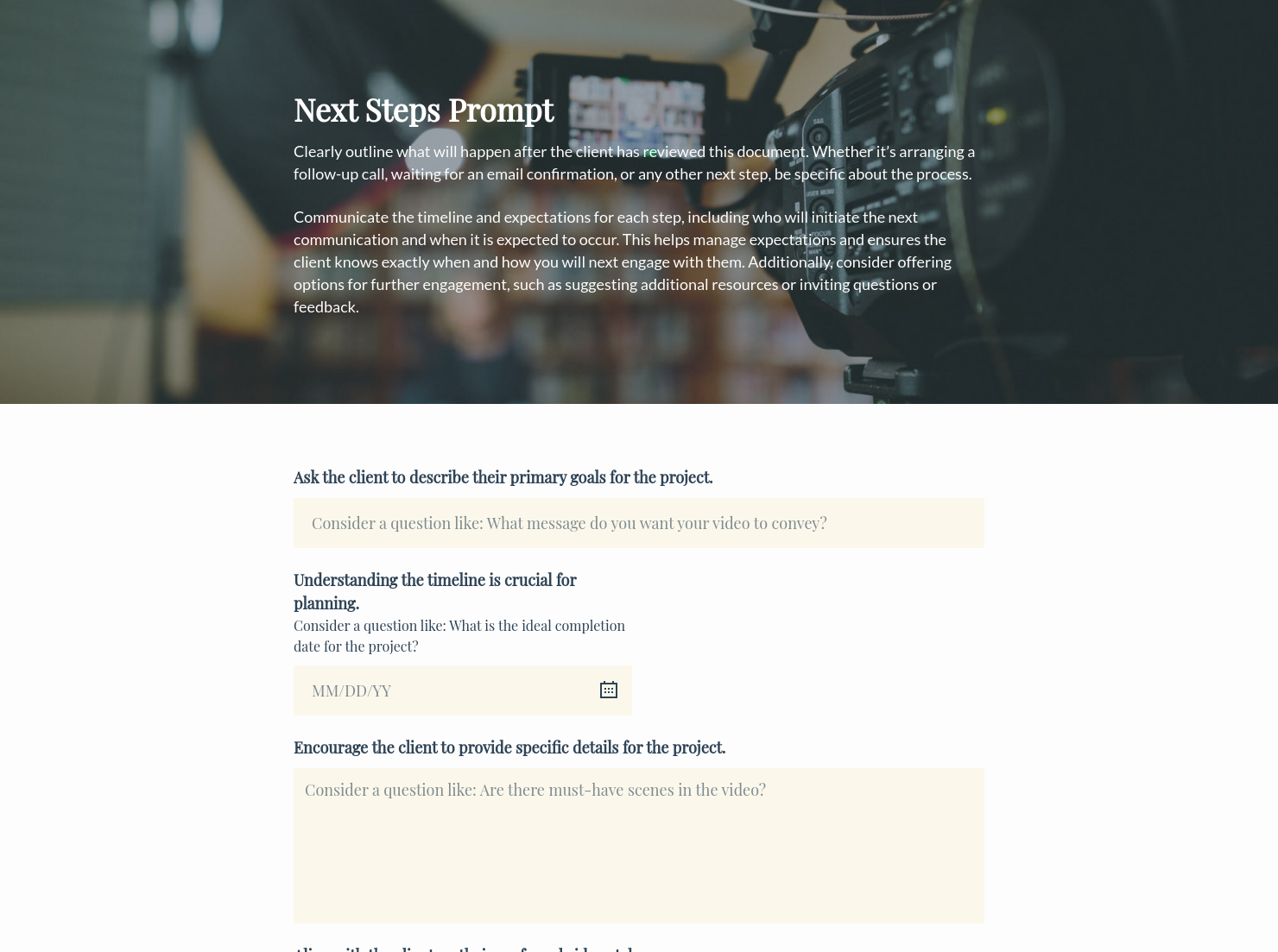
- Next steps: how to book, request a custom quote, or schedule a consultation
The most effective videographer pricing guides speak directly to the specific needs of your clients and communicate what they’re investing in. You can structure video pricing around a videography day, which typically includes a set number of filming hours along with editing and delivery. This approach simplifies pricing and highlights how production time affects the overall cost.
When customizing a videographer pricing guide template, pay attention to how you frame the value of each package. Keep your guide focused and easy to scan. Instead of overwhelming clients with dozens of options, cover the most common project types. With add-on services, your clients can build their own package.
Avoid vague descriptions and missing turnaround times. Specify important details such as whether raw footage is included and how you deliver the final version. This level of clarity makes clients feel confident about choosing your services and moving forward with booking.
A videographer pricing guide template can help streamline communication at several stages of your client workflow. Use it:
- When responding to a new client inquiry about video pricing
- Before or during a consultation, give clients concrete options to review
- When launching new packages or updating your videography day rate
- When returning clients want to explore and book at a different video pricing level
- When you want a professional and effective alternative to quoting prices over email
Catering has a lot of moving parts, and the menu sits in the center. If your catering menu is scattered across emails, texts, and screenshots, mistakes show up at the worst time.
A structured menu template helps in practical ways.
- Builds client trust and a professional first impression.
- Speeds approvals by making choices simple.
- Reduces payment disputes by documenting totals and terms.
- Saves time by cutting back and forth.
That means fewer surprises for clients and fewer fire drills for you.
Get started with a videographer pricing guide template
A ready-made videographer pricing guide template helps you present your services clearly without the setup work of building a document from scratch. Customize it to reflect your business, add your packages and pricing structure, and respond to every inquiry with a polished guide.
FAQs
Below are quick answers to common questions from caterers building a catering menu that clients can approve with confidence.
Video pricing depends on the type of project, experience level, location, and what you include. For events like weddings, videographers can charge between $1,500 and $5,000 or more. Corporate and brand video projects can start at $500 for a short shoot and extend to several thousand dollars for a full production day. A clear pricing guide helps clients understand exactly what they’re getting at each price point.
Yes. HoneyBook lets you add selectable service packages to your smart file, so your clients can browse your videography offerings and choose what fits their needs. You collect their selection before they ever reach the booking step. Learn how to streamline your bookings.
The average price for a full videography day typically ranges from $500 to $2,500. Day rates for experienced professionals or in high-demand markets can go significantly higher. To avoid confusion, specify in your pricing guide if your day rate includes editing and post-production.
HoneyBook templates are built to simplify the steps between inquiry and booking, so you can deliver a professional client experience while saving time on repeat tasks. Learn more about files and templates.
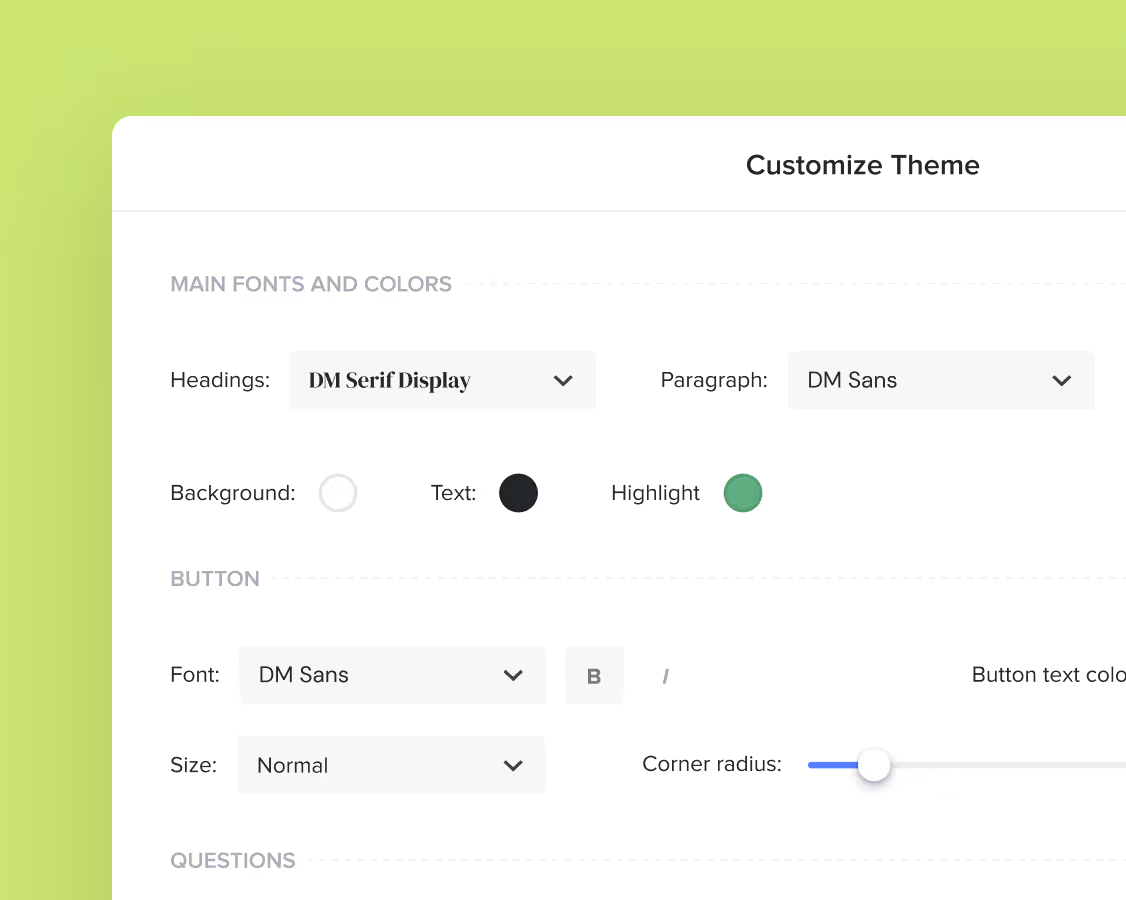
Yes. You can customize fonts, colors, images, pricing tables, contract language, and messaging to reflect your brand's voice and visual identity. See how to customize your Smart Files.
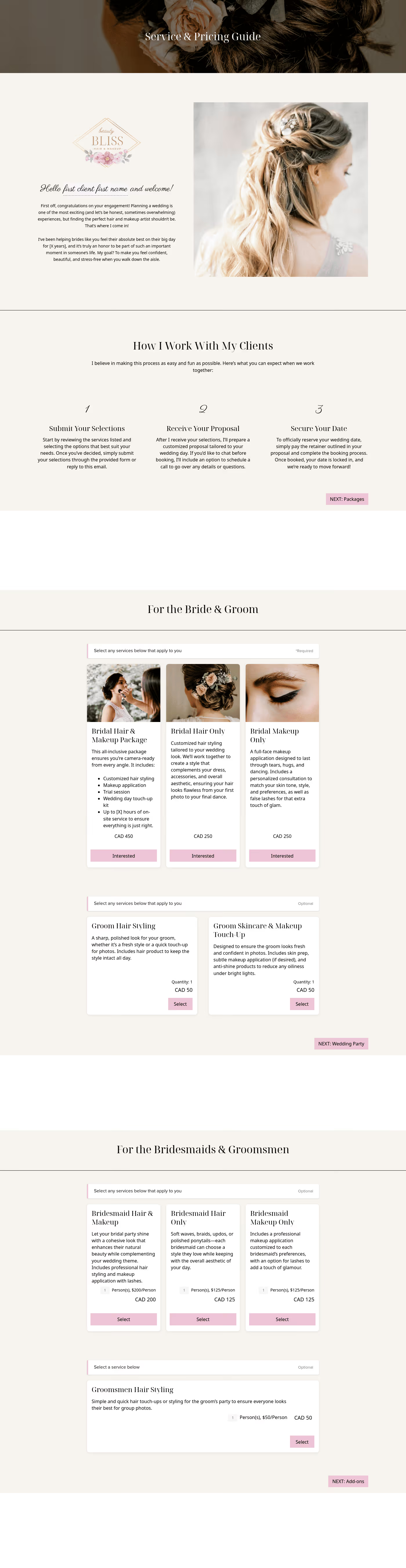
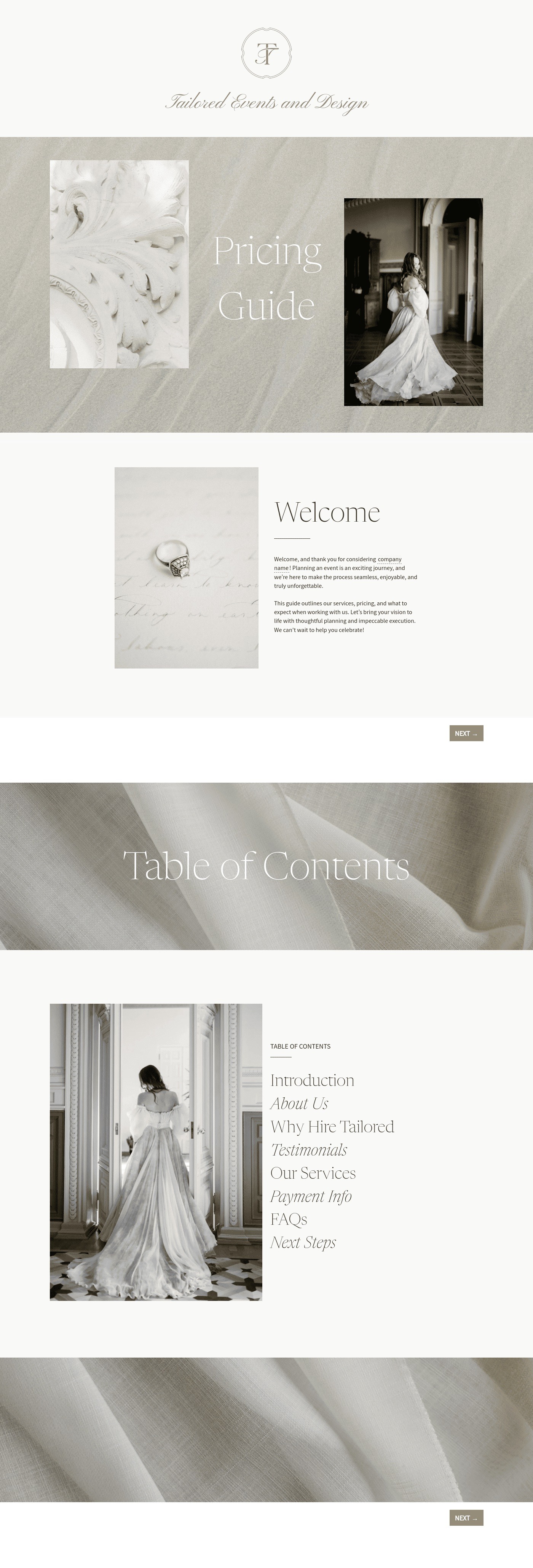
Related templates
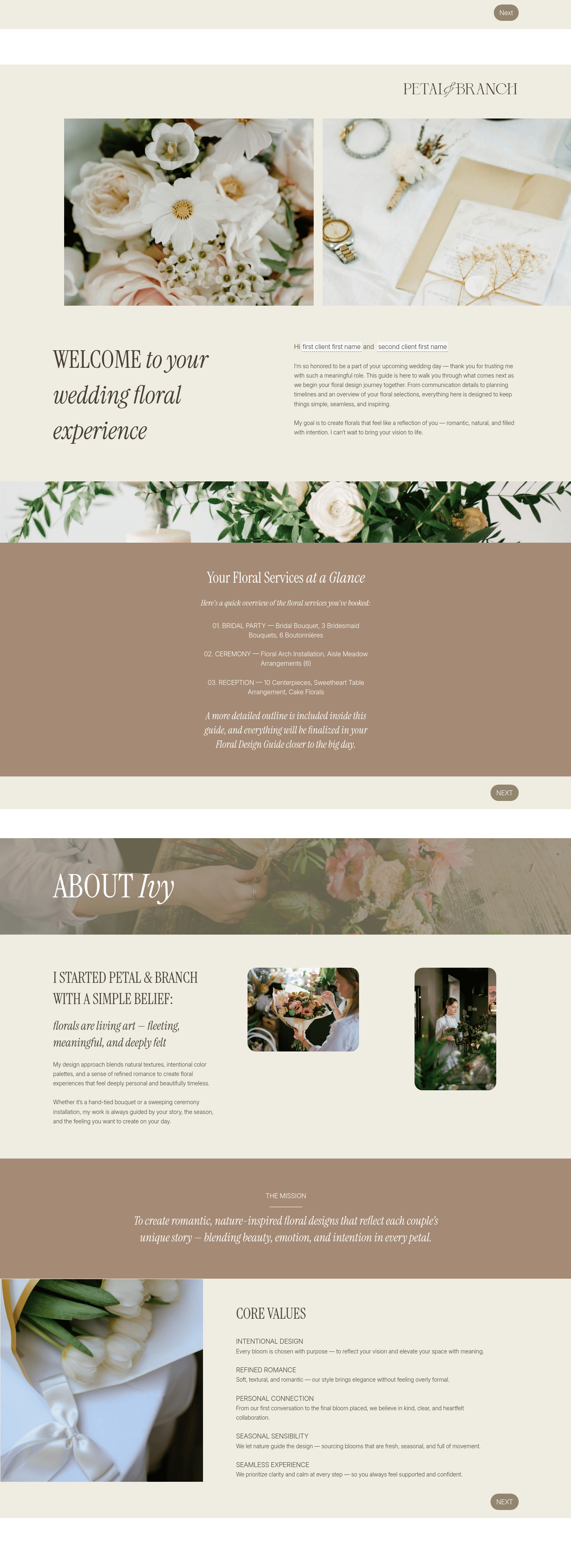
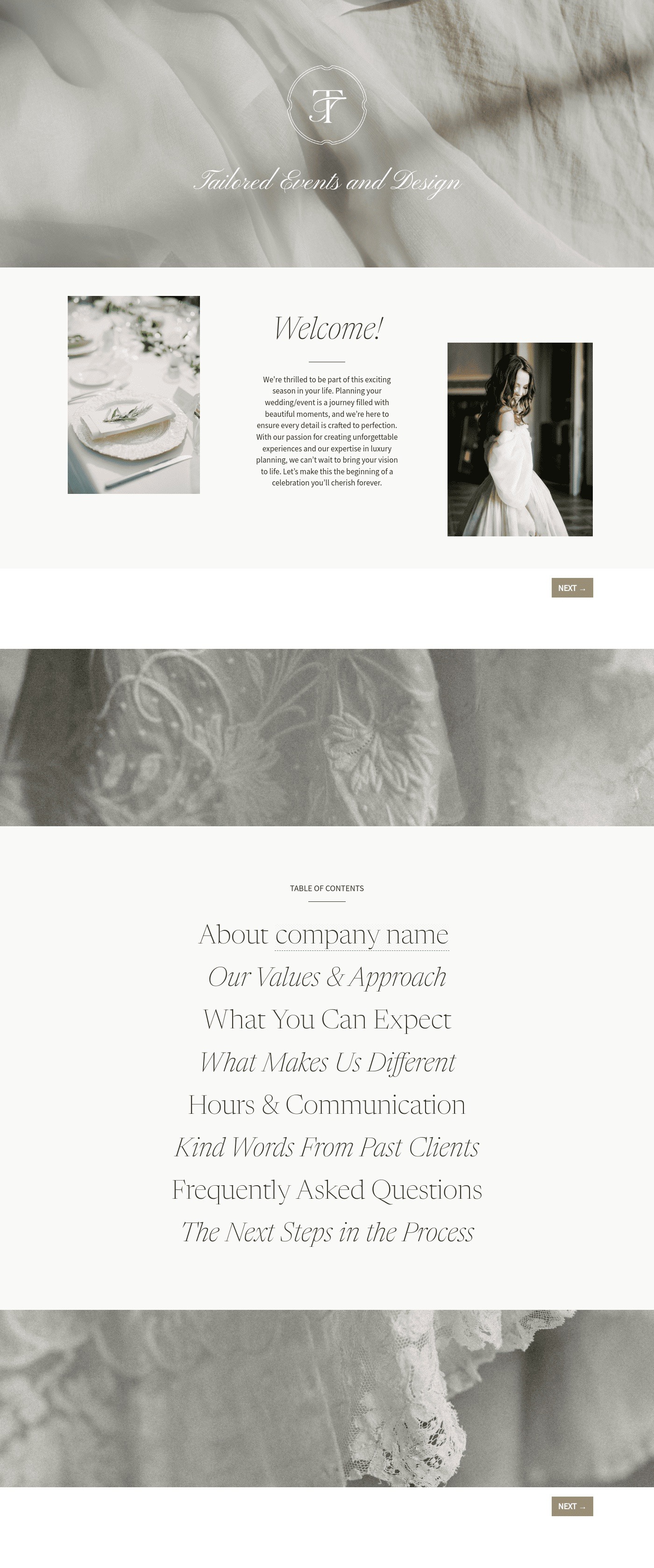
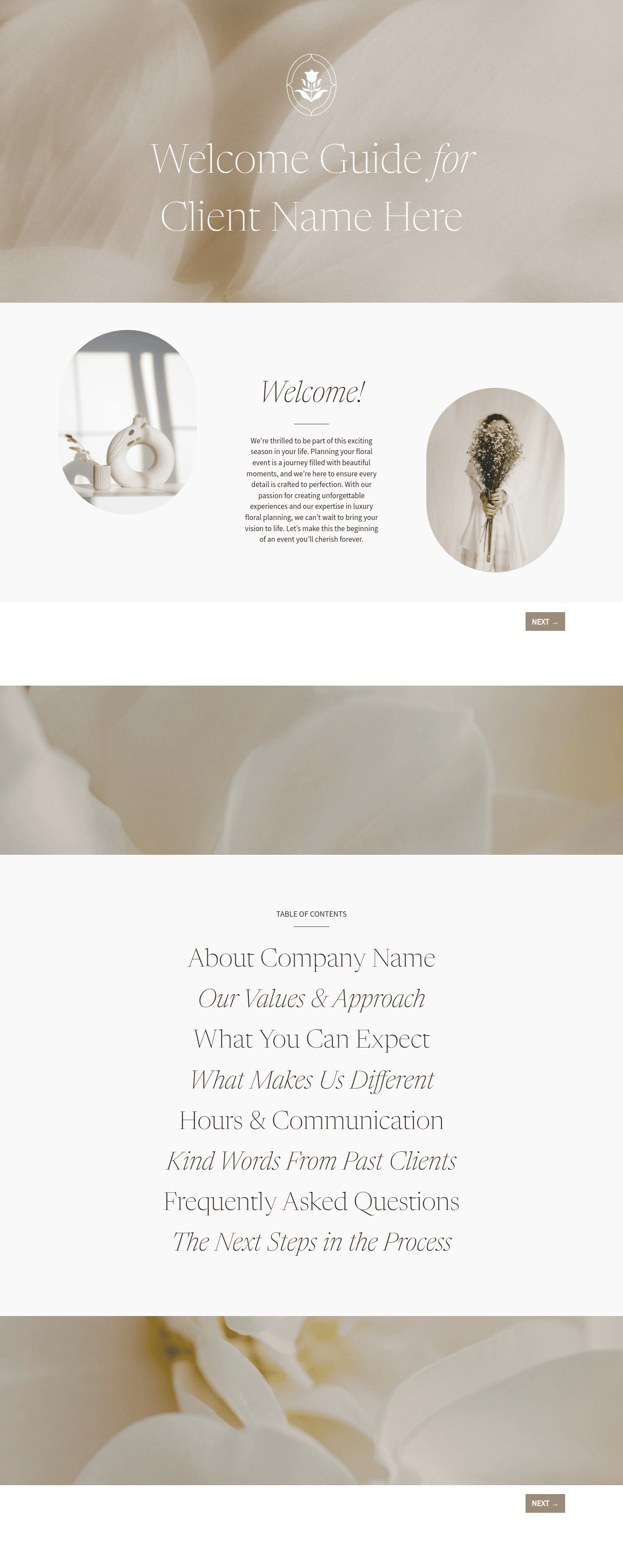

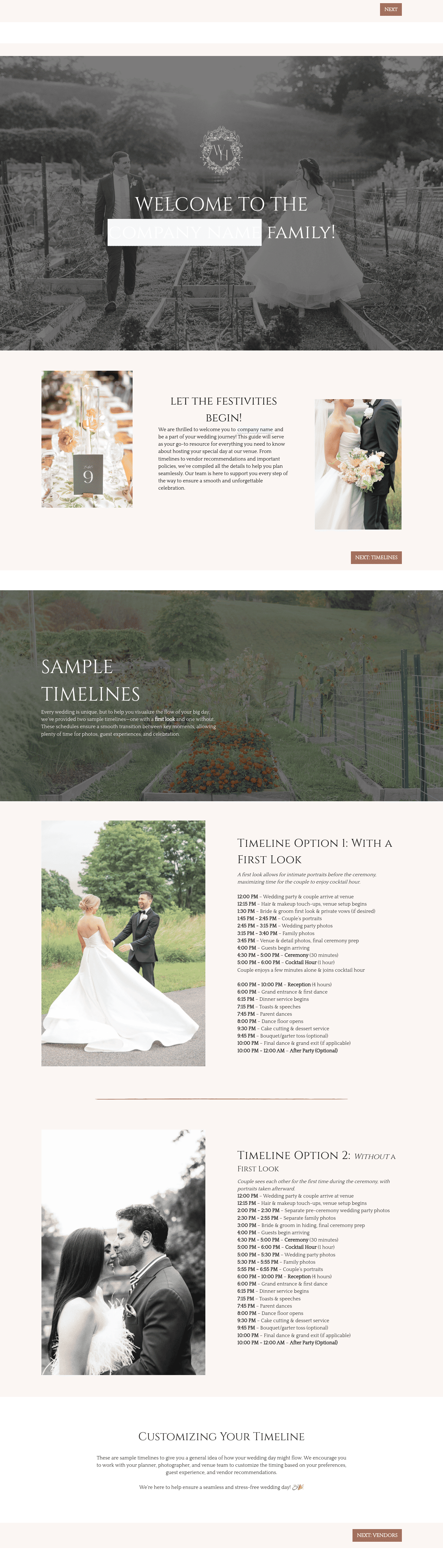


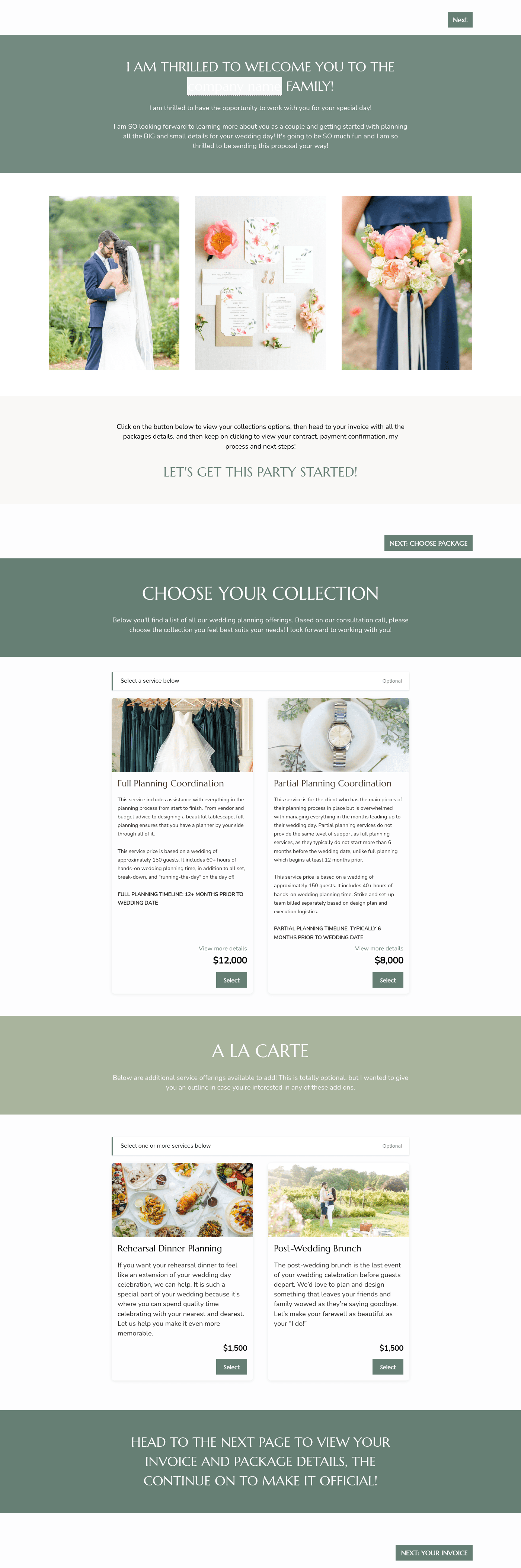

Related Templates
.png)






Make it your own
Fully customize the template to fit your needs. Quickly apply your company branding with just a few clicks.
Share with clients
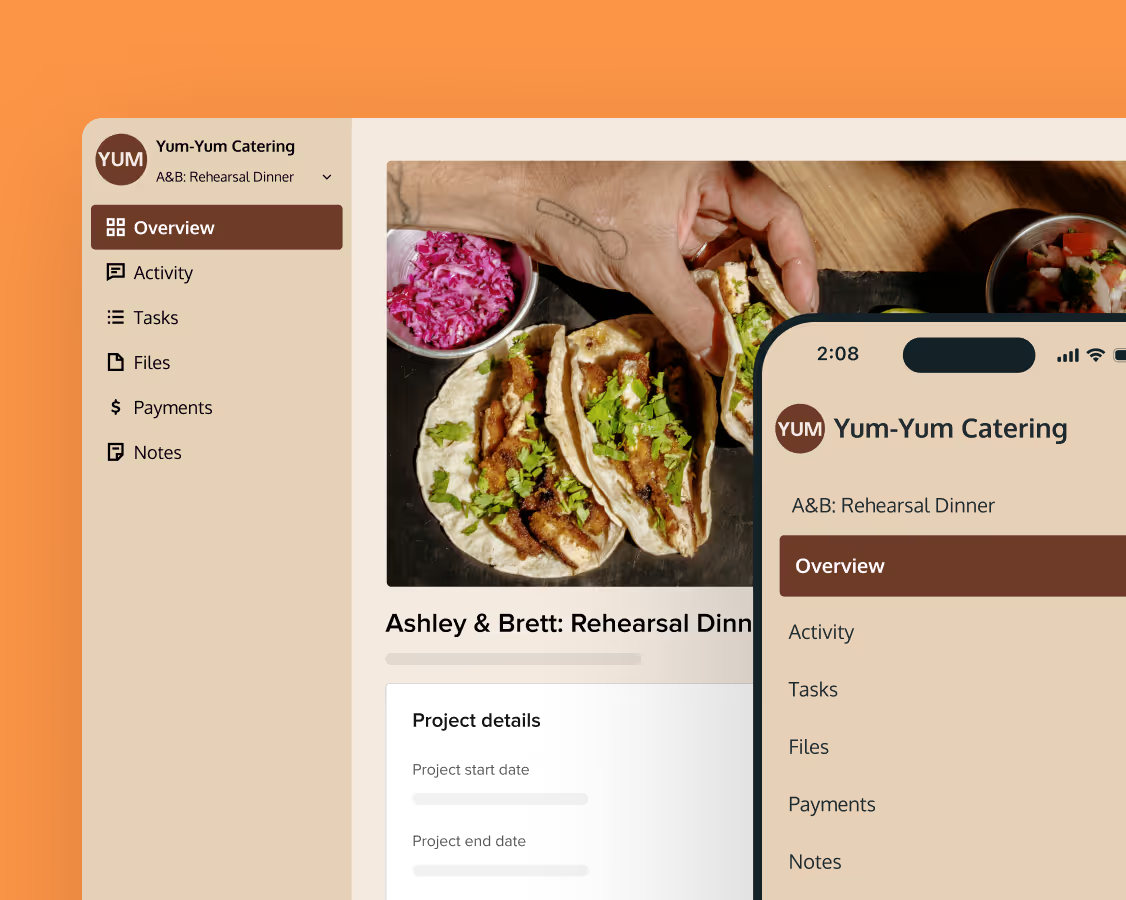
Create exceptional client experiences through HoneyBook’s dedicated client portal, allowing them to read, review, and take action from any device.
Reuse and scale
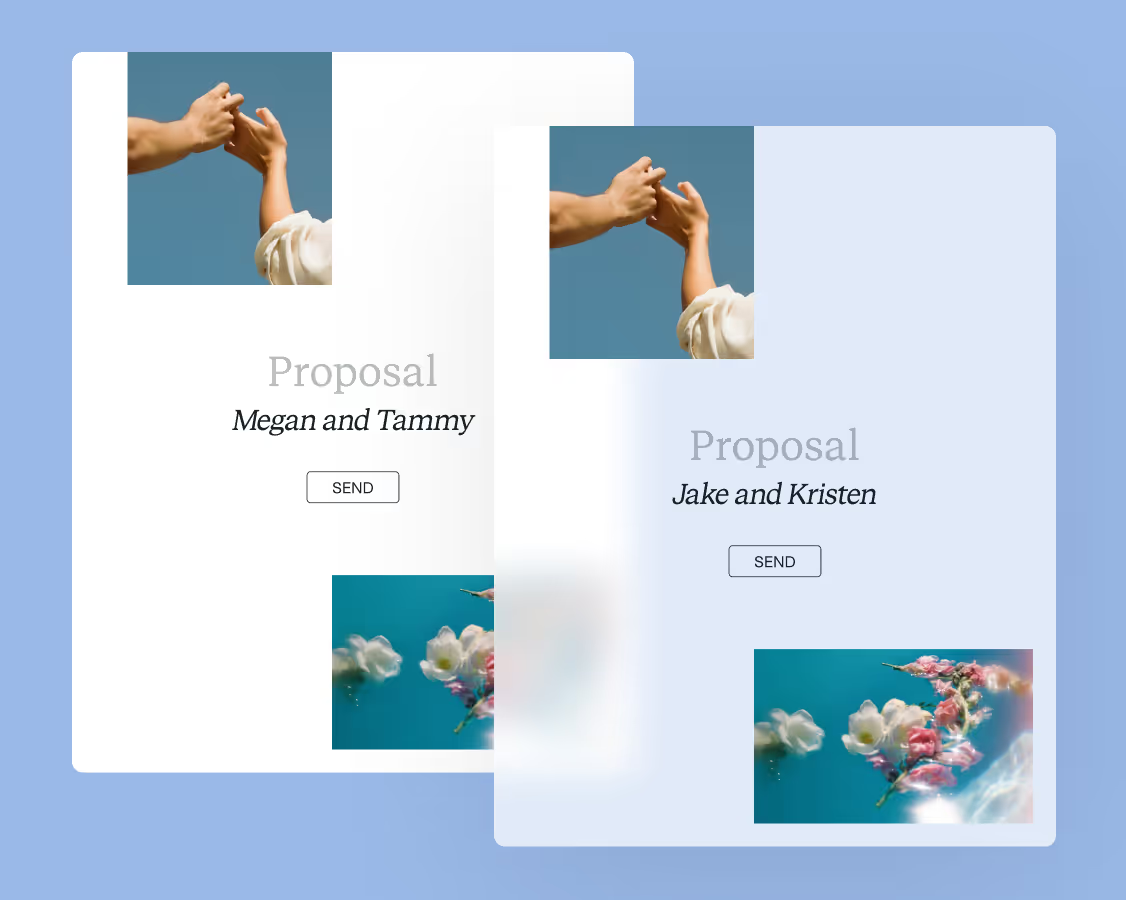
Use your customized files with different clients again and again to save time and make managing client interactions that much easier.
Join the 100,000+ businesses growing with HoneyBook.