















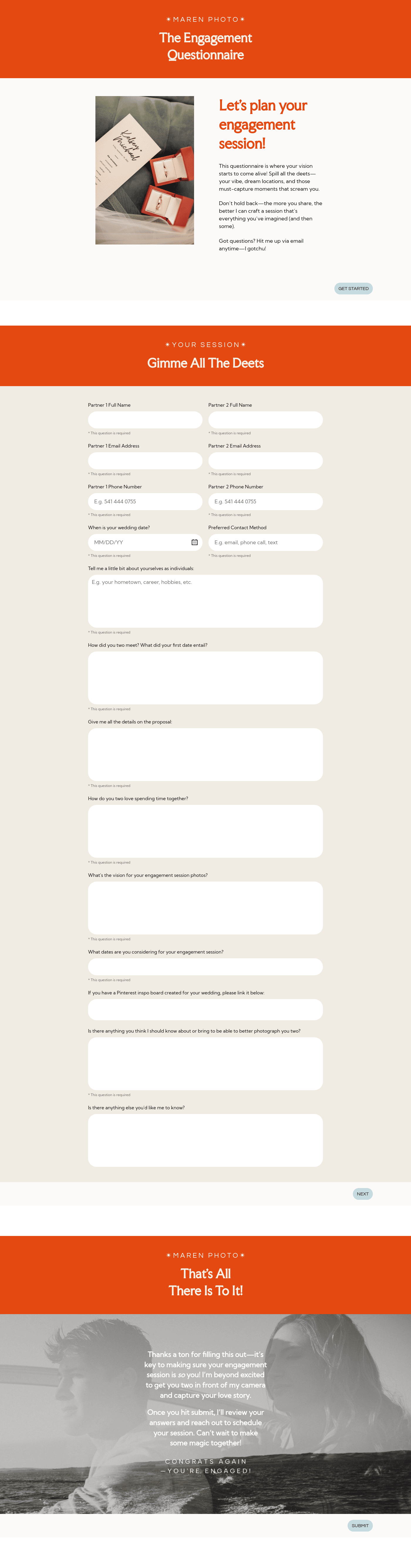
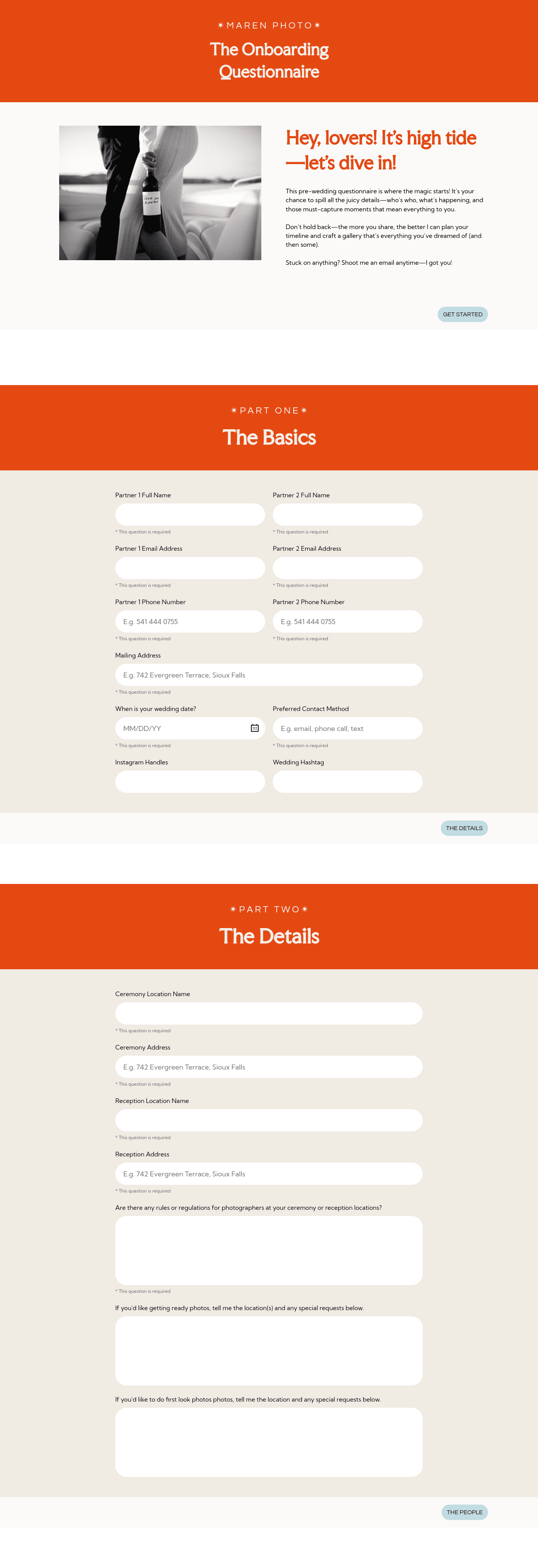
Questionnaire

Get client input, collect project details, and set expectations ahead of—or during—any project.

Ready-to-use copy
Templates come filled with prewritten copy you can use as is or edit to match your brand and business.

Scheduling
Let clients book meetings, sessions, or appointments during your available time slots.

Services
Showcase your services for easier client booking.


“
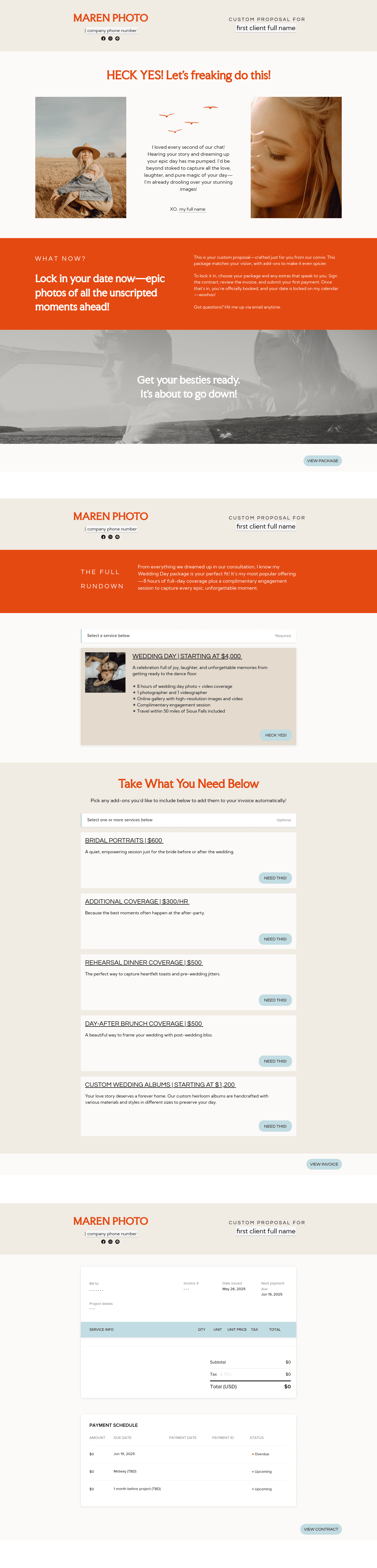
Use this template after the initial inquiry as a personalized guide to showcase your services, set clear expectations, and make it easy for potential clients to say yes to working with you!
”

October 18, 2026

How To Make Your Maren Pricing Guide For Wedding Photographers Look Professional And On-Brand
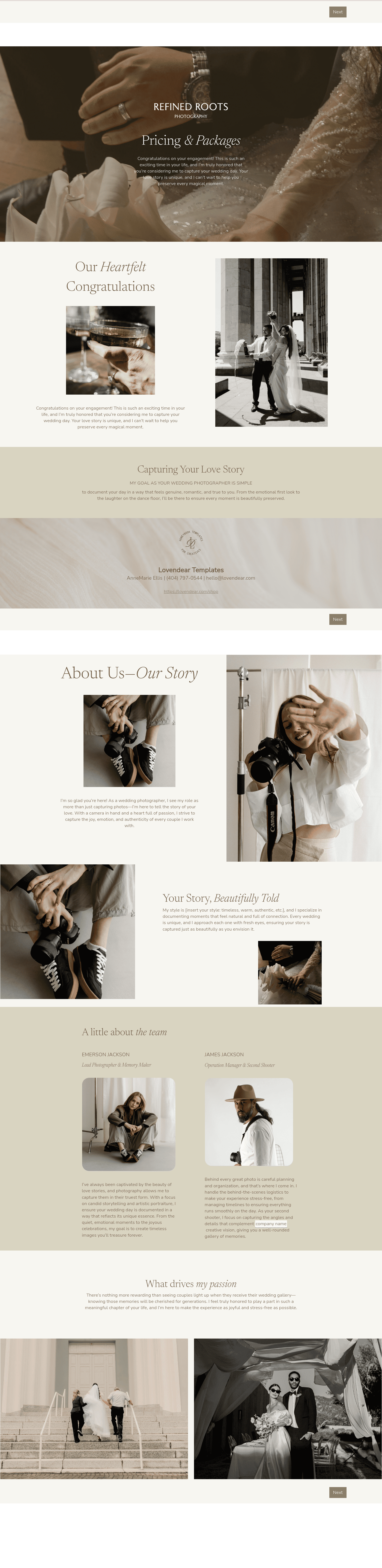
A pricing guide is more than a list of packages. For wedding photographers, it brings your brand, offer, and process into one clear, client-facing document. The Maren pricing guide for wedding photographers helps you present your services in a way that feels cohesive and aligned with how you actually work. When structured well, it does more than share pricing. It sets expectations, answers common questions upfront, and gives couples a clear sense of what it’s like to work with you before they commit.
Couples rarely say it outright, but they notice when something feels off. A guide that looks unclear or inconsistent creates hesitation even if your work is strong.
A polished, on-brand guide:
- reinforces trust early
- positions your pricing within a clear experience
- reduces follow-up questions
- makes your business feel organised
If you want your Maren pricing guide for wedding photographers to look professional and on-brand, these elements should not just be included — they should be intentional, consistent, and aligned with how your business actually runs.
- A warm welcome page
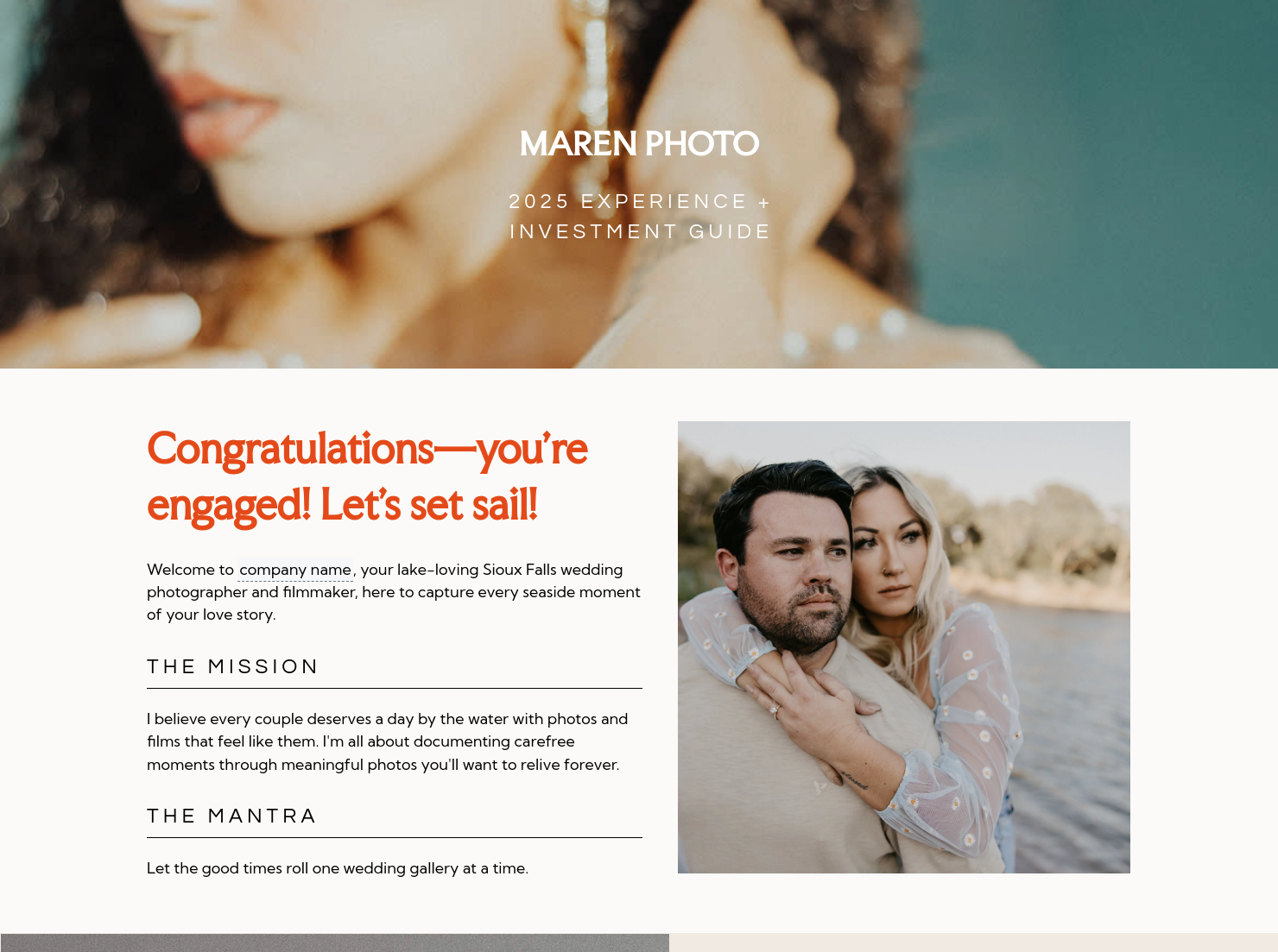
A simple congratulations message sets the tone, but how it’s written matters. A generic “Thanks for your inquiry” feels flat. A stronger version might reference the couple’s venue, colour palette, or wedding style if you’ve captured that through your inquiry process. When this is delivered via a Smart File, it feels like part of a curated experience rather than a one-off attachment. - Your mission and mantra
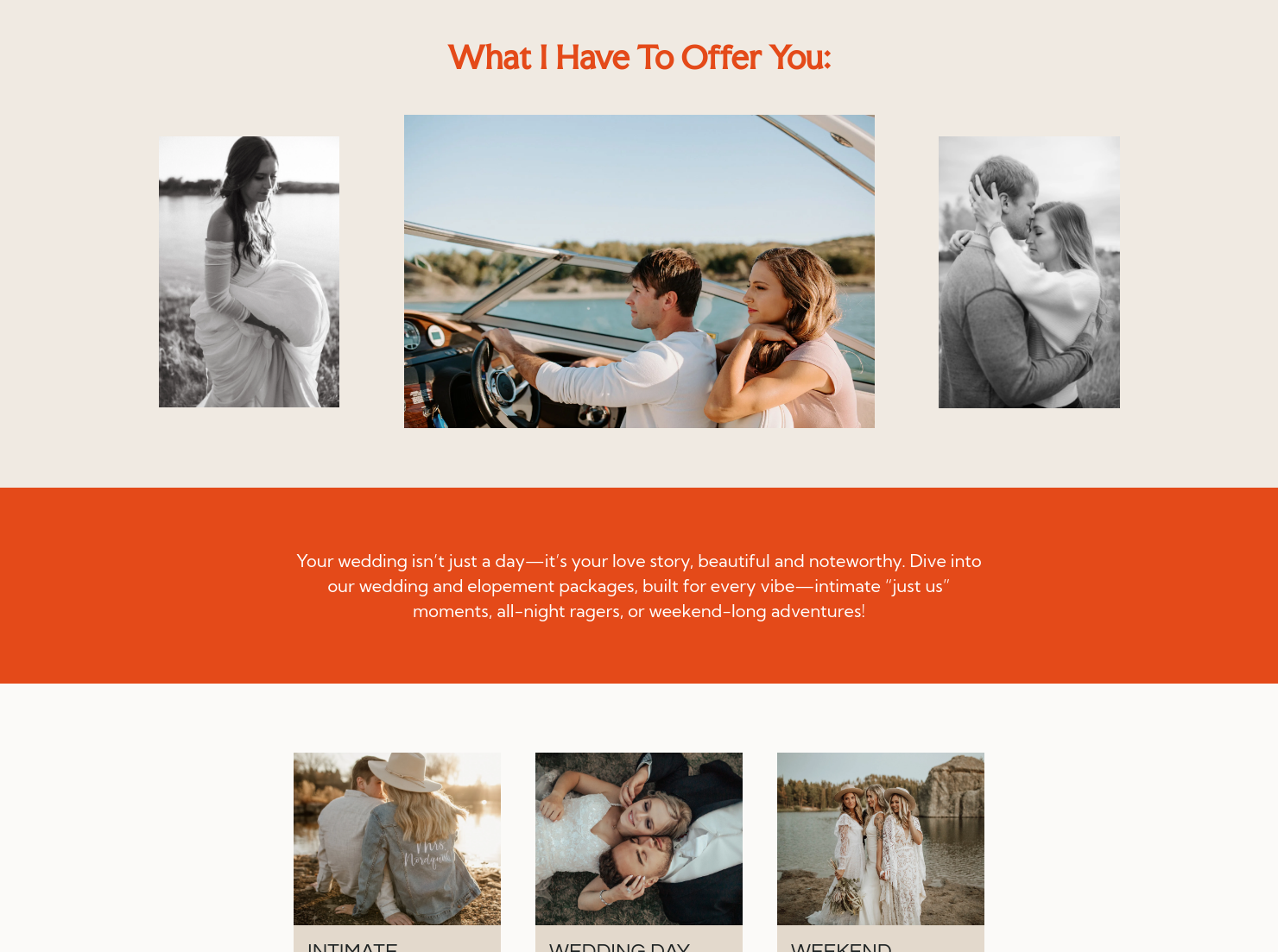
This is where your brand becomes visible. If your style is soft, editorial, and documentary-led, your wording should feel calm and intentional. If your brand is more vibrant and energetic, your tone should reflect that. A mismatch — refined imagery paired with generic wording is one of the quickest ways a guide feels off-brand. - A clear “what I offer” section Your packages should be structured so a couple can understand them within seconds. For example, instead of dense paragraphs, break collections into clean sections with coverage hours, deliverables, and optional add-ons. Using HoneyBook templates helps keep spacing and layout consistent.
- A structured process page
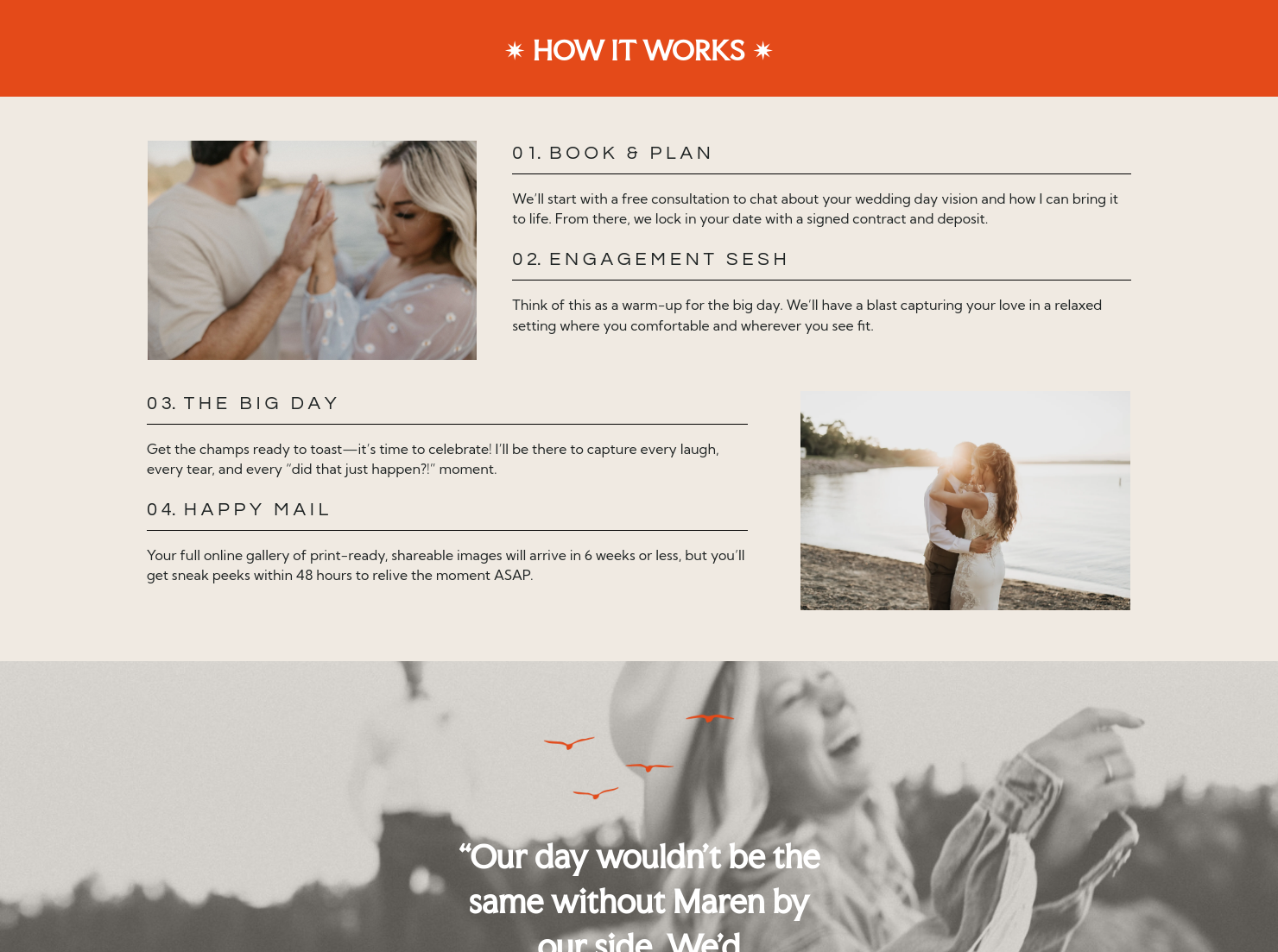
This is where your guide starts to feel premium. Instead of vague steps, show exactly what working with you looks like. For example: Book and plan → timeline consultation → engagement session → wedding day → gallery delivery. When this connects to real actions, it removes uncertainty and makes your workflow feel established and reliable. - Client proof or happy emails
Testimonials should match your brand tone. A refined, minimal brand might use shorter, more considered quotes, while a warmer brand may include slightly longer expressive client messages. Placing this just before your pricing or booking section reinforces trust at the exact moment a couple is deciding. - Post-wedding deliverables
This is where clarity elevates your brand. Instead of saying “you’ll receive your photos,” say something like: “Your full gallery of high-resolution, print-ready images will be delivered within six weeks, ready to download and share.” When paired with updates sent through HoneyBook automations, this level of detail reinforces reliability. - A scheduling or next-step section
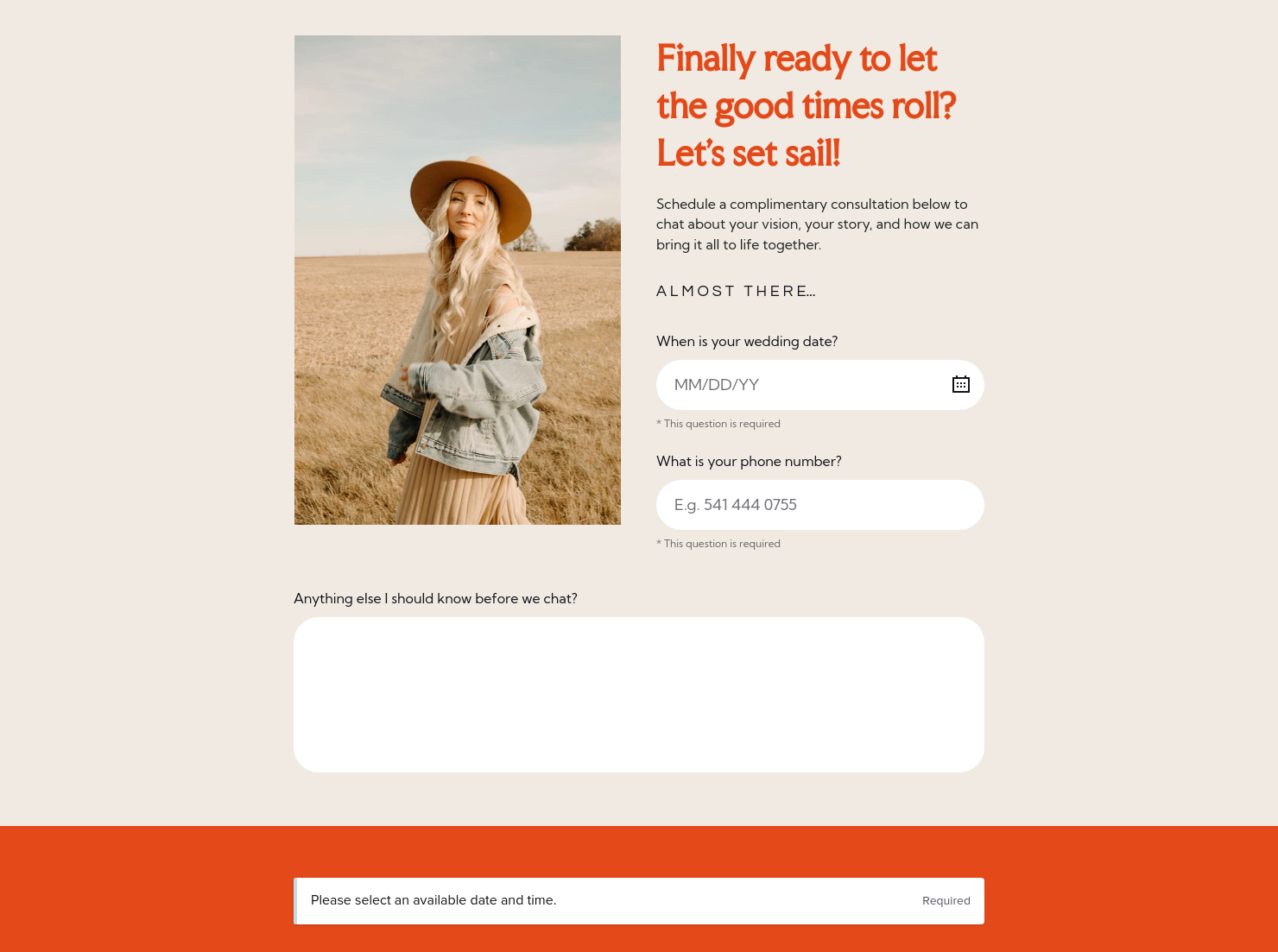
A professional guide always leads somewhere. Instead of ending passively, invite action: “If this feels like the right fit, you can book a quick call here.” Using the HoneyBook meeting scheduler, couples can move forward immediately — keeping aligned with a well-managed brand.
For wedding photographers, effectiveness comes down to clarity and alignment. Your guide should look like your brand and move at the same pace as your client experience. A mismatch, like a minimal style paired with cluttered content, creates friction.
A common issue is over-explaining. Trying to include everything makes a guide feel heavy. A better approach is to guide the reader: show your work, explain your process, clarify pricing, and offer a next step.
This template works best when you want a more consistent, on-brand client experience.
Use it when:
- responding to new inquiries with a polished document
- following up after a discovery call
- helping couples compare collections
- replacing an outdated pricing PDF
- creating a more cohesive booking journey
Catering has a lot of moving parts, and the menu sits in the center. If your catering menu is scattered across emails, texts, and screenshots, mistakes show up at the worst time.
A structured menu template helps in practical ways.
- Builds client trust and a professional first impression.
- Speeds approvals by making choices simple.
- Reduces payment disputes by documenting totals and terms.
- Saves time by cutting back and forth.
That means fewer surprises for clients and fewer fire drills for you.
FAQs
Below are quick answers to common questions from caterers building a catering menu that clients can approve with confidence.
A welcome message, clear packages, your brand positioning, a structured process, testimonials, deliverables, and a next step.
Focus on consistency and clarity. Your wording, layout, and visuals should align, and your process should be easy to follow.
HoneyBook templates simplify the steps between inquiry and booking, helping you deliver a consistent experience while saving time. Learn more in the Files and Templates Help Center.
Yes. You can adjust fonts, colours, images, pricing tables, and messaging. See how in this guide to customizing Smart File pages.
Related templates









Related Templates



.png)
Make it your own
Fully customize the template to fit your needs. Quickly apply your company branding with just a few clicks.

Share with clients
Create exceptional client experiences through HoneyBook’s dedicated client portal, allowing them to read, review, and take action from any device.

Reuse and scale
Use your customized files with different clients again and again to save time and make managing client interactions that much easier.

Join the 100,000+ businesses growing with HoneyBook.
