
















Ready-to-use copy

Templates come filled with prewritten copy you can use as is or edit to match your brand and business.

“
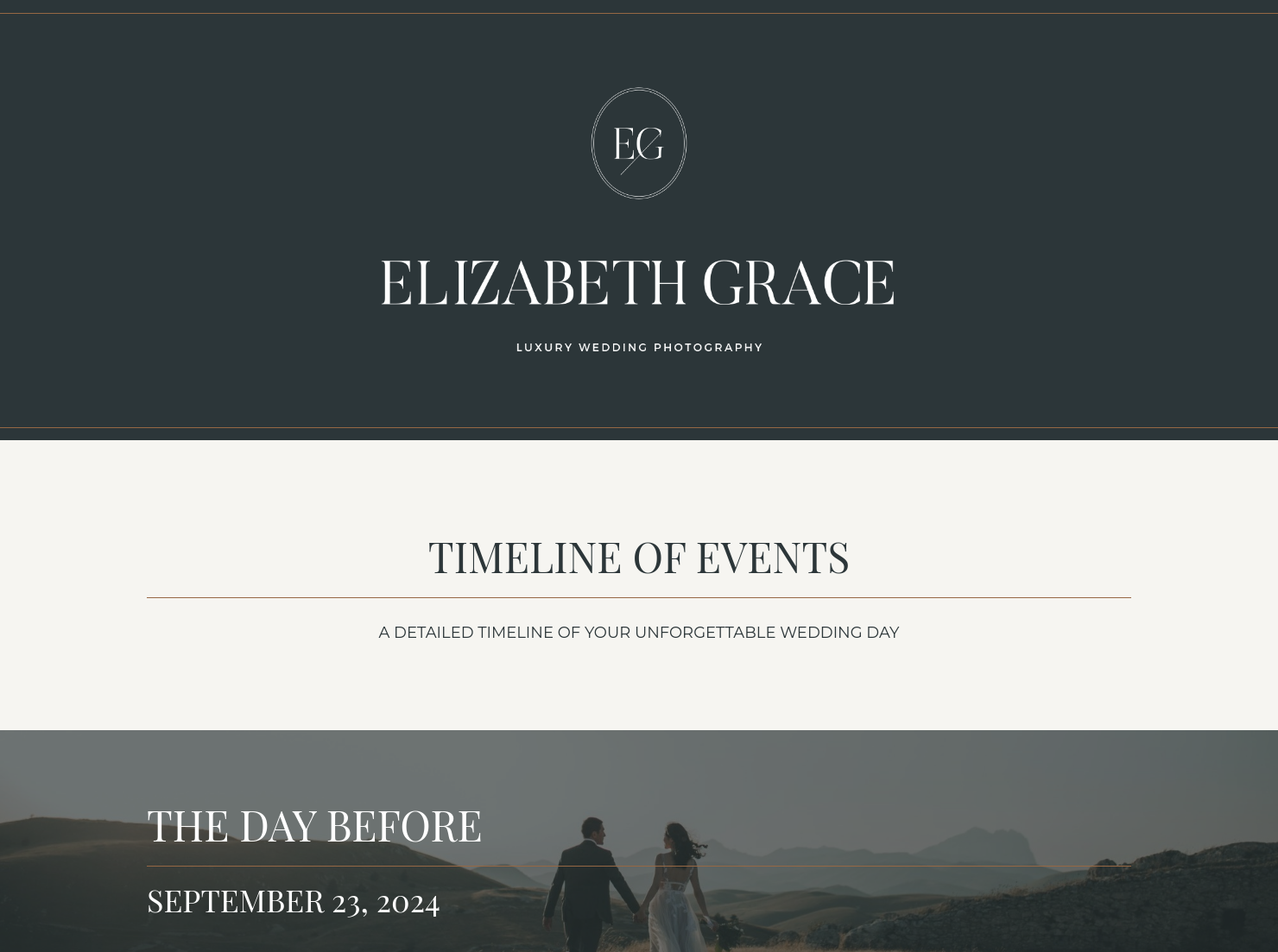
This tool organizes and communicates every wedding detail, keeping you, clients, and vendors aligned with a clear, consistent timeline for a smooth event day.
”

October 18, 2026

How To Use Your Wedding Photographer Timeline To Set Clear Expectations With Clients
A wedding photographer timeline is a roadmap that helps professional photographers map out every milestone of a wedding day. Photographers usually go over this plan with a couple in consultations before the wedding day, to help couples understand the order of photograph for wedding events.
Weddings are a high-stress environment, and a lack of structure can result in missed moments, rushed portraits, and more stress for both the couple and the photographer.
A well-structured timeline helps with:
- Building trust: When you show them you have a plan for the day, the couple will have more confidence in your work.
- Managing expectations: Be clear about the amount of time that you need for specific shots like photos before wedding ceremony or long family formals.
- Better coordination: A common timeline makes sure your planner, caterer, and videographer are on the same page as your photographer.
- Protecting your creative flow: Having a set schedule allows you to focus on being creative rather than worrying about the schedule.
There are some items that will help you make sure the whole day goes well:
- Contact and location details: You need to know where everything is happening.
- Detailed timeline windows: You also need to know what time everything starts and ends. This is especially important for a 10-hour wedding photography timeline where you need to make the most of your time.
- Specific photo blocks: Include times for taking certain photos, such as the “first look”, wedding party shots, and family photoshoots.
- Breaks: Use the catering schedule to plan when you can take a break without missing any important moments.
One of the common mistakes wedding photographers make is creating a perfect world schedule that does not account for reality, like travel delays or wardrobe adjustments. Usually, things don’t go exactly as planned, so add intentional extra time between events.
You should also pay attention to the transition between a documentary style and editorial moments. Use your HoneyBook wedding photography schedule template to mark when you need the couples full attention for posed shots versus when you will be shooting wedding photos candidly.
Customizing your wedding photographer timeline to reflect the couples priorities ensures the final wedding photo gallery matches the couples vision.
This template is most useful during the middle and final stages of the client journey to ensure total clarity before the big day.
- Send a preliminary version shortly after the contract is signed to help the couple plan the rest of their day.
- Use the template to finalize the order of photograph for wedding events once the couple has confirmed their other vendor times.
- Share the finalized version with the wedding planner or coordinator to ensure the photography needs are integrated into the master schedule.
- Use it as a quick-reference guide on the wedding day.
Catering has a lot of moving parts, and the menu sits in the center. If your catering menu is scattered across emails, texts, and screenshots, mistakes show up at the worst time.
A structured menu template helps in practical ways.
- Builds client trust and a professional first impression.
- Speeds approvals by making choices simple.
- Reduces payment disputes by documenting totals and terms.
- Saves time by cutting back and forth.
That means fewer surprises for clients and fewer fire drills for you.
Get started with a wedding photographer timeline
Using a ready-made template helps you save time on building schedules from scratch for every wedding. Although every event is unique, there are still common moments you can reuse in your timeline. A template also helps you create a visually appealing document, which elevates your brand.
FAQs
Below are quick answers to common questions from caterers building a catering menu that clients can approve with confidence.
You can save specific "blocks" of your timeline—like a standard 2-hour getting-ready sequence—and reuse those blocks in future files. This saves you from retyping the same schedule for every wedding.
Absolutely. HoneyBook allows you to share templates publicly or via a direct link, making it easy to keep planners and coordinators in the loop without them needing their own account.
You can automatically import your company branding into your templates. This ensures your fonts, colors, and logos are applied instantly to every new timeline you create, maintaining a consistent high-end look.
Related templates









Related Templates
%2520(1).avif)





Make it your own
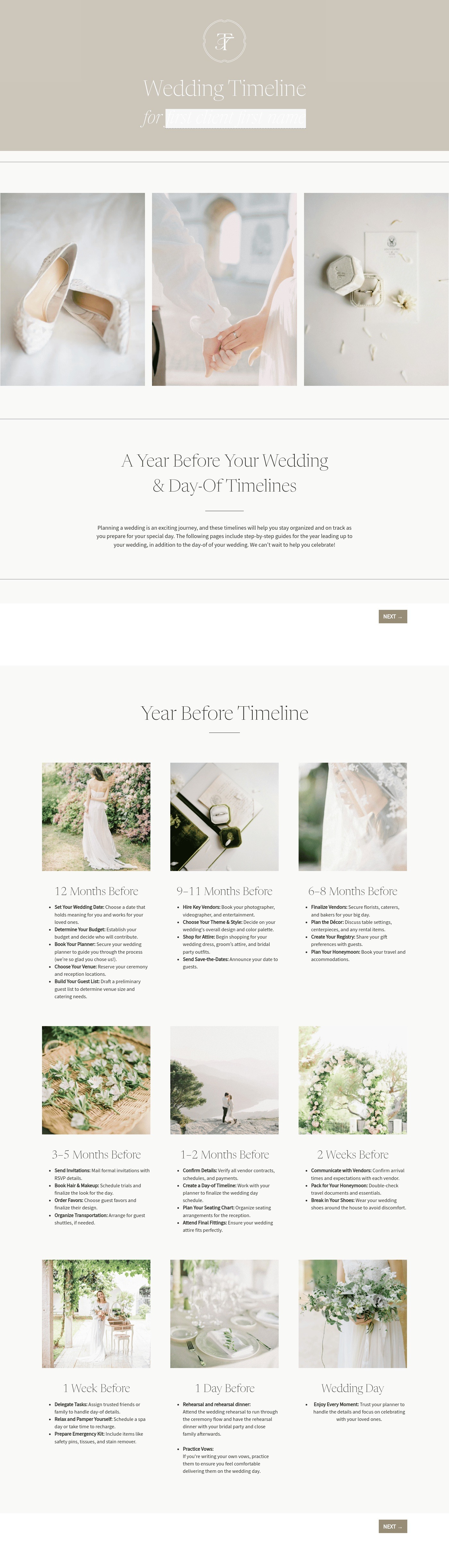
Fully customize the template to fit your needs. Quickly apply your company branding with just a few clicks.

Share with clients
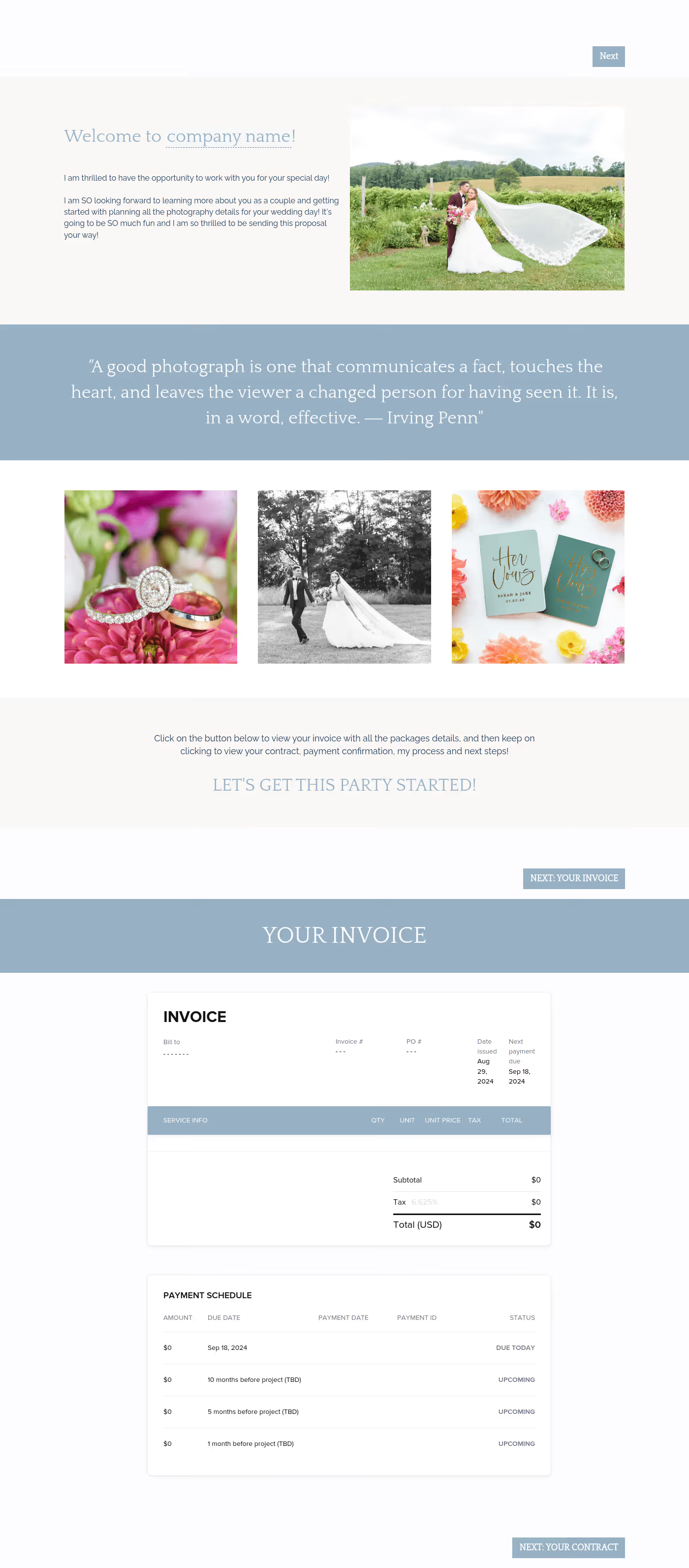
Create exceptional client experiences through HoneyBook’s dedicated client portal, allowing them to read, review, and take action from any device.

Reuse and scale
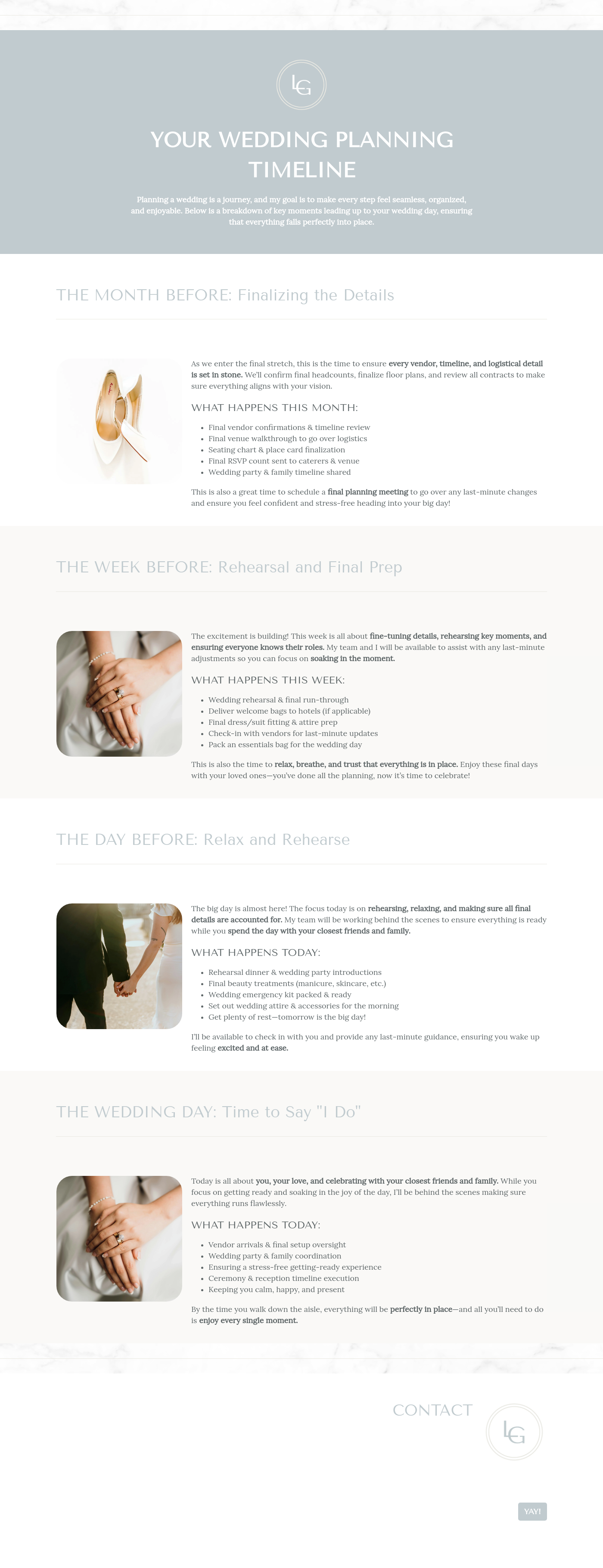
Use your customized files with different clients again and again to save time and make managing client interactions that much easier.

Join the 100,000+ businesses growing with HoneyBook.
