













Invoice & online payments

Make it easy for clients to book and pay for your services–all in one file.


“
”

November 1, 2026

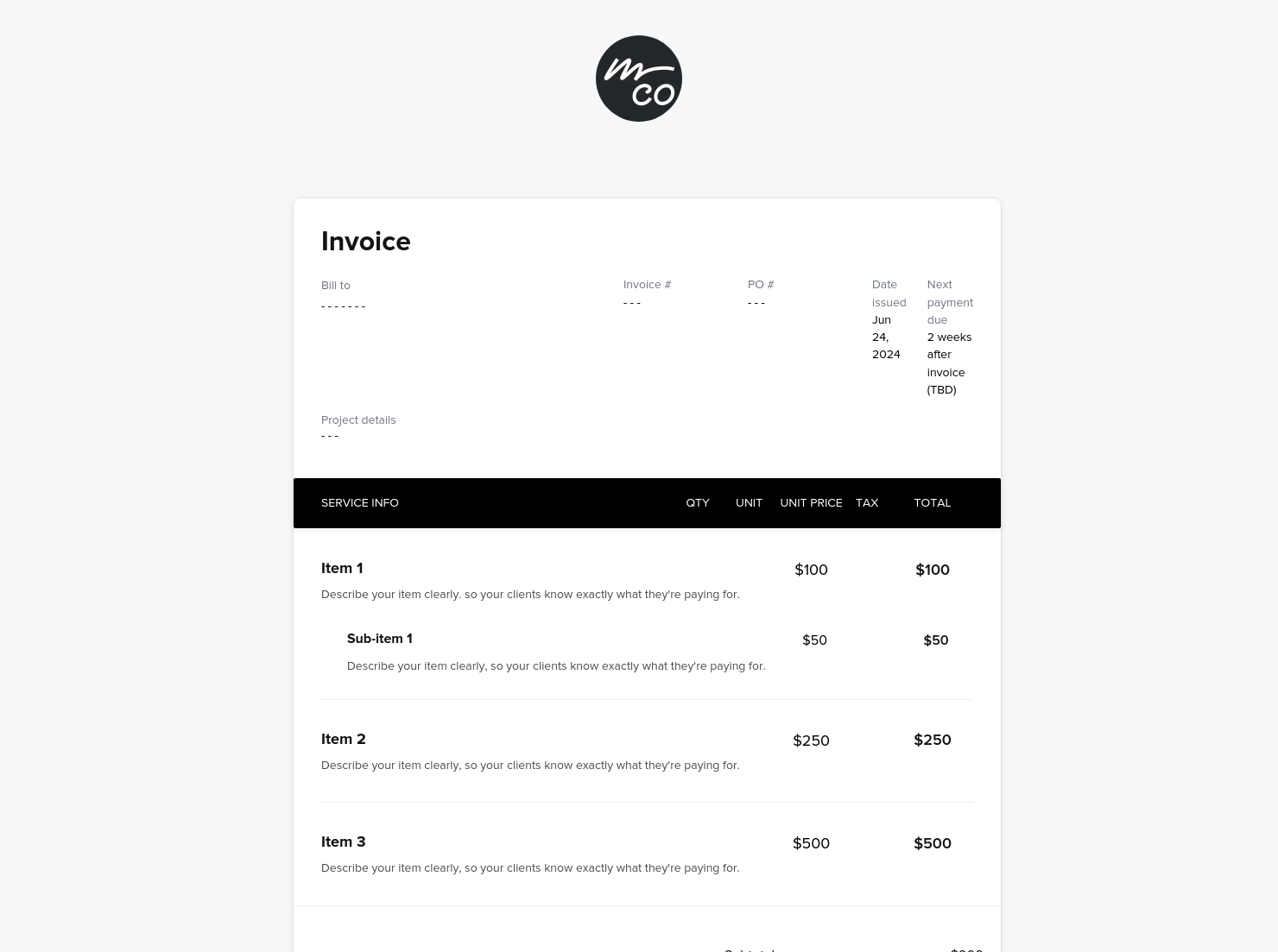
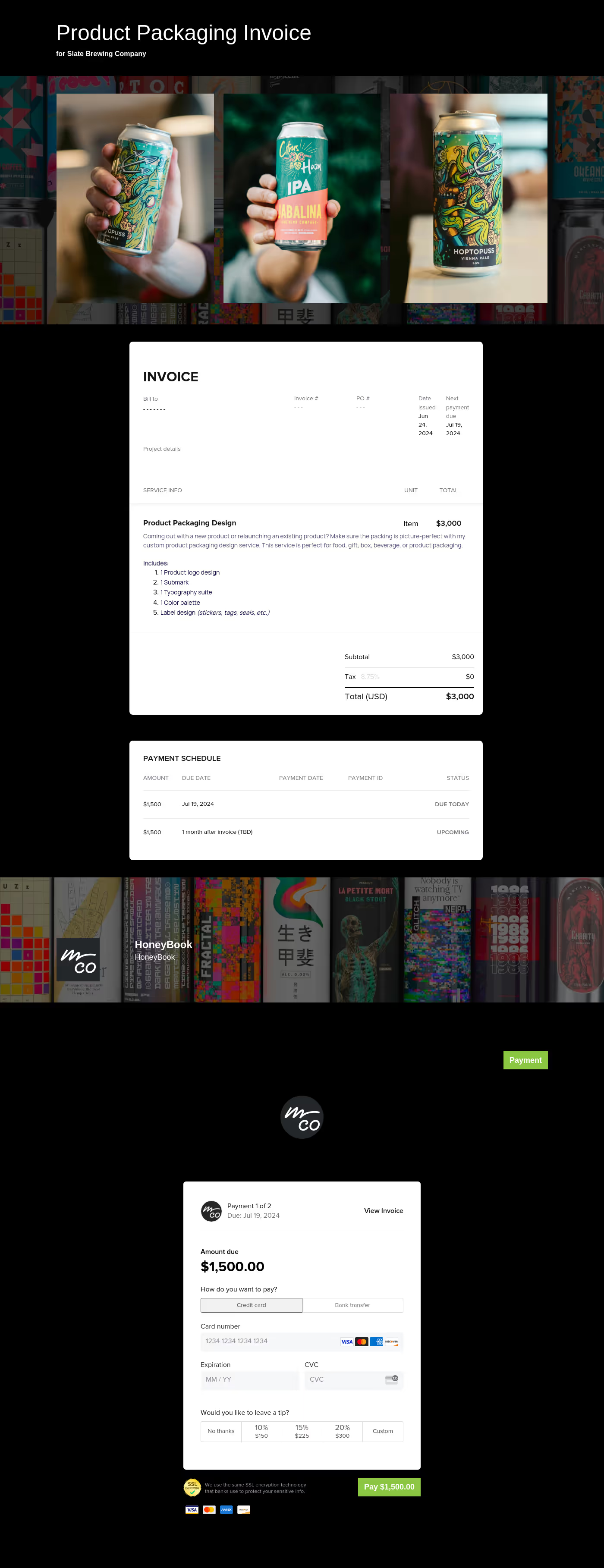
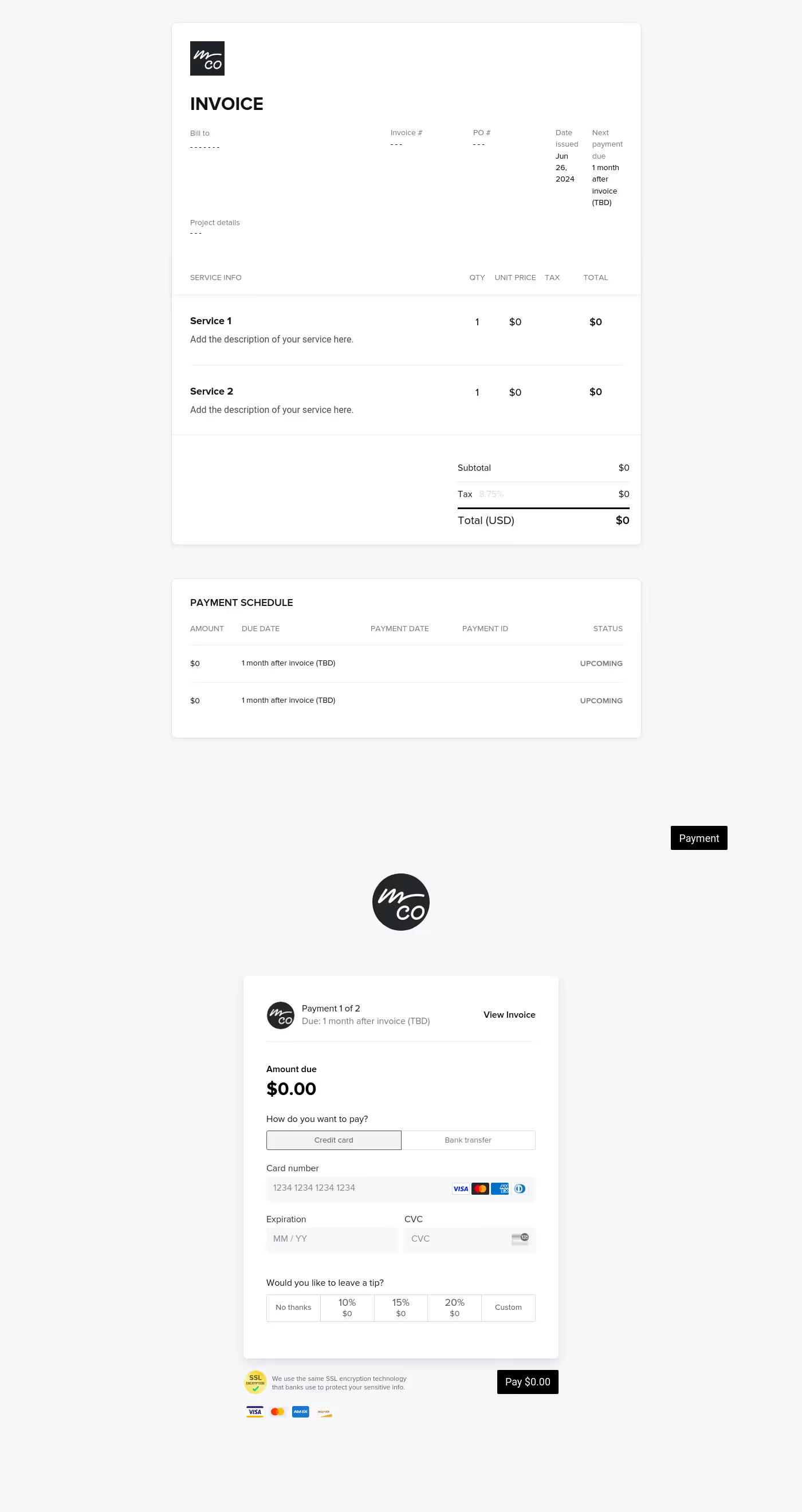
Simple invoice template
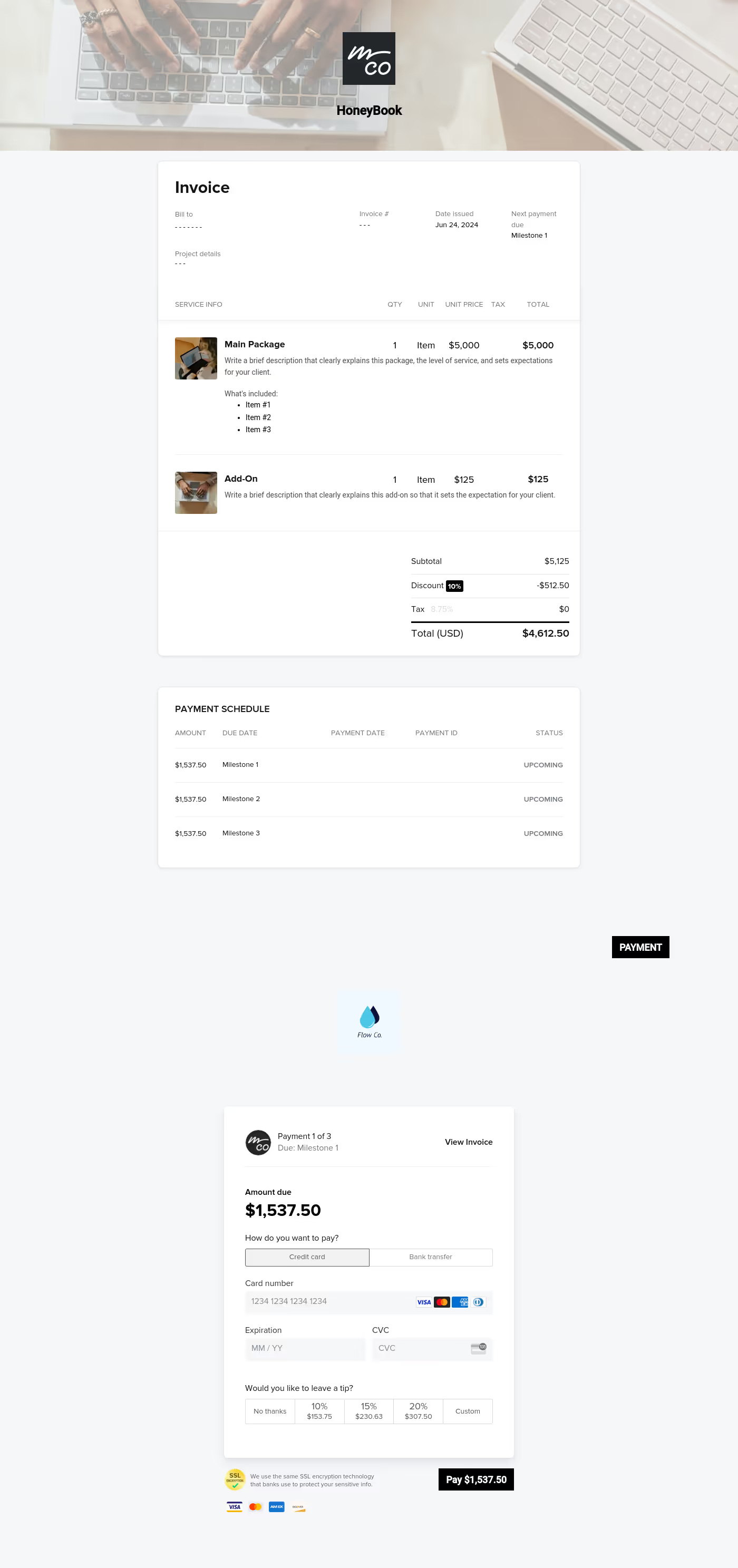
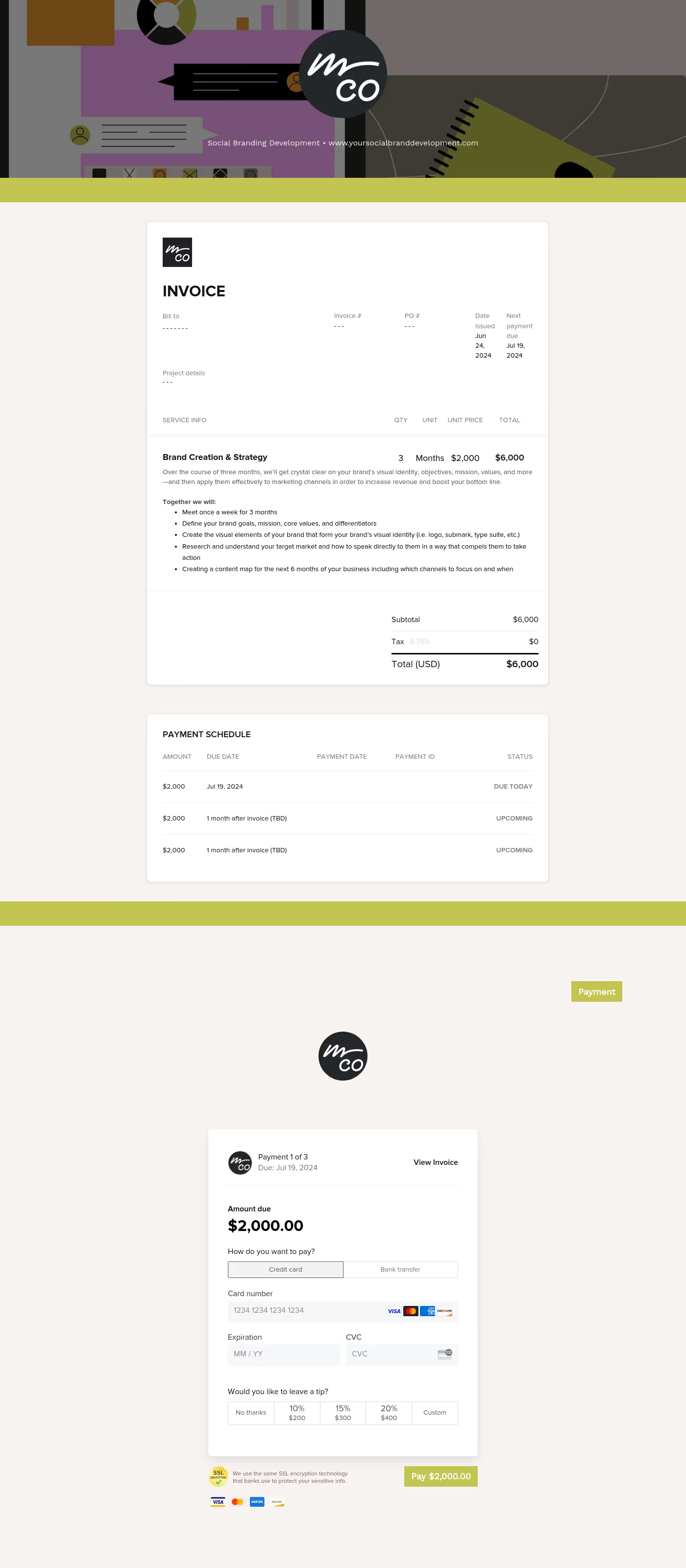
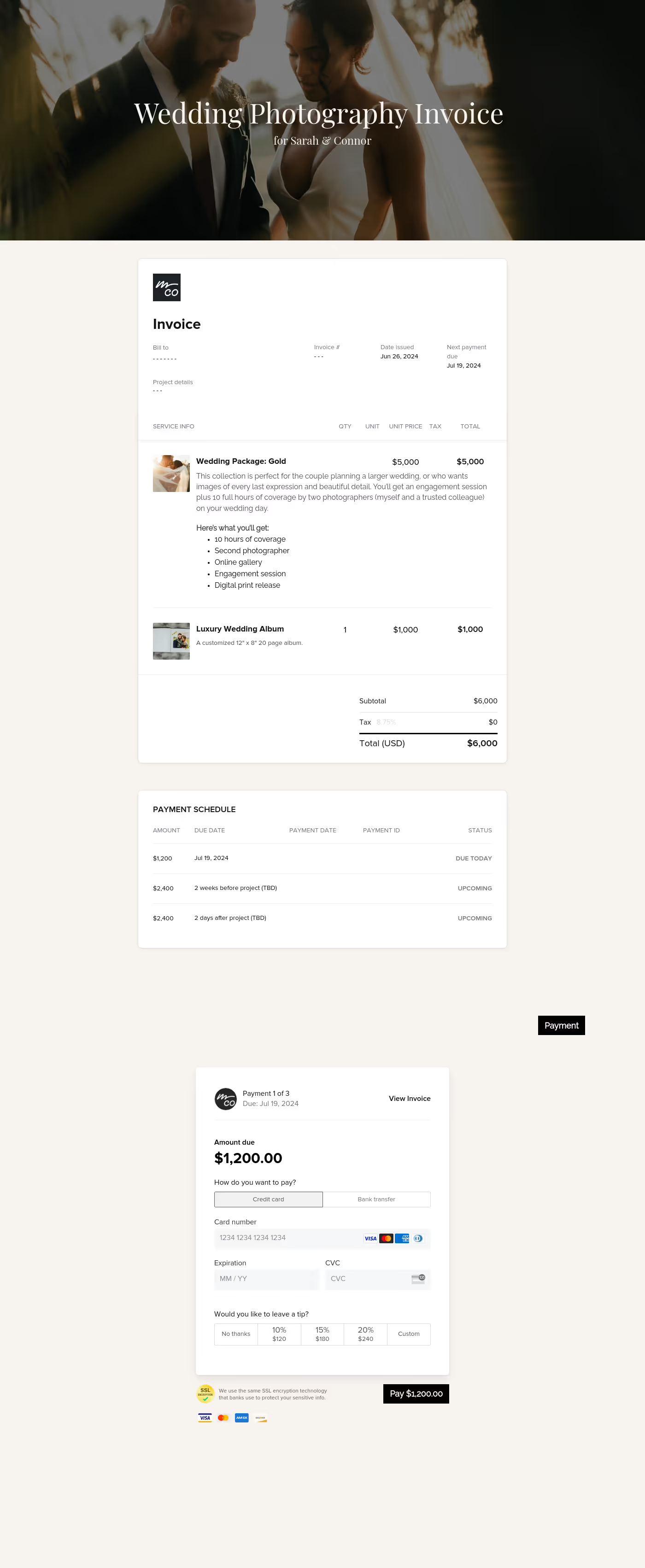
A simple invoice is a professional document used to request payment after services are delivered. For freelancers and independent service providers, a clear template for an invoice ensures clients understand what they’re paying for, when payment is due, and how to complete it. Used at the end of a project or at agreed milestones, a well-structured invoice billing template directly impacts cash flow, professionalism, and long-term client relationships.
For independent professionals, invoicing is more than just administrative work. Without a clear simple invoice, payment delays, confusion, and unnecessary back-and-forth can create payment bottlenecks.
- A well-structured invoice helps:
- Build client trust through transparency
- Improve payment turnaround times
- Reduce disputes over scope or pricing
- Save time by eliminating clarification emails
Templates for invoices create consistency across projects, which strengthens your reputation and makes every transaction feel organized.
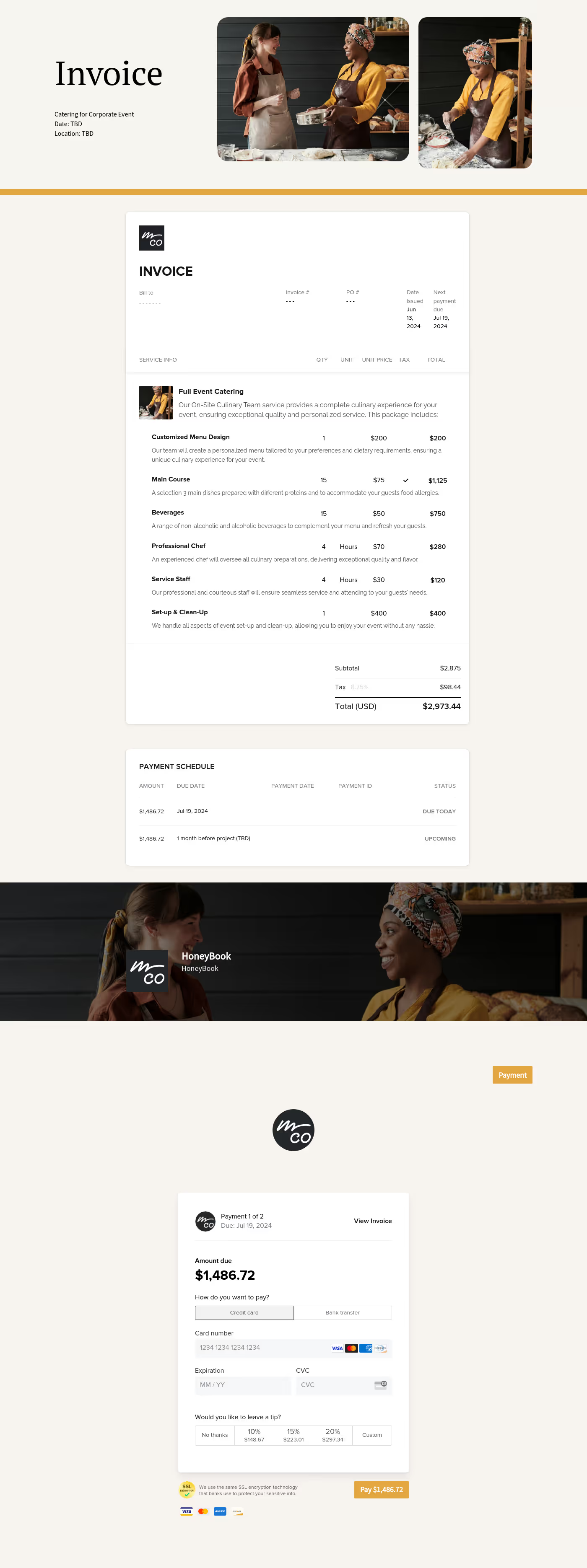
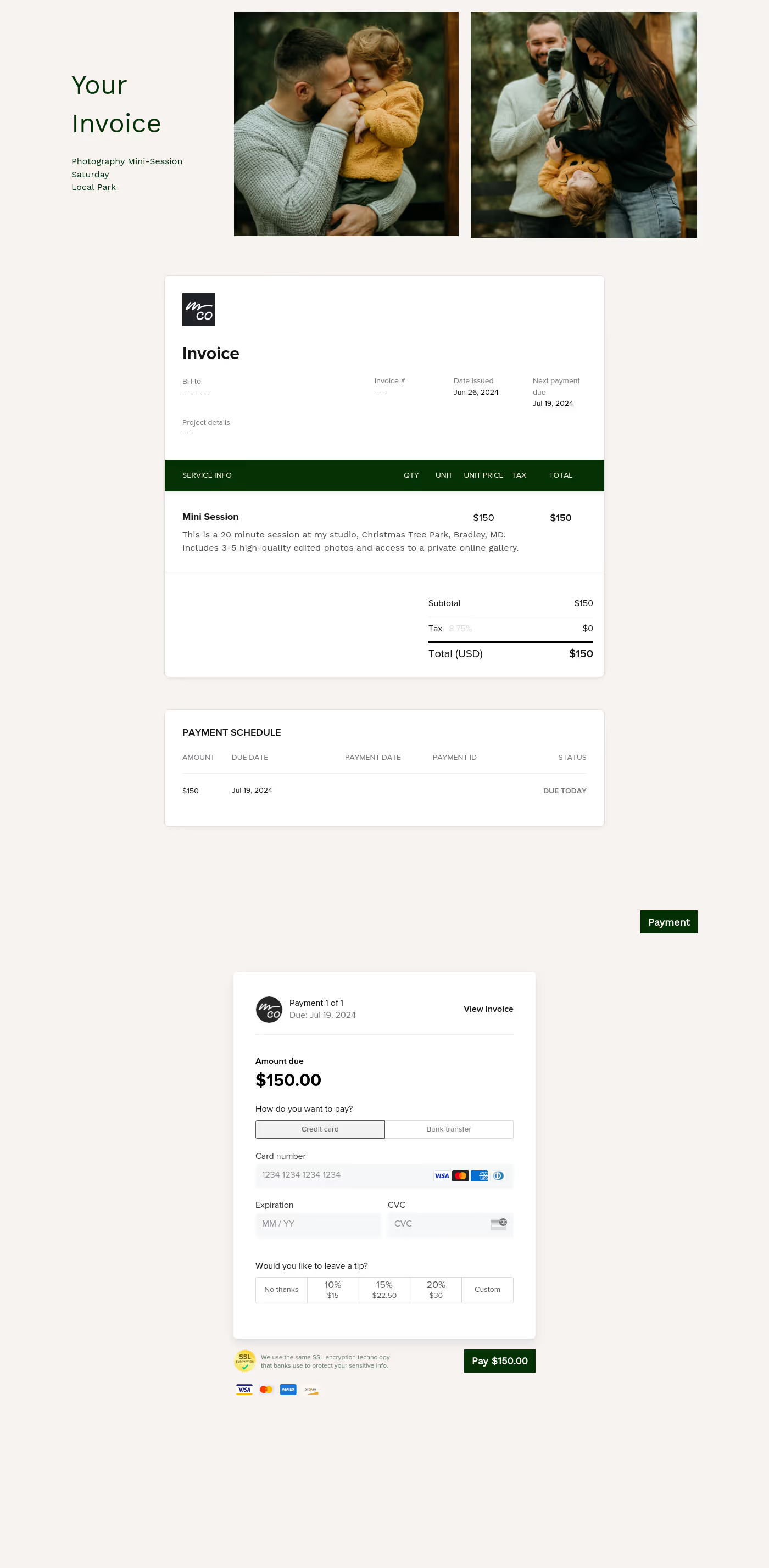
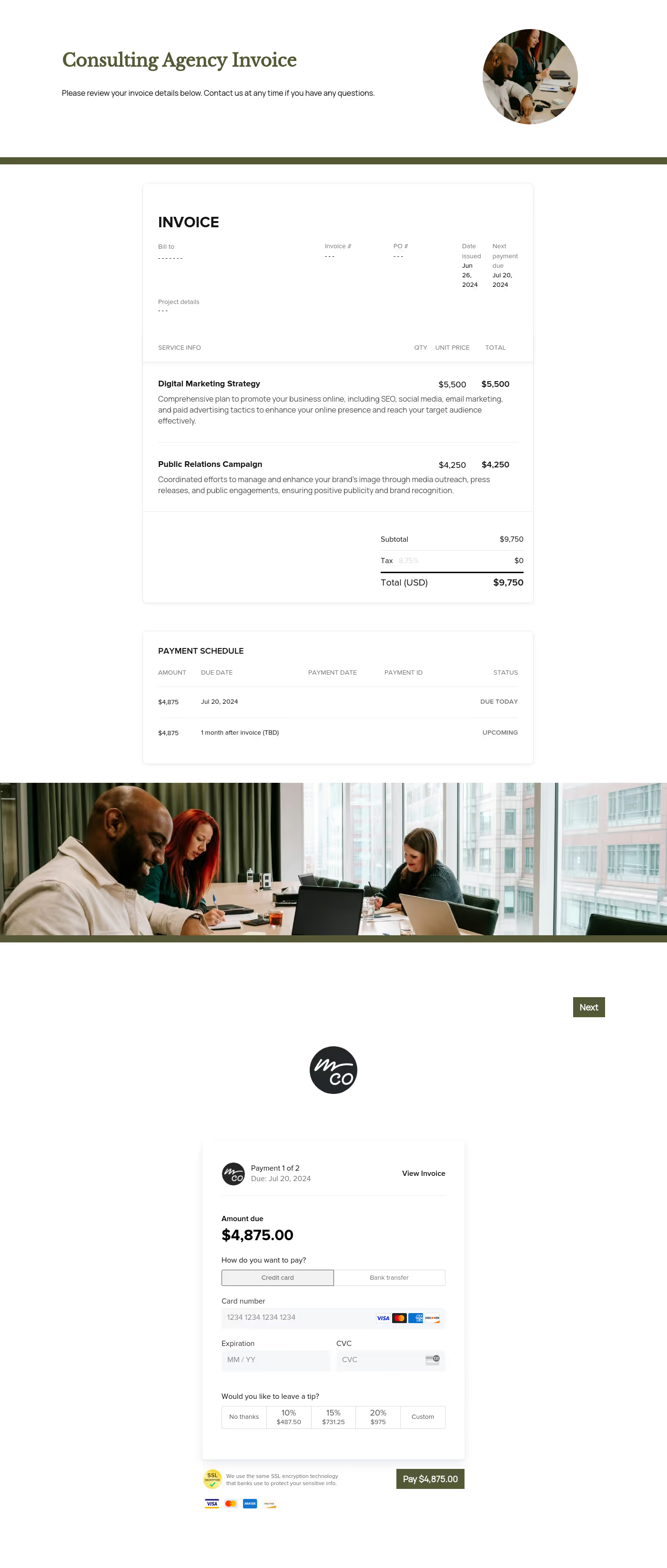
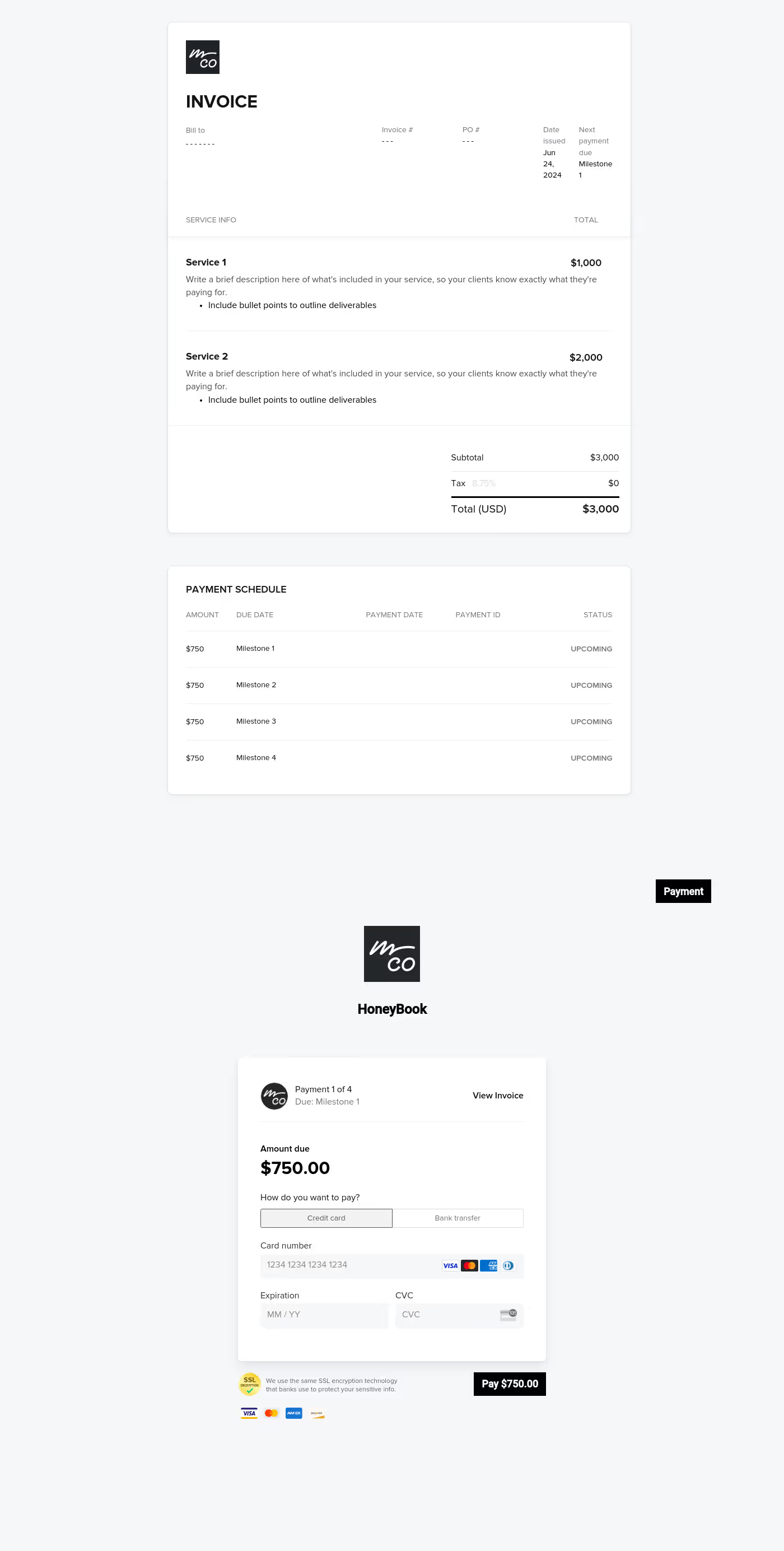
A professional template for an invoice should always contain core elements that protect both your business and your client.
- Business and client information
Include names, addresses, and contact details for accurate record keeping. - Clear description of services
Outline of deliverables so there is no confusion about the scope of work. - Itemized pricing and totals
Break down fees, taxes, discounts, and the final balance due. - Invoice number and issue date
Support internal tracking and accounting. - Payment terms and due date
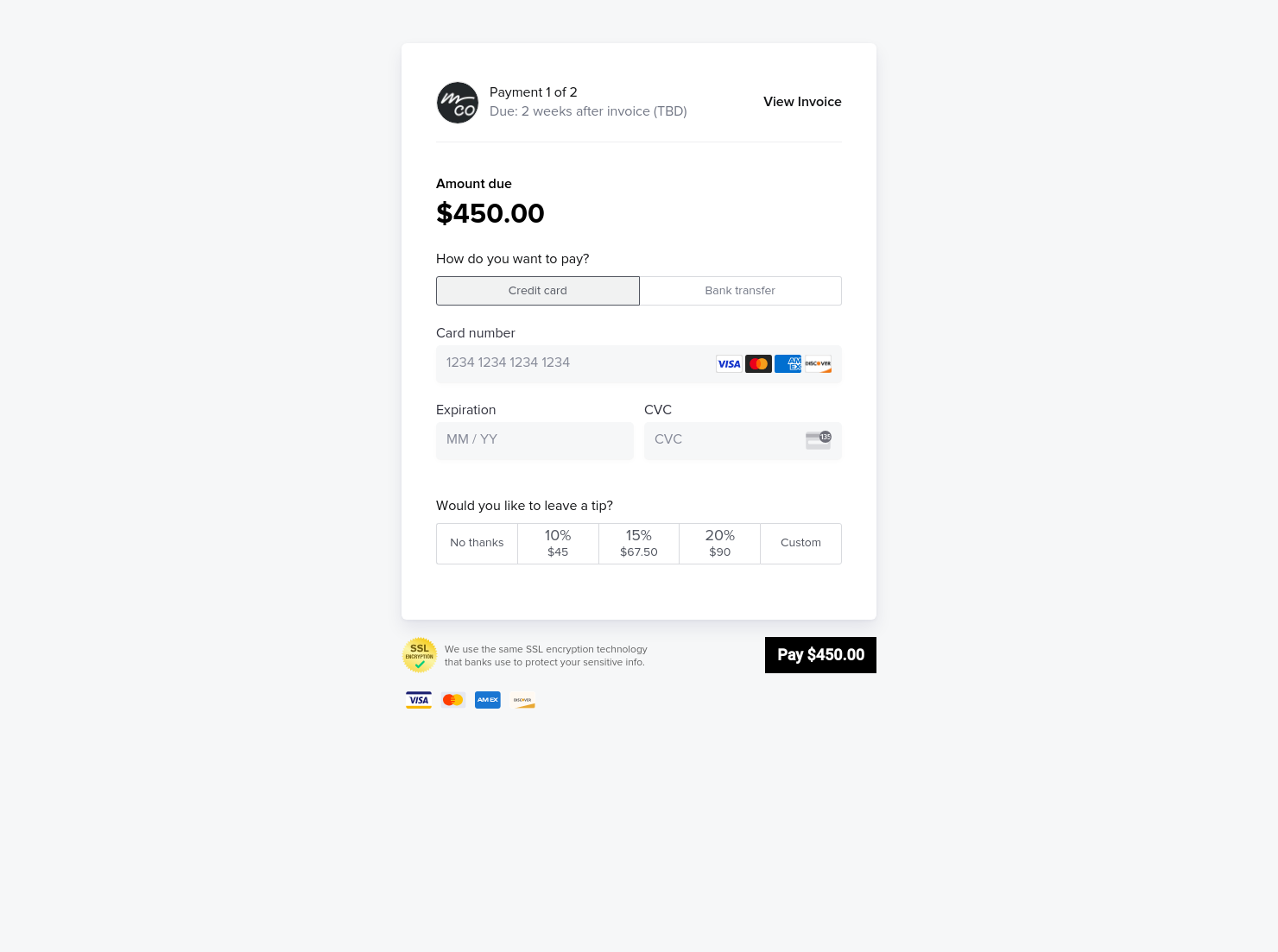
Specify when payment is expected and outline any late policies. - Accepted payment methods
Clarify how clients can pay, whether by credit card, ACH, or other options. - Approval or next steps
Make it easy for the client to act immediately.
Even a free template of an invoice can feel professional when these elements are present and clearly formatted.
An effective simple invoice connects pricing directly to value delivered.
Brand consistency also plays an important role. Customizing fonts, colors, and logos inside HoneyBook ensures that your invoice aligns with your overall presentation. A clean invoice billing template signals that your business is organized and detail-oriented.
- Common mistakes to avoid include:
- Vague service descriptions
- Missing due dates
- Sending static PDFs without payment options
- Forgetting tax breakdowns
Using structured templates for invoices reduces these risks and helps protect your revenue. For more guidance on invoicing and payments, explore the HoneyBook invoicing features.
This simple invoice template works best at defined payment stages within your workflow.
Use it for:
- Final project billing
- Deposit requests
- Milestone payments
- Retainer or monthly services
- One-time consultations
Whether you are closing out a short engagement or managing recurring billing, a template for an invoice ensures consistency and professionalism every time.
You can view the full collection of invoice templates here.
Catering has a lot of moving parts, and the menu sits in the center. If your catering menu is scattered across emails, texts, and screenshots, mistakes show up at the worst time.
A structured menu template helps in practical ways.
- Builds client trust and a professional first impression.
- Speeds approvals by making choices simple.
- Reduces payment disputes by documenting totals and terms.
- Saves time by cutting back and forth.
That means fewer surprises for clients and fewer fire drills for you.
Get started with this simple invoice template
A ready-made simple invoice template removes guesswork and helps independent professionals request payment with clarity. Start customizing this template for an invoice inside HoneyBook to create a billing process that feels organized, branded, and aligned with the way you work.
FAQs
Below are quick answers to common questions from caterers building a catering menu that clients can approve with confidence.
A simple invoice is a streamlined billing document that clearly lists services provided, total costs, and payment terms. It is typically used by freelancers and service-based businesses to request payment after work is completed.
Yes. A free template of an invoice can look polished when customized with your branding, accurate line items, and clear payment instructions.
A proposal outlines services and pricing before work begins. An invoice billing template is sent after services are delivered to formally request payment.
HoneyBook templates are built to simplify the steps between inquiry and booking, so you can deliver a professional client experience while saving time on repeat tasks.
Yes. You can customize fonts, colors, images, pricing tables, contract language, and messaging to reflect your brand’s voice and visual identity.
Yes. With the HoneyBook mobile app, you can create, customize, send, and manage templates and Smart Files from anywhere.
Related templates
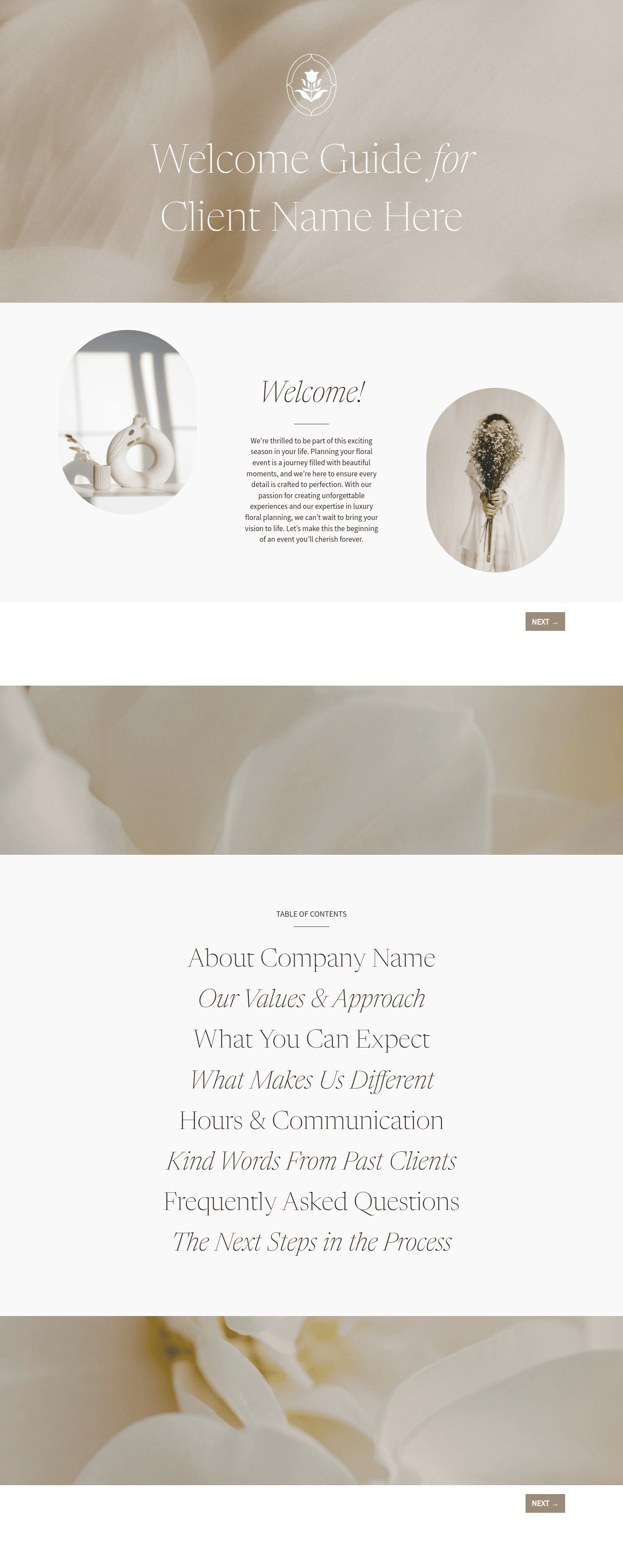

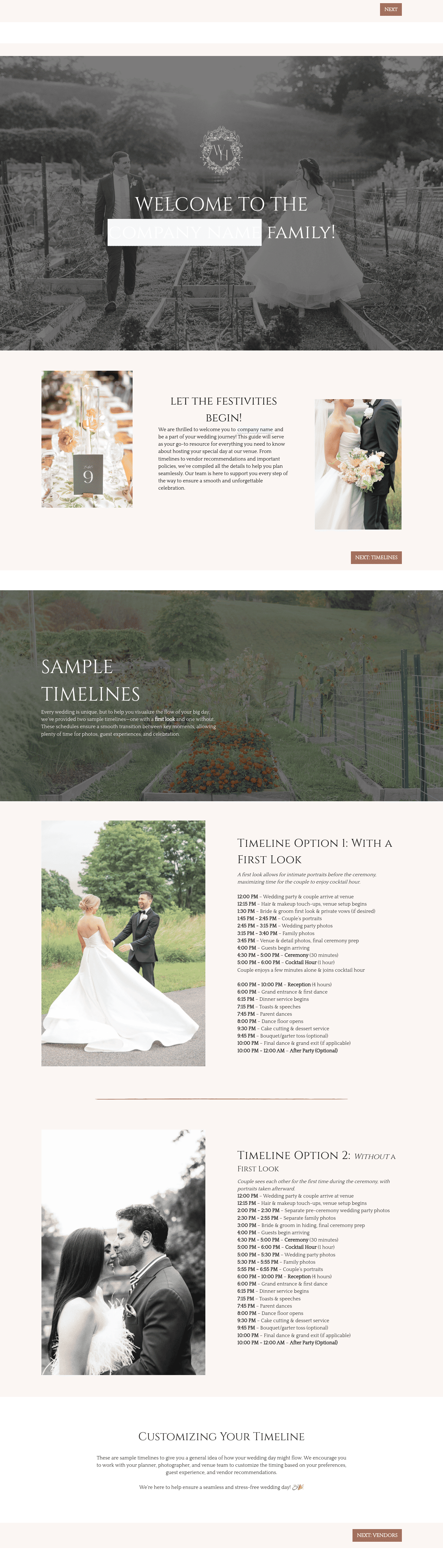


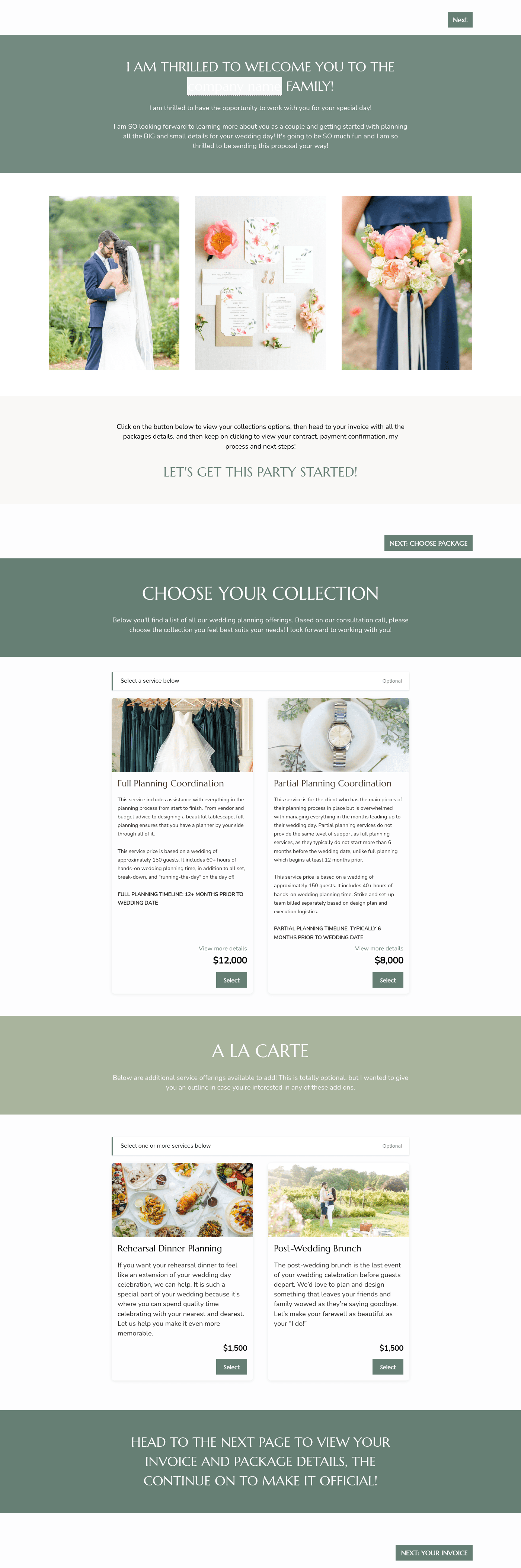

Related Templates
Make it your own
Fully customize the template to fit your needs. Quickly apply your company branding with just a few clicks.
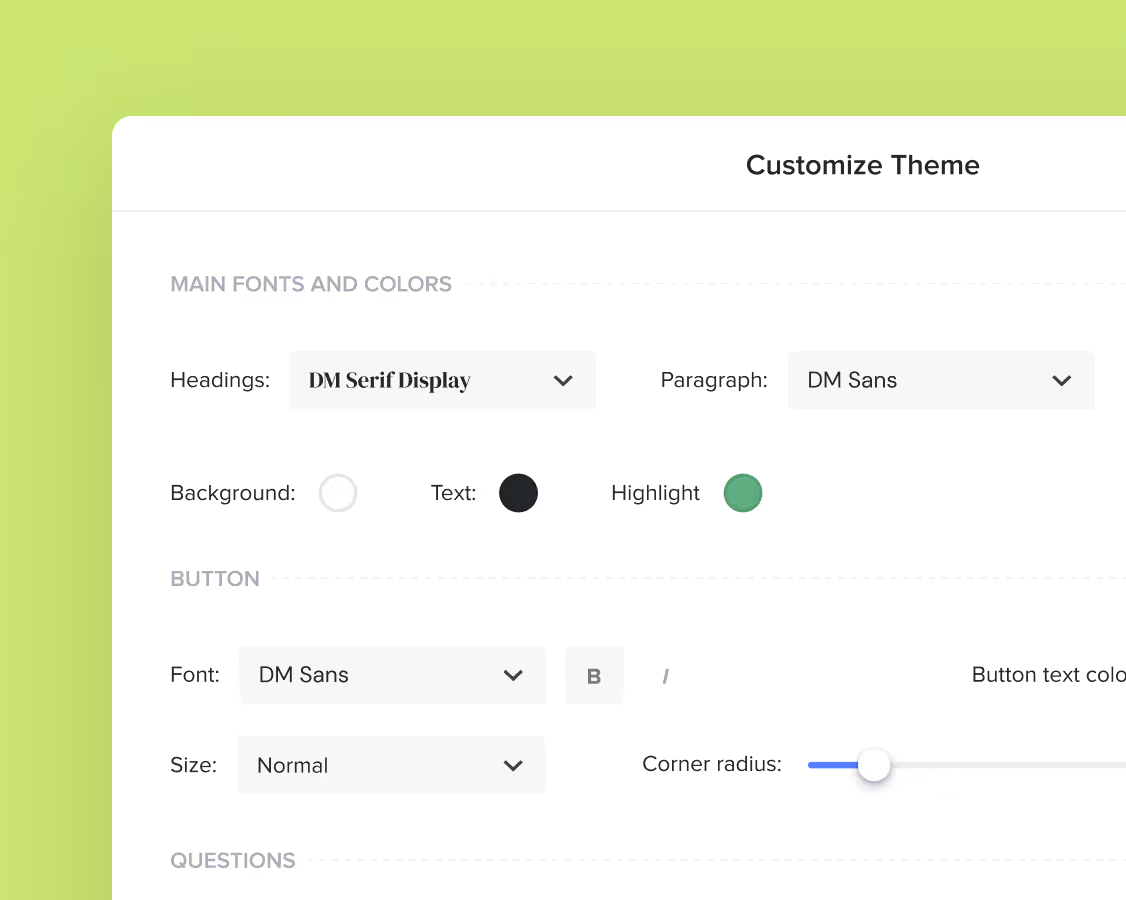
Share with clients
Create exceptional client experiences through HoneyBook’s dedicated client portal, allowing them to read, review, and take action from any device.
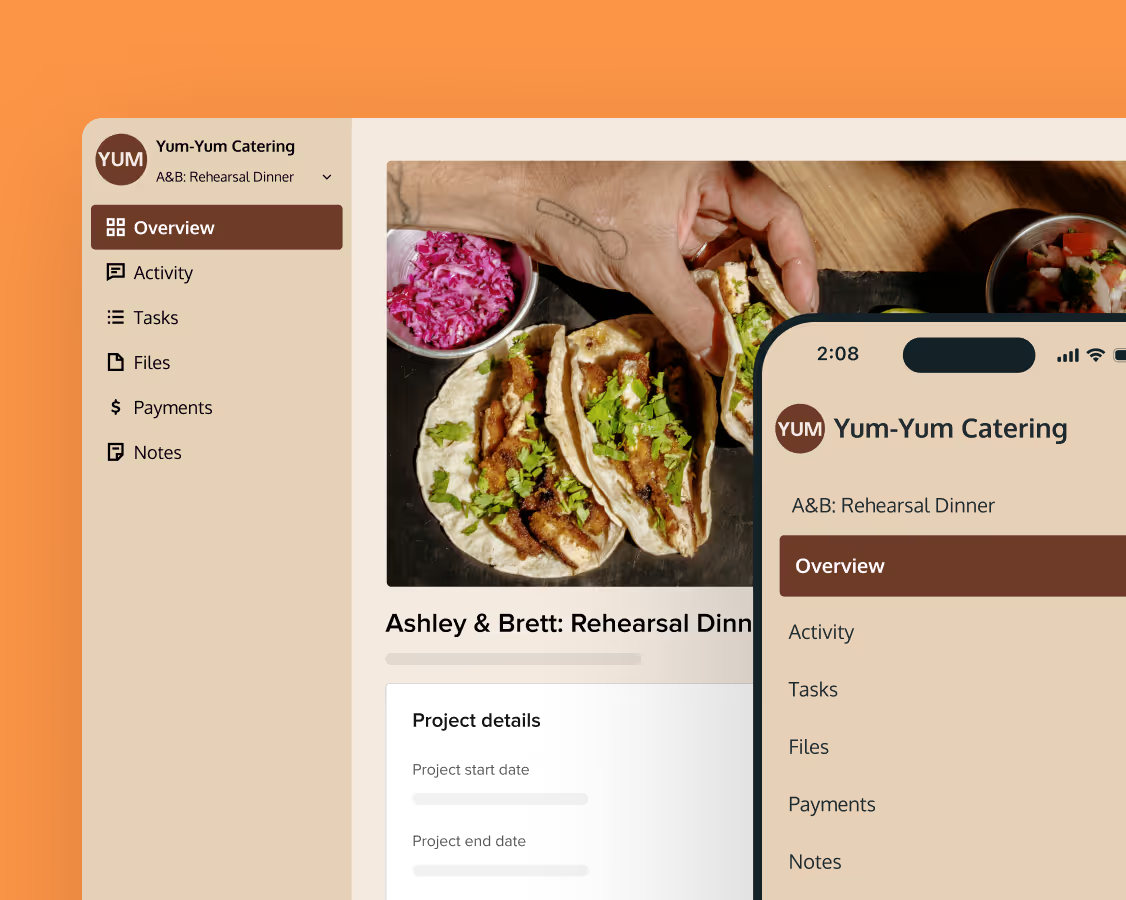
Reuse and scale
Use your customized files with different clients again and again to save time and make managing client interactions that much easier.
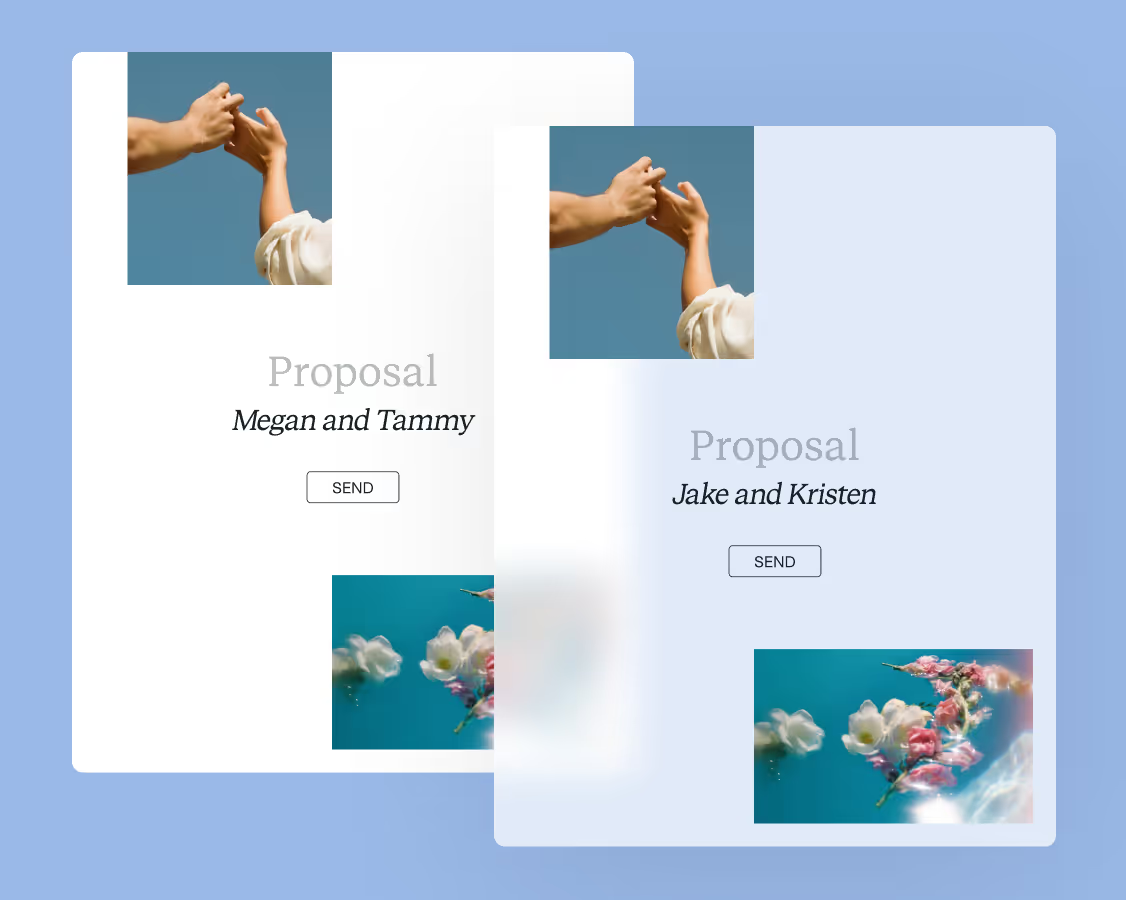
Join the 100,000+ businesses growing with HoneyBook.